How to use AI to create animations? 6 free AI animation video generators to easily create original and fan animations
Author:Eve ColeUpdate Time:2025-03-18 05:16:02
Preface
As we all know, animation production is a very complicated job. Not only is the work hard and the cycle long, but most animation studios do not have a return rate that matches the workload. In addition to professional animators, animation enthusiasts who want to create high-level fan fiction or original animations also need years of study and accumulation, and a large investment in production time and cost to realize their desire to make animations. In other words, not only animators are faced with the dilemma of making it difficult to repay their original expenses, but individual creators are also finding it difficult to realize their creative ideals. Therefore, we can try to use the emerging AI video generator to simplify the animation production process and tell our stories in a low-cost, low-threshold creation method. The AI animation generator can not only help us realize our creative ideals, but also help us save costs, increase production capacity, and display our works on social media platforms in a more attractive and dynamic form, thereby gaining more readers and viewers.
6 recommended AI animation generators
1.YoYo
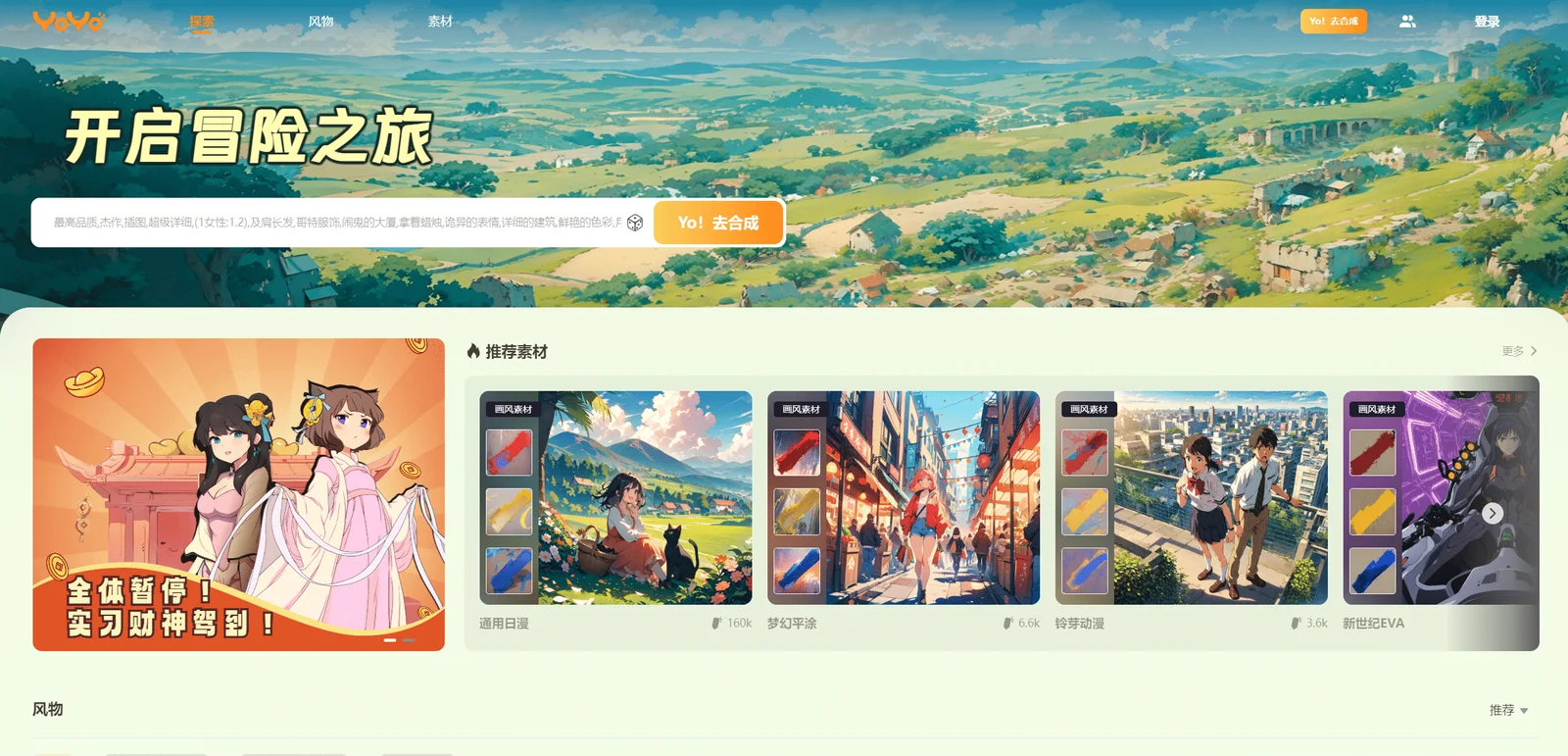
YoYo Home Page Introduction Official website review address
YoYo is a two-dimensional animation generator launched by Luying Technology. Relying on advanced AI technology, it can help users directly generate animated videos from simple text descriptions or pictures. YoYo has a wealth of templates and character materials. Users can directly apply templates to generate the desired animation style with one click. Many famous Japanese animation styles and characters are not included. This also allows users to not only use YoYo to create their own Original animation can also be used in the creation of fan works. You can make your favorite characters act according to your ideas and start new adventures and stories. Therefore, YoYo is not only suitable for use in commercial marketing, social media submissions, and content creation that require animation materials, but is also very suitable for use in daily hobbies and personal creations.
YoYo also provides a platform for users to share their excellent works. You can share your own works, follow powerful authors, like other people's works, and even earn free credits by sharing your works.
Function overview
AI animation generation : Generate animation works with corresponding content and style based on text descriptions or pictures provided by users.
AI image generation : Generate images with corresponding content and style based on the text description provided by the user.
Painting style templates : The platform provides animation generation templates in a variety of styles. In addition to some famous Japanese animation styles such as One Piece, Hayao Miyazaki, and Conan, it also supports general Japanese comics, fantasy flat painting, light American realism, 2.5 D Sci-fi mecha, etc.
Character materials : Provides many character materials from Japanese animations, such as Frilian, Chitanda Eru, Gojo Satoru, etc., which can be applied with one click.
Sharing platform : Provides a platform for users to display and share their works.
Case presentation
2.Pika
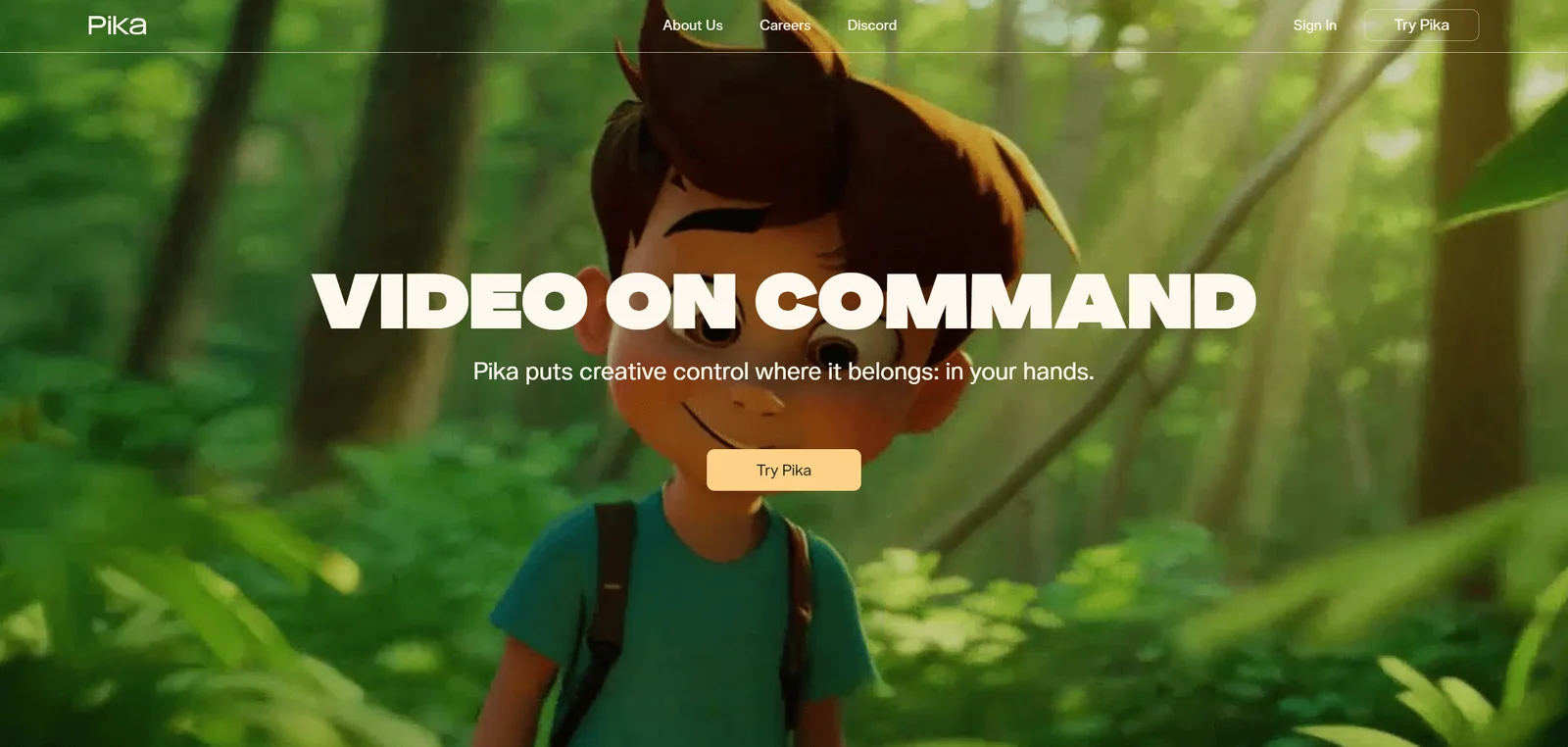
Pika home page preview Official website review address
Pika is a very magical and easy-to-use AI video generation and editing tool, which is very suitable for producing creative content such as movies and animations. Pika can generate new videos for users based on images, texts and videos, and supports many convenient modification functions, such as partial one-click replacement, lip synchronization, sound effects generation, extended screen generation, etc.
Function overview
Video extension : extend the video length and generate unlimited sequels.
AI text to video : Enter text, and Pika will respond to each word and generate a video that meets the requirements.
AI picture to video conversion : Upload a picture and Pika will convert it into a dynamic scene.
AI video to video : Upload a video and change its style and details.
Local modification : Select a local area and AI will replace it with the required content, such as changing costumes, changing props, changing scenery elements, etc.
Lip sync : Give the character a voice and enter the text, and Pika will change the character's lip shape to fit the text.
Sound effects : Generate sounds on request.
Canvas expansion : AI intelligently expands the screen to achieve changes in different video sizes.
Case presentation
3. Runway
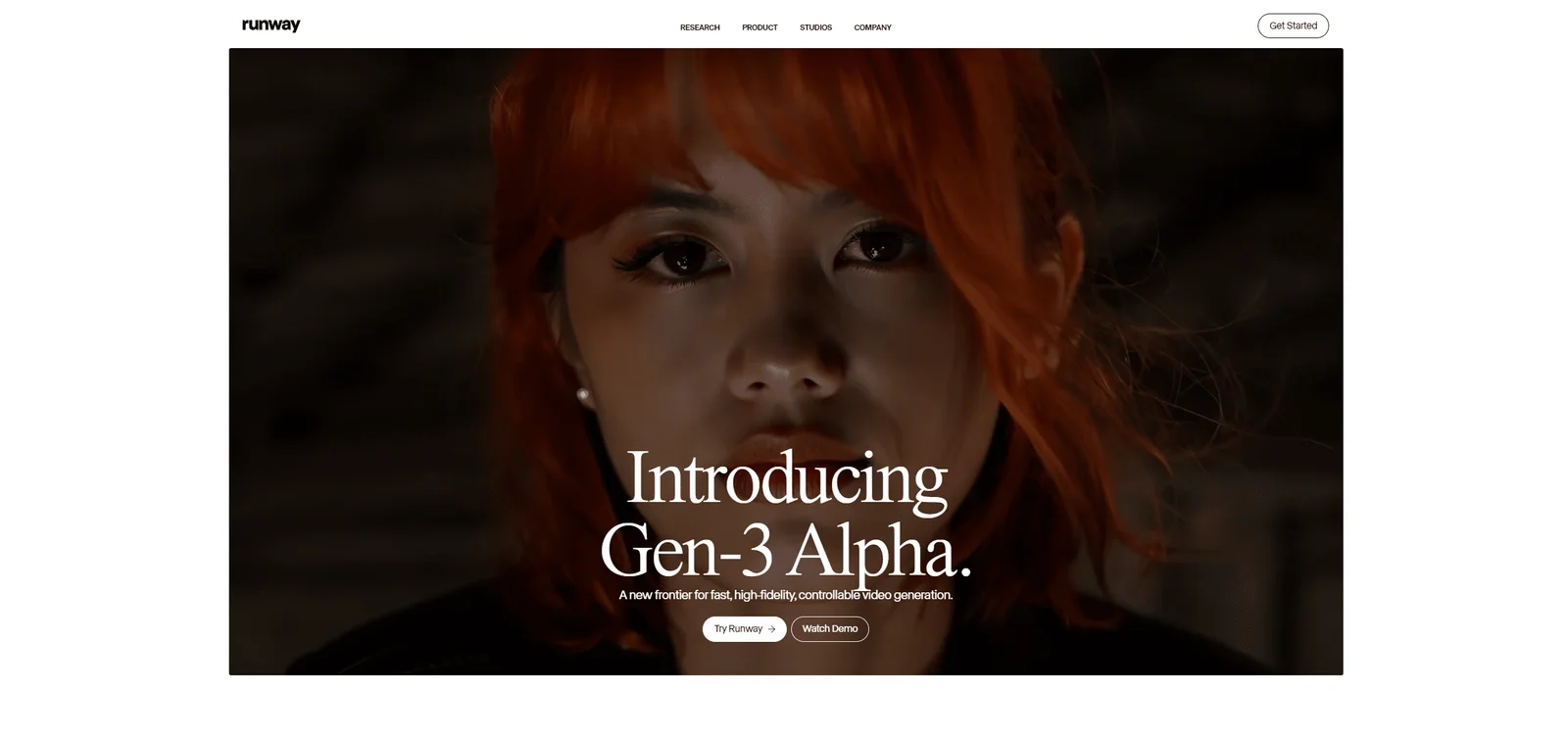
Runway home page preview Official website review address
Runway is a powerful film and television creation platform based on artificial intelligence. It provides users with diversified video generation and editing services and supports multiple styles of video creation. Its functions include text generation video, video conversion style, and automatic green screen background removal. etc., as well as image generation and editing, audio editing, 3D object editing, etc. It is not only suitable for creating realistic style videos, but also suitable for creating multi-style animations.
Runway makes complex film and television work simple, using AI to break the boundaries of traditional creation, so that creation no longer relies on expensive equipment and skilled editing capabilities, providing more room for development of creative ideas, allowing creation to be unlimited. , no time limit.
Function overview
AI image generation and editing : Provides 10+ image generation and editing functions, which can freely generate and transform images that meet personalized requirements.
Gen-1 : Change the style of your video using text or images.
Gen-2 : Generate videos using text prompts.
Video Repair : Remove people or objects from the video.
Color Grading : Use text prompts to color grade your video.
Slow motion conversion : Convert normal speed video to smooth slow motion.
Face Blur : Automatically blur faces in videos.
Automatic depth of field : Automatically adjust the depth of field of the video picture.
Scene Editing : Automatically edit footage.
Subtitle generation : Automatically generate subtitles for videos.
Motion tracking : Automatically track the movement of people and objects.
Automatic green screen : Automatically eliminate and replace video background.
Audio and video noise reduction : Automatically eliminate unwanted noise.
Eliminate silence : Automatically remove silence from audio and video.
Text Transcription : Transcribe any audio or video into text content.
Auto Texture : Automatically add textures to 3D objects.
Case presentation
https://www.youtube.com/watch?v=L11tv2kaDrM
4. Daydreaming
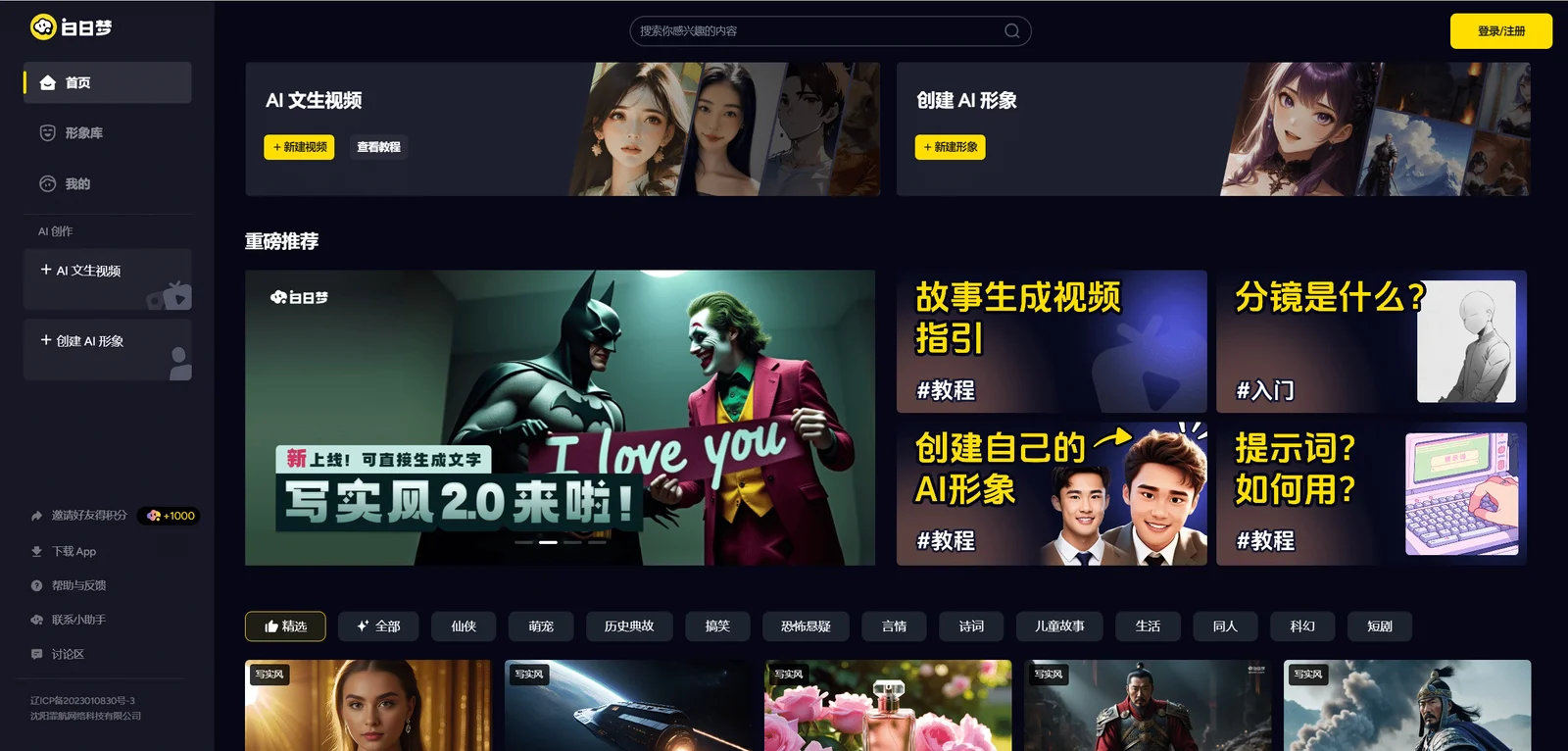
Daydream Home Page Preview Official website review address
Daydream is an AI video generation tool launched by Light & Magic Technology. Daydream has two main functions, namely AI-generated videos and AI-generated characters. In the AI-generated video mode, users only need to provide a story, and then they can directly synthesize a video story with narrated background sounds after selecting characters, storyboards, dubbing, and soundtrack. Therefore, the generated video can accurately meet the user's customized requirements, and Videos up to 6 minutes long can be generated at one time. Daydream supports a variety of video styles, including not only realistic styles, but also a variety of cartoon animation styles. Users can freely create works, especially suitable for producing animated short videos, short plays, news videos, etc.
Function overview
AI-generated video : Based on text descriptions and based on the user's choice of characters, storyboards, and dubbing, videos are synthesized in various styles and can be synthesized up to 6 minutes long.
AI generated characters : Generate characters based on text descriptions, pictures of faces, clothing, and user settings for artistic style, gender, and age. The created characters can be used to generate videos.
Material library : Videos, pictures, and character works created by users can be shared on the platform and used as materials by other users. At the same time, other likes and comments from users can also be harvested. The interactions gained can be used to redeem and generate works. of points.
Case presentation
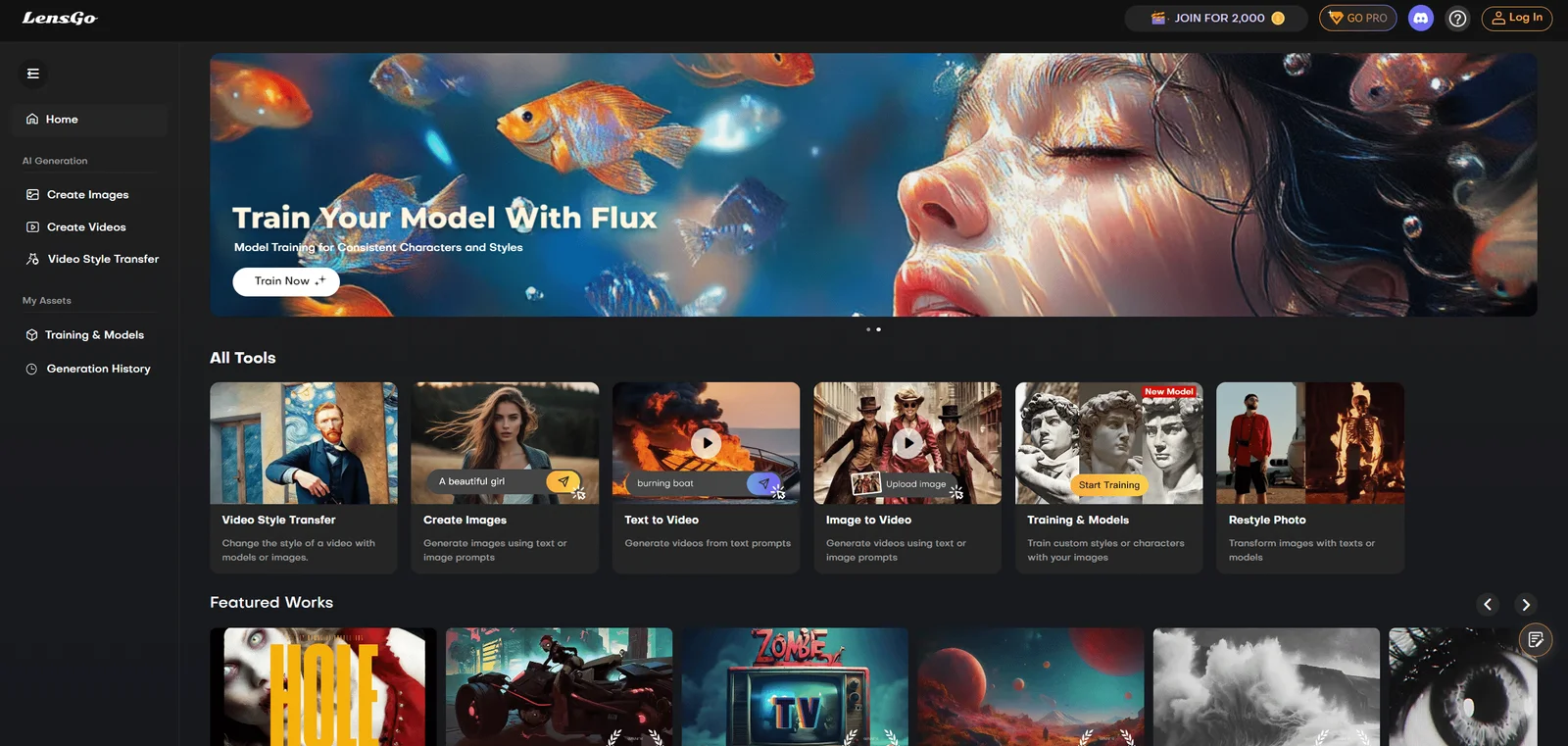
5.LensGo
LensGo homepage preview Official website review address
LensGo is a free and powerful AI video generation tool. LensGo can not only help users directly generate videos and pictures based on descriptions, but also help users convert real-life people and landscape videos into a variety of cartoon styles, which is suitable for creating short animations, music MVs, and TikTok short videos. Submit articles, marketing video materials and other content. LensGo supports many artistic styles. For example, the video and picture generation function supports 17 creative styles including Hayao Miyazaki, Pixar, pixel style, retro style, Japanese comic style, realistic style, clay style, etc., while the conversion function supports other more creative styles. So many different art styles. In addition, the operation of LensGo is very simple. All steps except prompt word input can be completed with just one click, making it very suitable for novices.
Function overview
AI image generation : Generate images based on text descriptions with various styles and support multi-size image generation.
AI video generation : Generate videos based on text descriptions, supporting various styles such as realistic, American comics, Japanese comics, and Pixar.
AI video style conversion : can convert captured videos into cartoon style, with natural effects and diverse styles.
Model training : Users can train their own models.
Sharing of works : Users can share the generated works to the platform and earn more free points by gaining views.
Case presentation
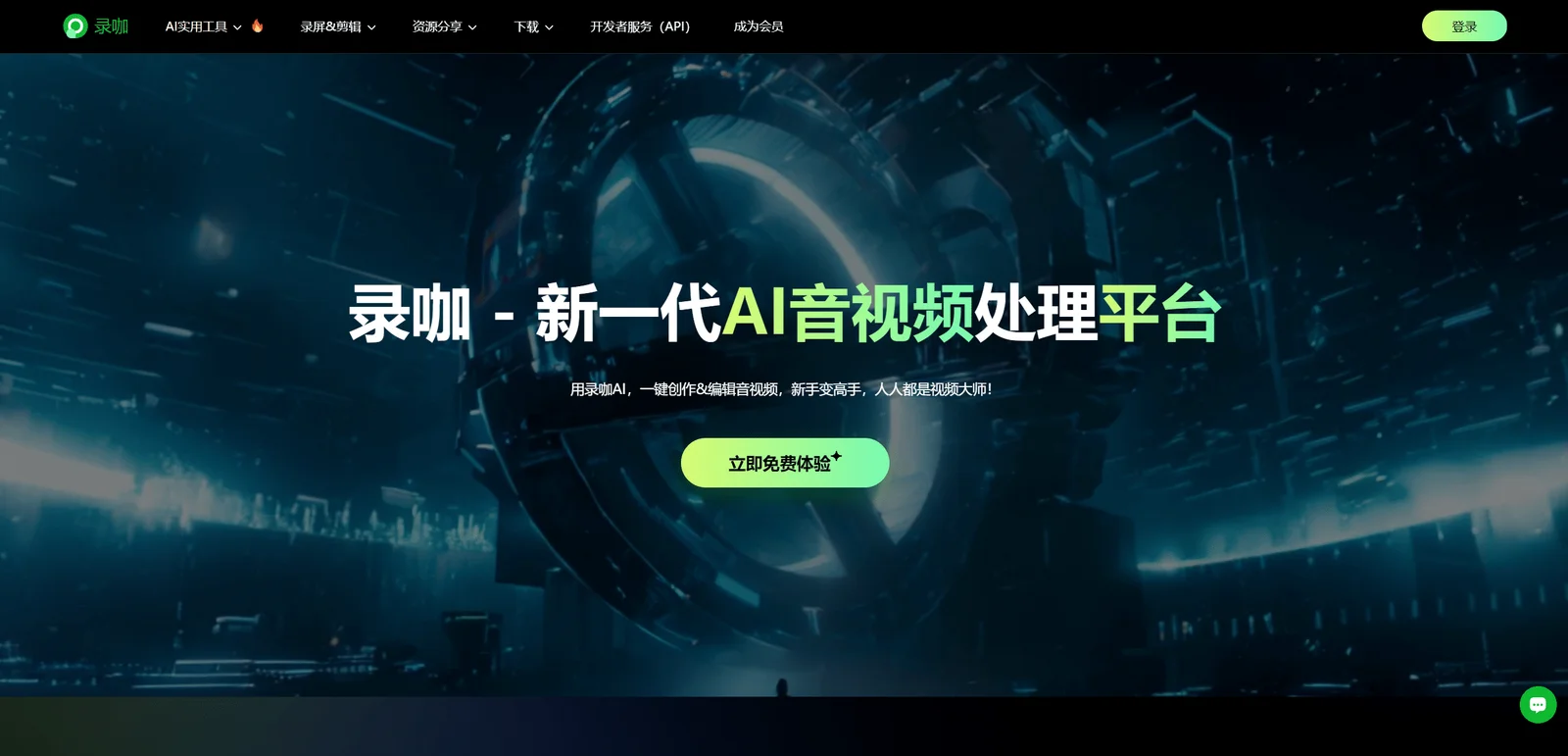
6. Record coffee
Luka home page preview Official website review address
Luka is a comprehensive AI multimedia online creation platform, including AI generated video, AI audio and video summary, AI subtitles, AI speech to text, AI text to speech, video editing, online screen recording and other functions, with extremely fast processing speed. It can greatly improve the creative efficiency of content creators and is suitable for use by film and television media practitioners, film and television advertising companies, individual enthusiasts and other customer groups.
The AI video generation function can support video creation in a variety of animation styles, such as Disney, Pixar, Hayao Miyazaki, pixel style, Japanese comic style, etc.
Currently, the website has two versions: English version (RecCloud) and Chinese version (Luka), with the same content; it also provides two ways of using the web page, the online version and the client, which can be selected according to needs.
Function overview
AI video generation : Based on the Sora AI model, use text or pictures to quickly generate beautiful videos, up to 1 minute.
AI video/audio summary : Upload audio and video, AI will help you automatically read and analyze the content, and answer your questions.
AI subtitle generator : Upload a video, and AI will automatically translate and generate subtitles, supporting 99 languages including Chinese, English, Japanese, German, and French.
AI speech to text : supports intelligent recognition of audio and video and converts it into text, supports multiple languages, and is suitable for producing meeting minutes, podcast manuscripts, interview and lecture transcriptions, etc.
AI text-to-speech : Automatically recognizes text and converts it into audio. It supports multiple languages. You can directly input text content or upload TXT text. It is suitable for scenarios such as producing audio books, learning foreign languages, dubbing videos, and helping products go overseas.
AI real-time recording : convert speech into text in real time, and help you automatically analyze the content and answer questions.
AI video translation : Automatically analyze and convert videos after uploading, and obtain multi-language videos with one click.
AI extracts audio : It can extract audio from videos of various formats, and can also separate the vocals and accompaniment in the audio with high-fidelity separation results.
Online screen recording : You can freely check "Screen", "Camera", "System Sound" and "Microphone" and record online.
Video editing : Contains a series of video editing functions, including video cutting, video cropping, video merging, video to Pdf, and video speed changing.
Case presentation
Conclusion
The 6 AI animation generators recommended this time each have their own styles and can be selected according to the actual content that needs to be created.
Finally, I hope this content can be helpful to your creation.