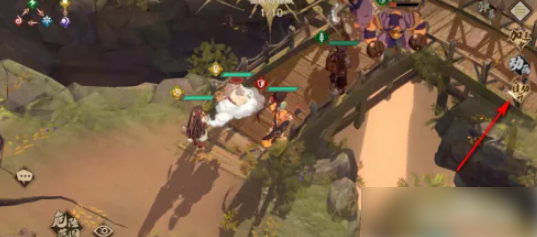
How to enable the automatic combat function in Tribulation of Heaven and Earth: The Second Coming of the Dark City? Now I will share with you how to enable the automatic combat function in Tribulation of Heaven and Earth: The Second Coming of the Dark City. I hope it can help you.

To enable the automatic combat function, you first need to click the [Start] function.
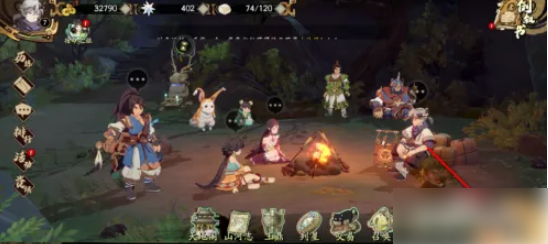
Then select the level you want to pass, as shown in the picture.
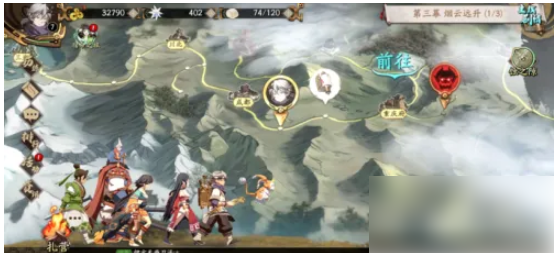
Then, after setting the character to go into battle, click the [Go to Battle] function in the lower right corner.
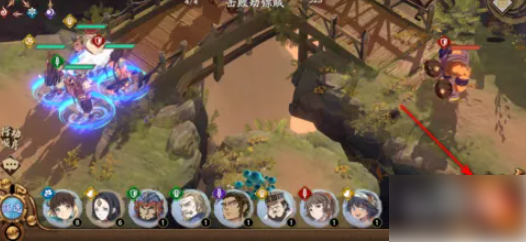
After entering the battle page, click the [Auto Off] function on the right side of the page.

When the [Auto-On] function is displayed on the page, the automatic combat function is successfully turned on.