
King of Guns is a very classic shooting game. There are a variety of cool skins in the game. Do you know how to wear the skins? The editor will introduce to you how to wear skins and guns in King of Guns.

First, we log in to the game. There is a warehouse function in the upper left corner of the game lobby. We click to enter (as shown below).

After entering the warehouse, select the gun we need to wear the skin, and then click to enter its function (as shown below).

There is a Wanhua function on the right side of the gun function introduction panel, which we can click to enter (as shown below).
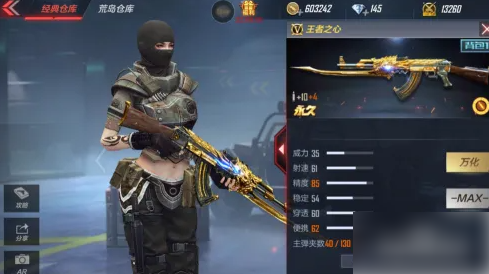
After entering the Wanhua function, you can see our gun skins. Below is the skin list and we can click on it to wear the belt (as shown below).

If you need to wear it and view it, there is a small window in the upper left corner of the display panel and you can view the skin by clicking on it (as shown below).
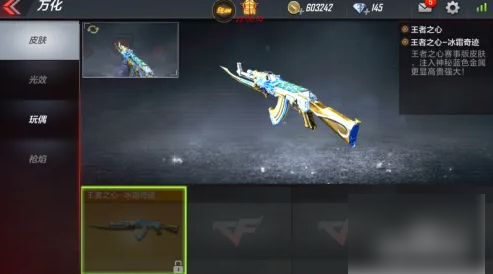
There are some basic functions in the lower left corner of the display panel, such as reloading or firing, etc. He will show you how cool he is (as shown below).
