
This article introduces the use of js onchange events in drop-down boxes. It has certain reference value. Interested friends can refer to it.
<!DOCTYPE html>
<html>
	<head>
		<meta charset="UTF-8">
		<title></title>
		<script type="text/javascript" src="js/jquery-1.4.js" ></script>
	</head>
	<body>

    <!--onchange event occurs when the content of the field changes.
        The onchange event can also be used for radio buttons, check boxes, and events triggered after the drop-down box changes. -->
		<select id="sxbh" onchange="xzsx();">
		   <option value="1">Drop-down 1</option>
		   <option value="2">Drop-down 2</option>
		   <option value="3">Drop-down 3</option>
	    </select>

		<script>
			function xzsx(){
				console.log("xzsx function was called");
				var sxbh = document.getElementById("sxbh").value;
				console.log(sxbh)

				//After we get the sxbh value, we can do other things; logical processing, or send ajax with parameters
// jQuery.ajax({
// url: "/",
// async: false,
// type: "POST",
// data: {SXBH:sxbh},
// success: function(data){
// xzsxList = JSON.parse(data);
// leftList = JSON.parse(data);
// }
// });
		};

		</script>
	</body>
</html> 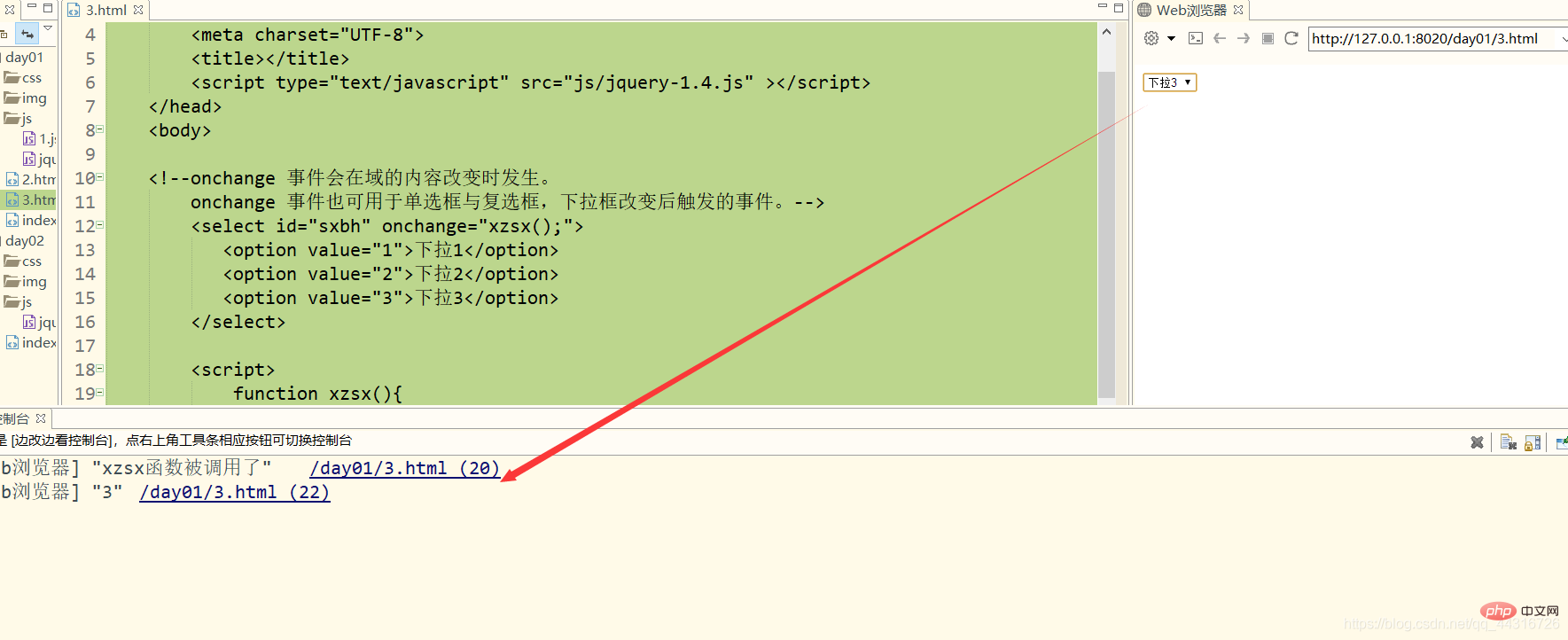
Effect: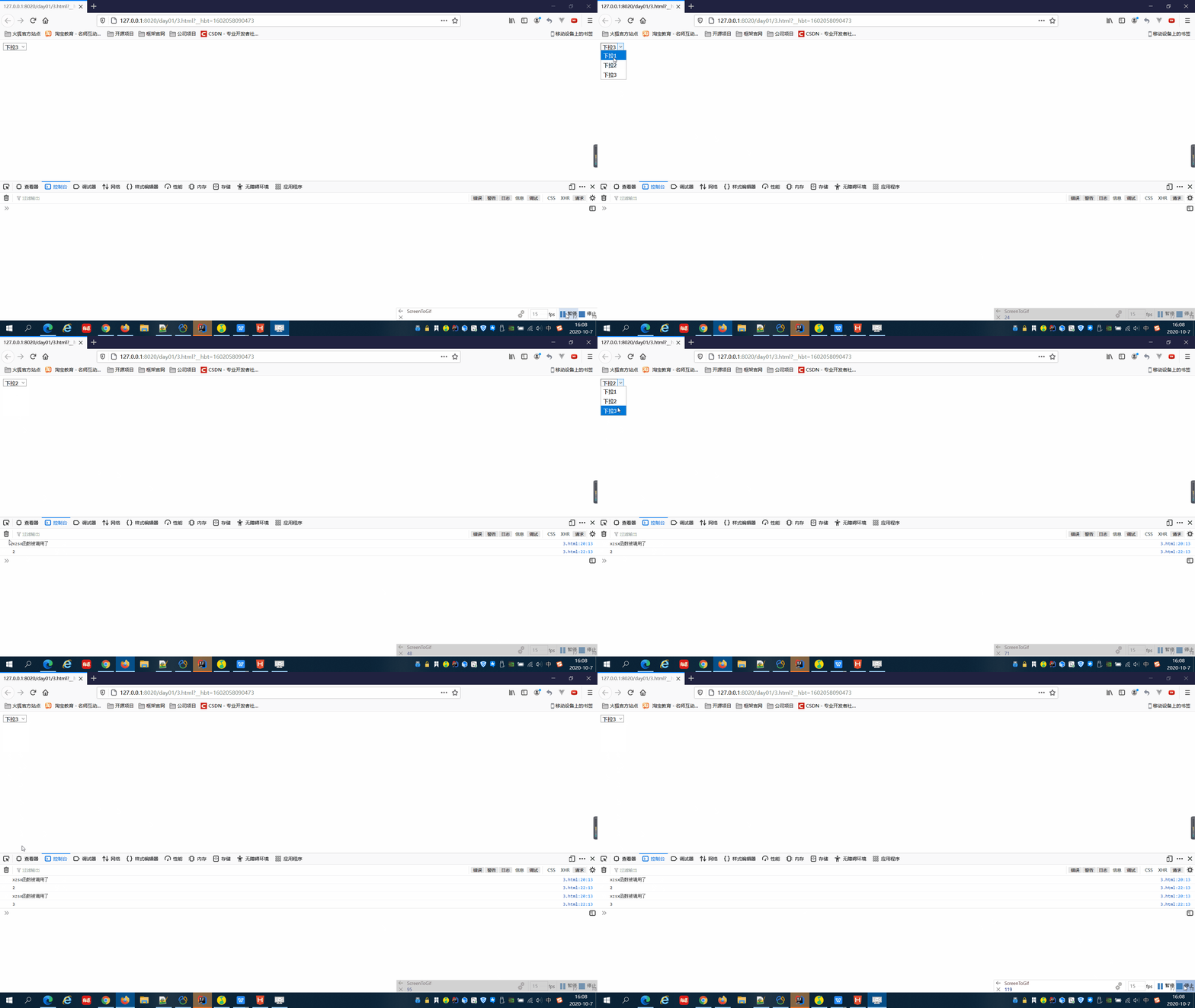
Related recommendations: [JavaScript Video Tutorial]
The above is a detailed explanation of the use of JS onchange events in drop-down boxes. For more information, please pay attention to other related articles on the PHP Chinese website!
