
If players want to change teams in the game, they first need to click [Others] in the upper right corner.

Then enter the [Others] page and click the [Player Information] button in the upper left corner.
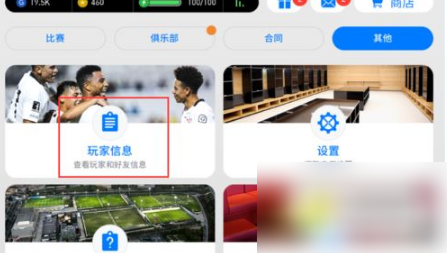
Enter the [Player Information] page and click the [Player Details] button.

After entering the [Player Details] page, the game will first pop up the dialog box shown in the figure below, which shows which player names cannot be used.

Then click the [Select Team] button on the [Player Details] page.

Then click on the league of the team you want to select in the [Select Team] dialog box.

After entering the league page, find the team you want to replace, then click on the team and then click the [Return] button to complete the operation.

The above is an introduction to how to change the team in the live football mobile game. Friends in need should try it quickly.