
The Seven Days World game is a particularly good game and is deeply loved by players. Many players have encountered the problem of how to switch lines in the Seven Days World. The solution to how to switch lines in the Seven Days World is very simple. You can follow the steps below. Step by step solution.
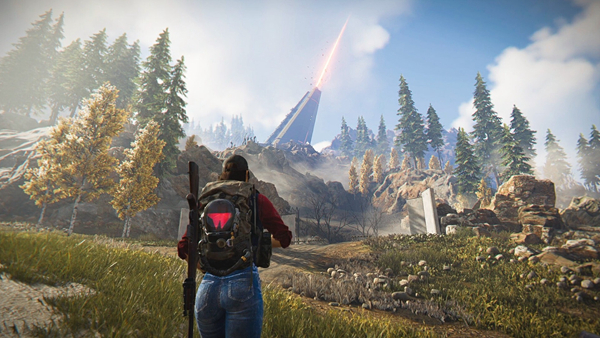
1. Players first enter the game, then click on the menu on the main interface and click on the mini map in the upper right corner.
2. After opening the map, you can see a number in the circle, which represents the line number the player is on.
3. Click the number, select the line you want to switch, and then click Confirm to switch.

4. After returning to the main interface of the game, you can see that the line number has changed in the upper right corner of the map.
5. After players switch lines, they can continue to complete their unfinished tasks.