Homework Helper is a good helper to help children learn and a good platform to help parents tutor their children. Then there will be a lot of cached content when using Zuoyebang. How to clear the cache of Zuoyebang? Let’s take a look with the editor.

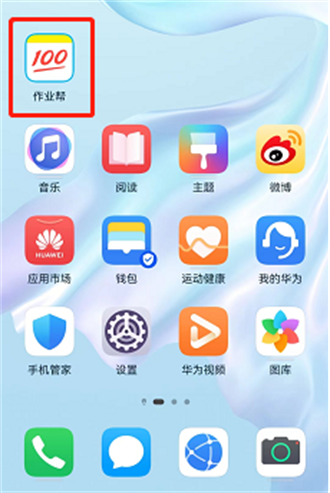
1. Find JobBang on the desktop of your mobile phone, open and run the JobBang APP.
2. After entering the main page, find [Settings] on the [Me] page.

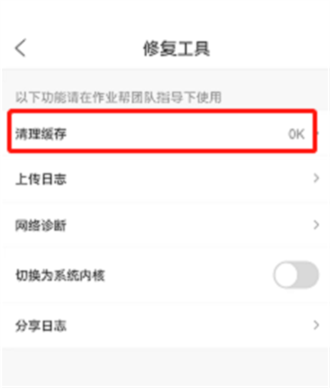
3. Find [Repair Function] on the [Settings] page and click to enter.

4. There is a [Clear Cache] option on the [Repair Function] page.
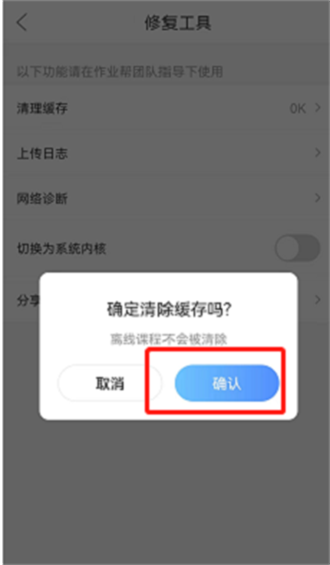
5. After entering the [Clear Cache] option, click [Clear Cache] and [Confirm Cleanup] to complete the operation.