
When the player opens the game, he first presses the ESC key to open the settings panel, looks for the controller settings in the settings, and then clicks "Controller Settings" to directly see the name of your controller. Then we need to set the buttons of the controller according to our own habits.
1. First press the ESC key to open the settings panel and look for the controller settings in the settings.

2. Then click "Controller Settings" and you can directly see the name of your controller. If not, it means the controller is not connected properly.

3. Then we need to set the buttons of the handle according to our own habits.
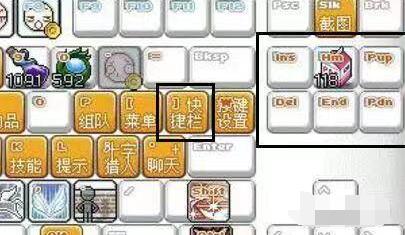
4. The settings of shortcut keys can be set according to your own preferences. After setting, the handle can be used.
