
Step 1: Equipment Setup

1. Main menu - Click the backpack icon in the upper right corner to enter your character equipment interface.
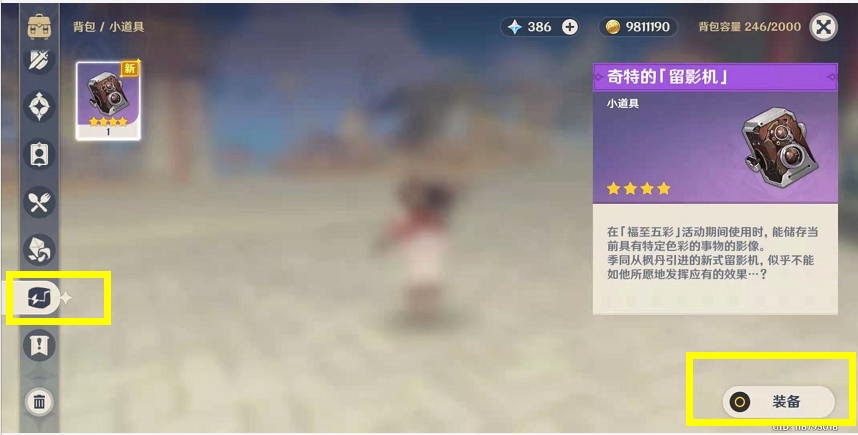
2. Explore options - In the left menu, find and click on Photo Camera and make sure it is selected as the current equipment.
Step 2: Taking photos
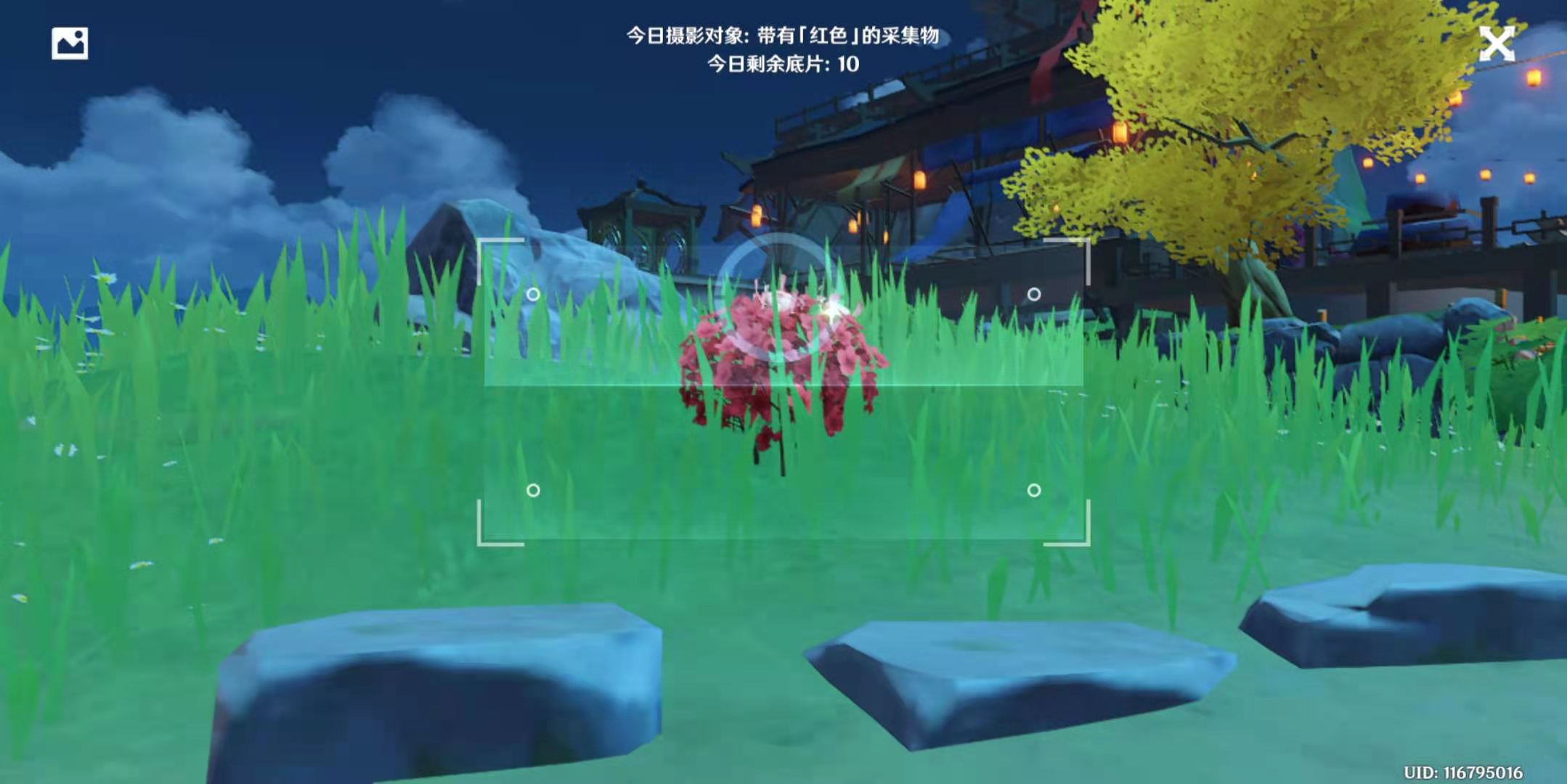
1. Locate the target - Find the special prop or scenery you want to photograph.
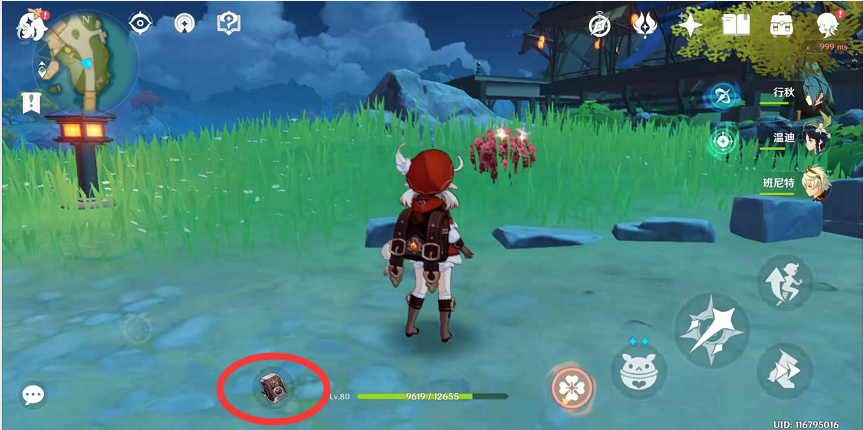
2. Start the photo recorder - click on the "Photo recorder" function icon below, which is usually located at the bottom of the screen.
3. Focus Shot - Aim at the subject of your choice, hold steady, and be ready to press the screen.
Summarize:
• Recent updates to Genshin Impact have added new features to give players more fun to explore. Using a video camera to record wonderful moments in the game not only increases the interactivity of the game, but is also a good material to share with other players.
• More practical strategies - Every detail in the game may hide strategies. If you want to know the comprehensive strategies for Genshin Impact, please visit [Source Code Mobile Game Network**]() to get the latest and most complete selected strategies for Genshin Impact. Encyclopedia.