
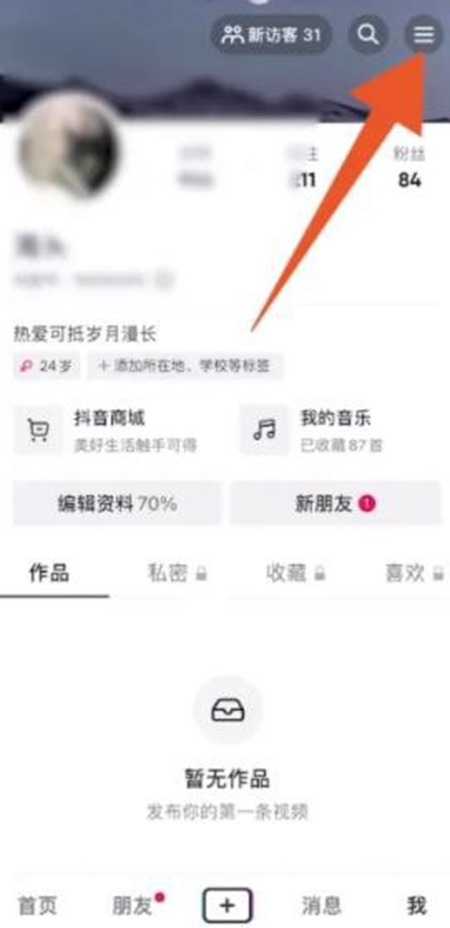
1. After opening Douyin, click [Me] in the lower right corner to enter the personal information page.

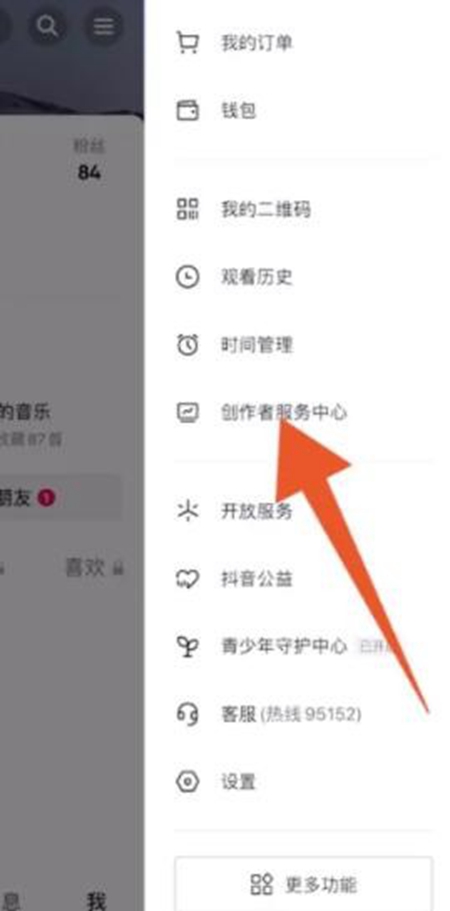
2. Click the three horizontal lines icon in the upper right corner to enter settings.
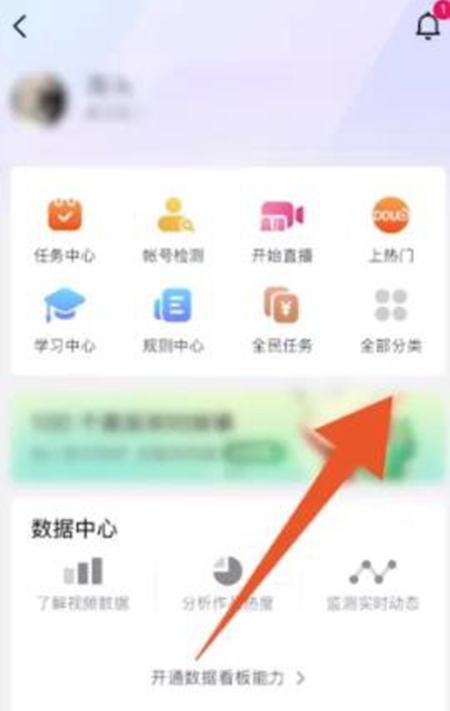
1. Click [All Categories] on the service center page.
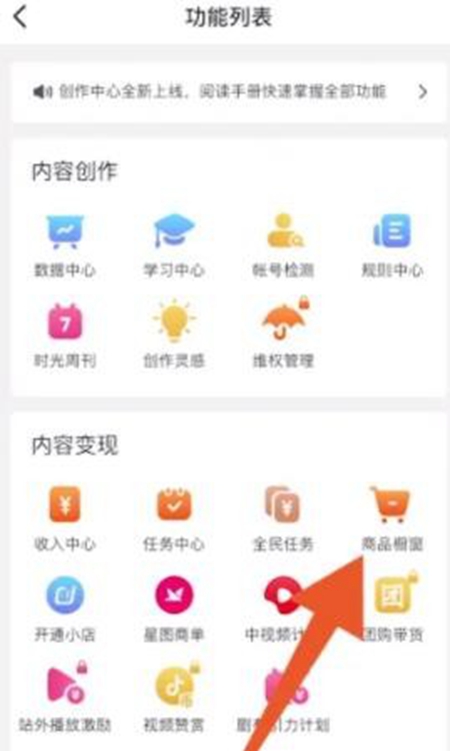
1. Click [Product Showcase] in Content Monetization.
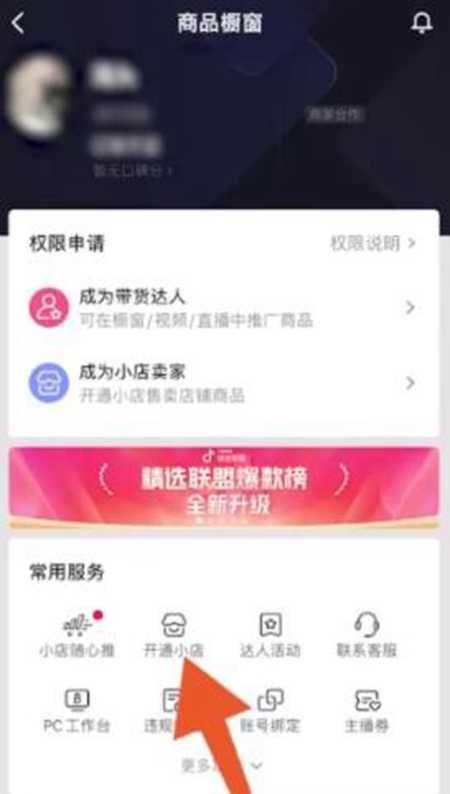
2. Then click [Open Store] at the bottom of the product display page.
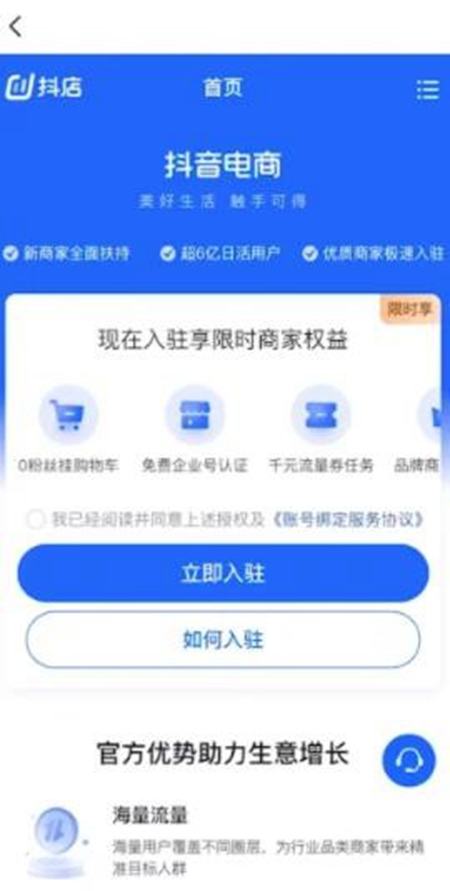
3. Check the terms of service agreement and click [Sign in now].
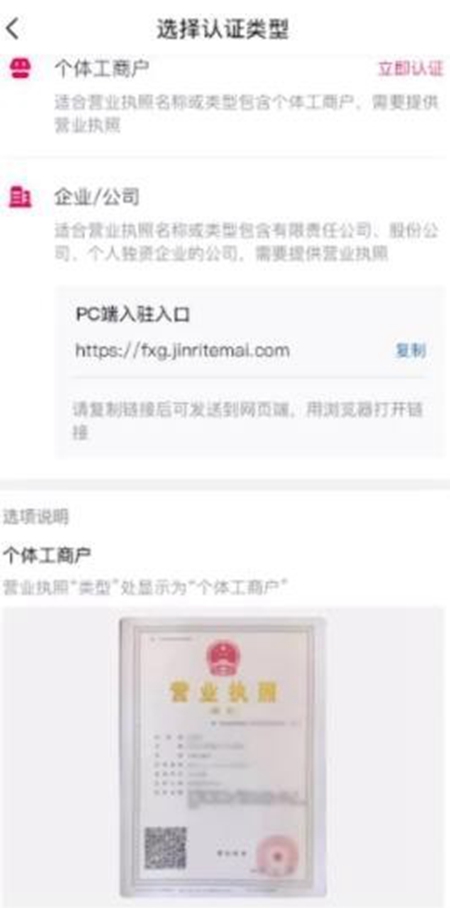
4. Select an individual business owner or enterprise/company and upload a business license.
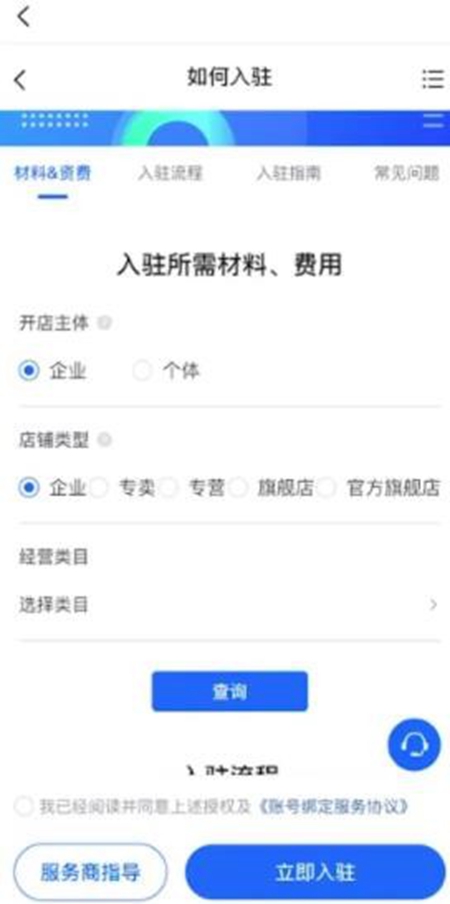
5. Submit the materials and fees required for settlement.
Douyin is a very popular short video application. Using Douyin live broadcast to promote goods can effectively increase sales. If you encounter questions about how to open a Douyin store while using Douyin, please follow the above steps. I believe you will be able to successfully open your own Douyin store.