China Unicom mobile app is a practical software. China Unicom users can quickly inquire and handle business here. Here I will share with you the detailed method of logging out of the current login account. If you are interested, come and take a look.

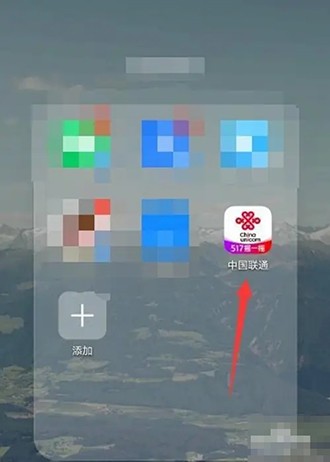
1. First, open the [China Unicom] app on the mobile phone desktop.
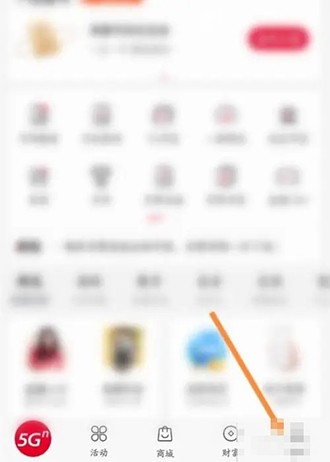
2. Then, enter the app homepage and click [My] below.
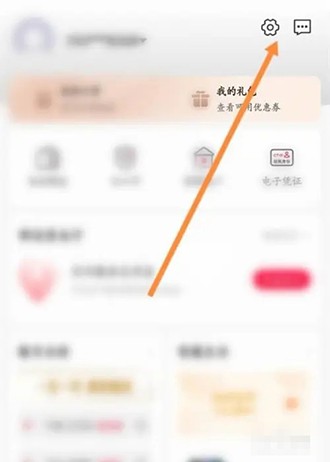
3. Next, enter my page and click the settings icon in the upper right corner.
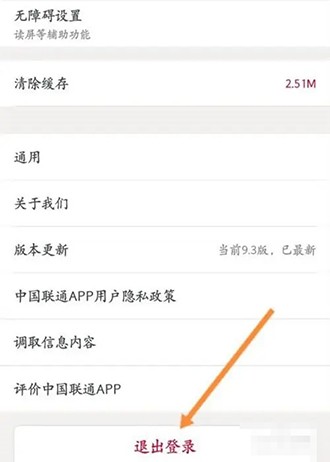
4. Finally, enter the settings page and click [Log Out] below.