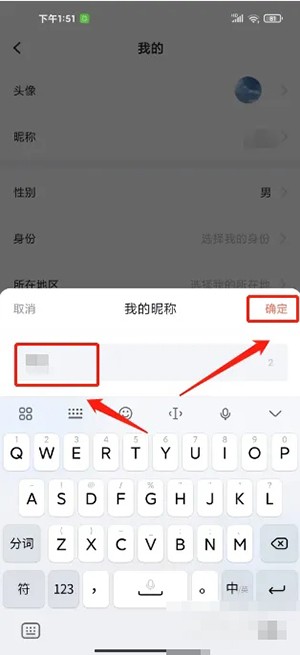
Taoduo Accounting is an efficient and reliable accounting APP that records and analyzes every income and expenditure in real time. Let’s take a look at the steps to change your nickname in Taoduo Accounting. I hope it will be useful to you.

1. Enter the Dadu Accounting App Mine and click [Avatar].

2. Enter My Settings and click [Nickname].

3. Enter My Nickname, enter the nickname, and click [OK].