
"Kuwo Music" is a mobile music player that is loved by everyone. It gathers many high-quality music resources. Here we will share with you how to set up Kuwo Music to turn off the playback at a scheduled time. Come and take a look.

1. Open the Kuwo Music APP and click the button in the upper right corner.

2. Click Sleep Timer in the pop-up menu.
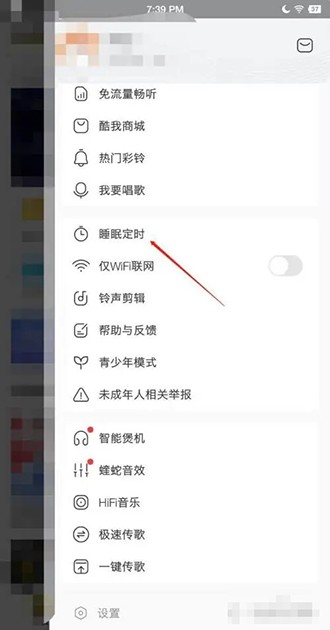
3. Enter the sleep timer setting and select the time.
