
Pupu Supermarket is a very practical shopping platform for daily life. There are a variety of fresh products to choose from. Next, I will introduce to you the detailed process of logging out of the current login account on the Pupu Supermarket app. Let’s take a look. look.

1. First, open the Pupu Supermarket software and click the [My] icon.
2. Then click [Settings] on the interface.
3. Then click [Log out].
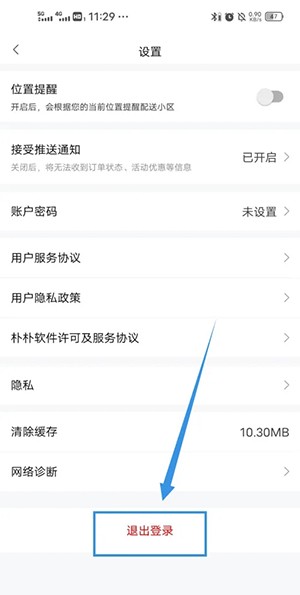
4. Finally click [OK].
