
"Flight Butler" is a mobile application that is convenient for travel. Users can check flight changes, weather conditions, seat selection on mobile phones, etc. in a timely manner. Next, I will introduce to you how to set a nickname for Flight Butler. Let's take a look.

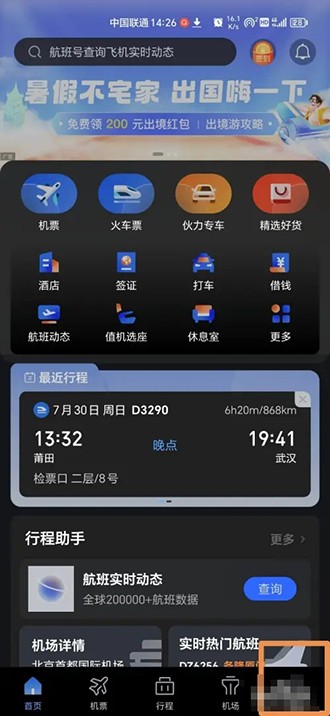
1. First, open the flight manager and click on the lower right corner - My,
2. Then click - No nickname is set
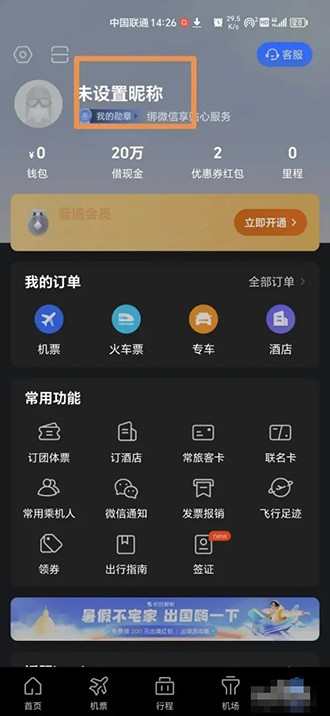
3. Next, click again on the new page—No nickname is set.

4. Click on the new page—Nickname.

5. Finally set the nickname and click OK
