
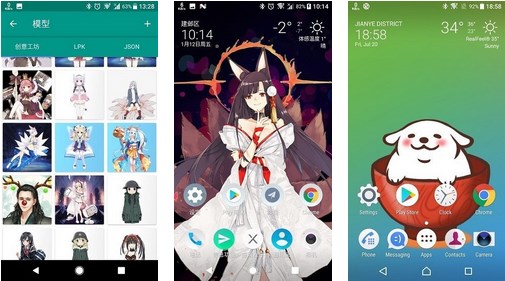
In order to load the model, install Live2DViewerEX on your smartphone and open it. You then need to select the file of the model you want to use and drag and drop it into the application. Once the model has been added to the app, you can start using the app's animation features to create live wallpapers and other fun stuff.
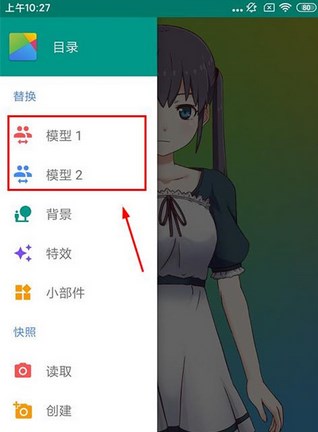
1. We first open the application and come to the main interface, click on the three-bar icon in the upper left (function directory);

2. Select a model on the left and choose according to your preference;
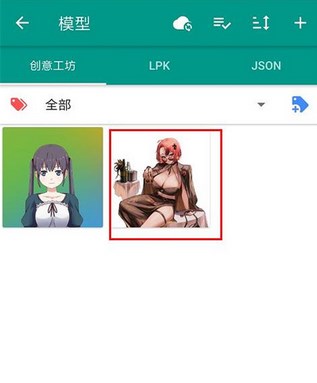
3. Click the + sign in the upper right corner to enter the creative workshop page;

4. Choose a wallpaper you like in the creative workshop;

5. Click on the picture to enter the information page and choose to download to the mobile desktop;

6. Return to the model page to see the downloaded wallpaper;
7. Finally, click on the wallpaper to select detailed settings.