
How to set the navigation keys on Honor 80SE? Today's mobile phones provide two interactive methods: jewelry navigation and navigation keys. Some users may not be used to using jewelry navigation, so how to switch to navigation keys? Below I will share with you how to set the navigation key combination of Honor 80SE, come and take a look.
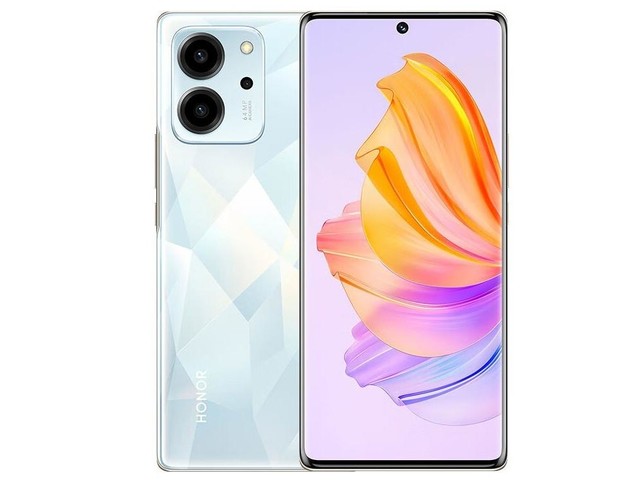
1. Click [System and Updates] in the phone settings.

2. Click [System Navigation Method] and check [In-screen three-button navigation].
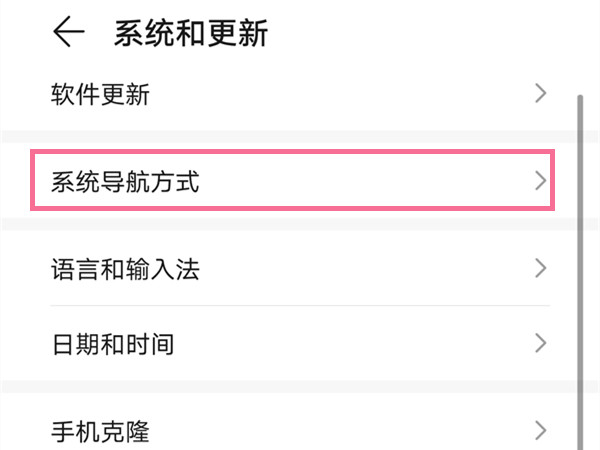

3. Click [More Settings] and select a navigation key combination. The triangle key is the return key.

This article takes Honor 80 SE as an example and is applicable to MagicOS 7.0 system.