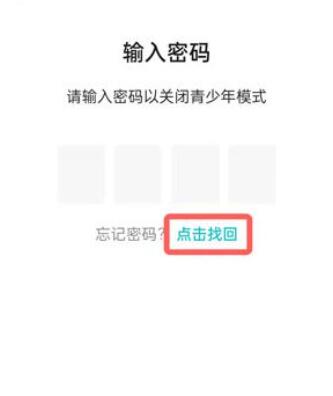
How to turn off taptap youth protection? The taptap youth protection function will limit the game time and consumption of teenagers. Next, we will bring you a tutorial on turning off taptap youth protection. Players in need should come and take a look.

1. Step one: Open taptap and enter the main page, click on the avatar in the upper right corner;

2. Step 2: Expand the menu bar on the left and click the [Settings] function;

3. Step 3: Find the [Youth Mode] option in the settings interface;

4. Step 4: Switch to the youth mode page and click on the blue border at the bottom;

5. Step 5: Go to the password input page and enter it to close successfully.