Where can I check order information at IKEA? Some friends may not know it yet, but the method is actually not difficult. Let me introduce you to IKEA. Let’s take a look at the method and process of order checking.

1. Enter the homepage, select [My] in the lower right corner and click to enter;

2. Enter the My interface and find [My Orders] as shown in the picture;

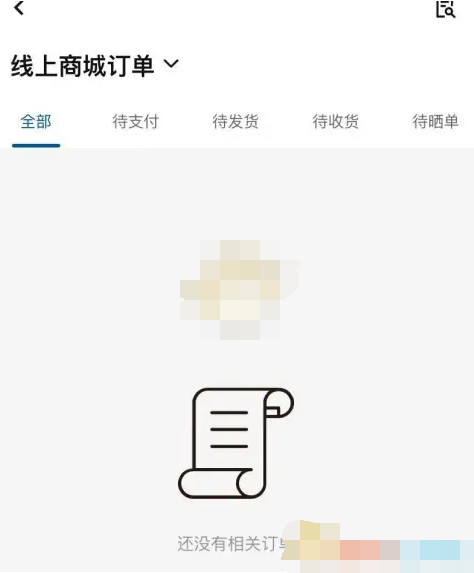
3. Click to enter My Orders, and you can see your online mall orders.