IKEA is a well-known brand. Many friends want to know how to use IKEA coupons. The following is a detailed introduction to how to redeem coupons. If you are interested, you can learn more.

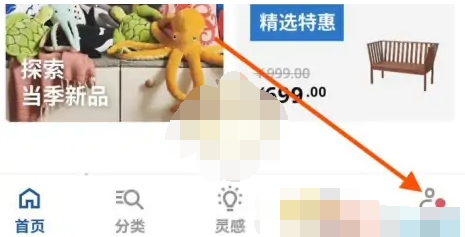
1. Enter the home page of the IKEA APP and click on the [My] menu bar below.
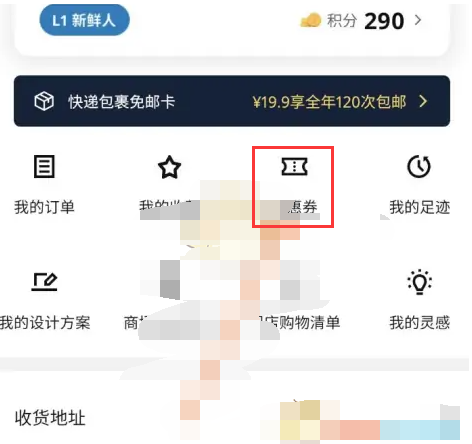
2. Open the [My] page and click the [Coupon] navigation bar.
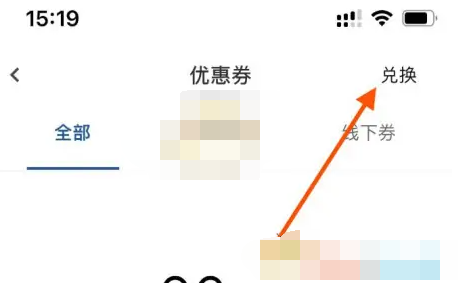
3. Enter the coupon page and click [Redeem] in the upper right corner.
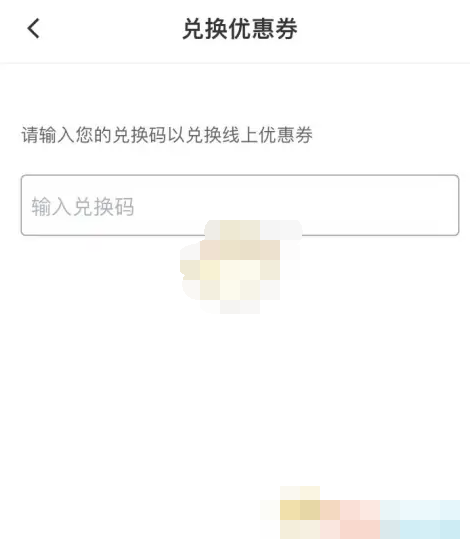
4. Enter the redemption code on the page and click [Redeem] to complete.