BiJian is an editing artifact used by UP owners. It supports various video post-editing work. So how does BiJi record the screen? What I bring to you today is to share the must-have screen recording method. User friends who don’t know how to operate it, come and take a look.

1. Click the screen recording button in the center of the screen

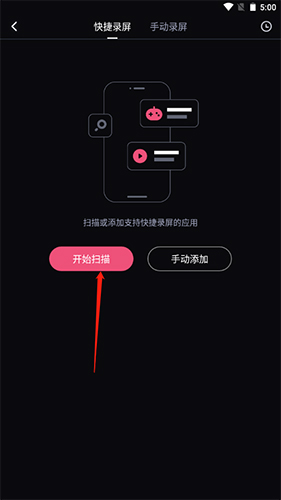
2. Click the Start Scan button. After the scan is completed, select the game to record the screen.