BiJi is a very professional editing tool, so how does BiJi add video sound effects? Below, the editor will give you a detailed introduction to the necessary tutorial for adding video sound effects. If you want to know, come and take a look. I believe it will definitely help you.

1. First open the Bijian APP and click to start creating;

2. After adding the video material, click the audio menu below;

3. Then click on the sound effects option under the audio menu.
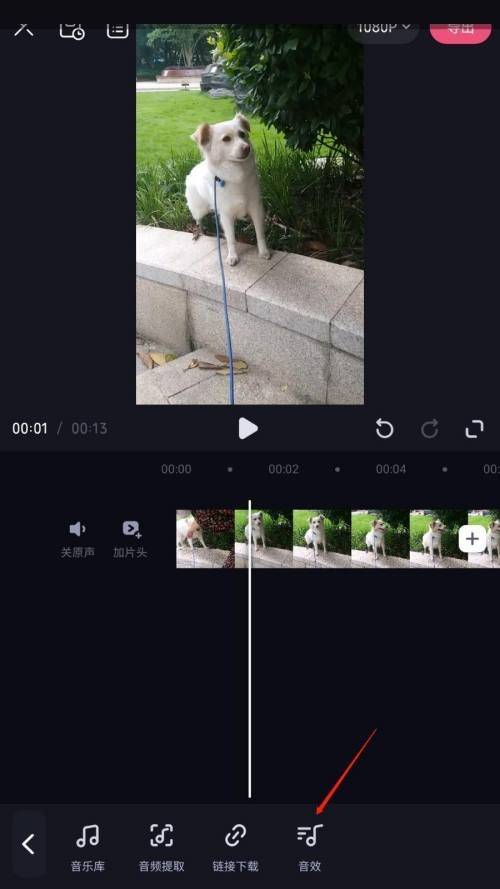
4. Finally, select the sound effect you want to add and click to use it.