How to apply for an electronic social security card on WeChat? Let’s take a look at the specific operation methods of applying for an electronic social security card on WeChat .
1. First, we open WeChat on the phone and log in to our account, as shown in the picture.

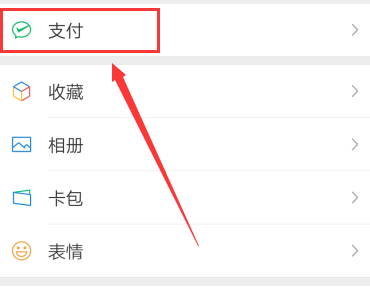
2. Click [My] in the lower right corner of the homepage to enter the personal interface, and click [Pay] in the list, as shown in the figure.
3. Then click [City Services] in the “Tencent Services” column, as shown in the figure.

4. Then we first set our city in the upper left corner, and then click [Social Security] in the "Five Insurances and One Fund" column, as shown in the picture.

5. Then click [Electronic Social Security Card] in the list, as shown in the figure.

6. Then enter the interface for adding social security cards and click [Add Now], as shown in the figure.

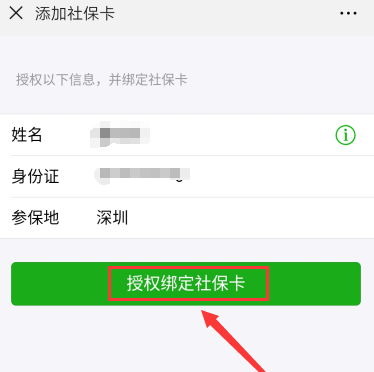
7. Then enter your name and ID card, and click [Authorize to bind social security card] after completion, as shown in the picture.