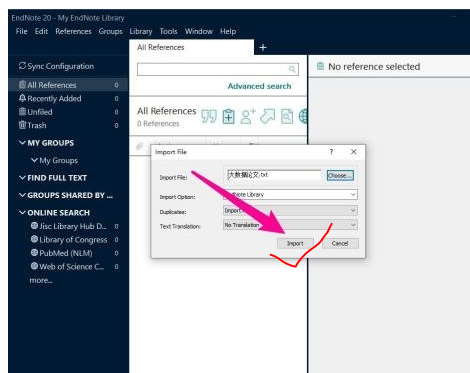
Importing Chinese documents is an important function of EndNote software. It allows users to organize and import collected Chinese documents into a personal library in a standard format for subsequent management and citation. The specific steps are as follows:

1. After entering the application, open a file in endnote format.
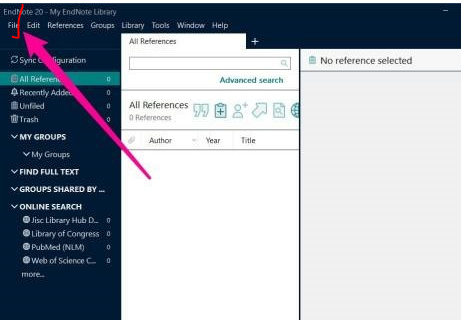
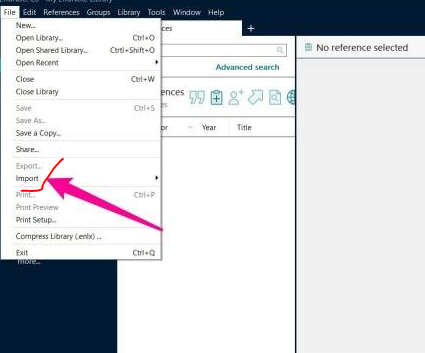
2. Then click the import option in the drop-down options.
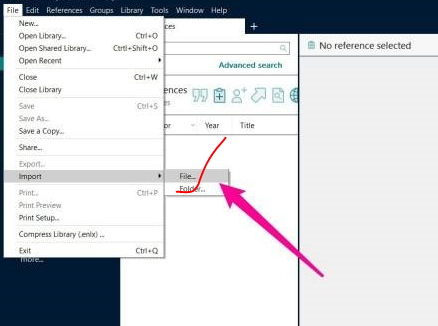
3. Then find the file option under this option and click it.
4. At this time, select the choose option in the pop-up dialog box.

5. Then select a document according to your needs.
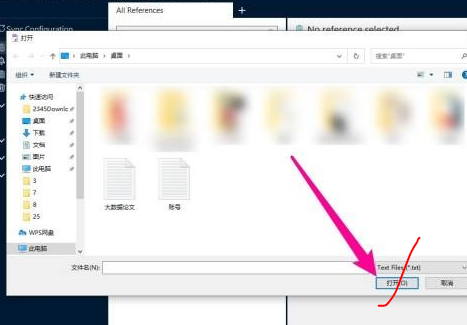
6. Then return to the Import file page and click import again.