How to close the service of Baidu Quick Pass Card? Let’s take a look at the specific operation method of closing the service of Baidu Quick Pass Card .
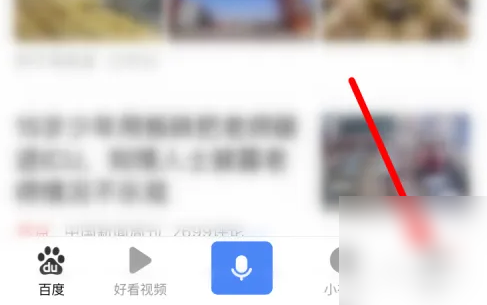
First, open and log in to Baidu app on your mobile phone, and click [My] in the lower right corner of the home page.
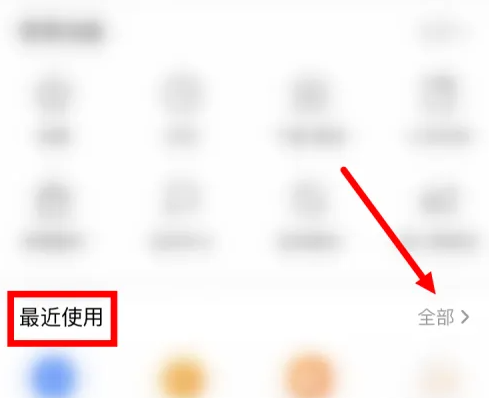
After entering the personal page, click [All] next to [Recently Used].
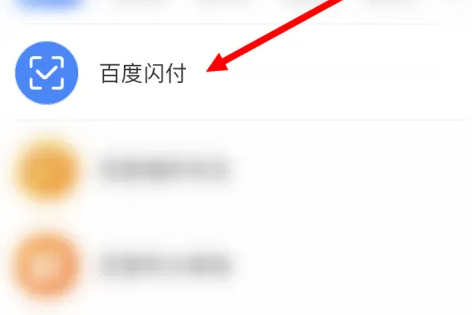
Then find and click [Baidu Quick Pass] in [Frequently Used Mini Programs].
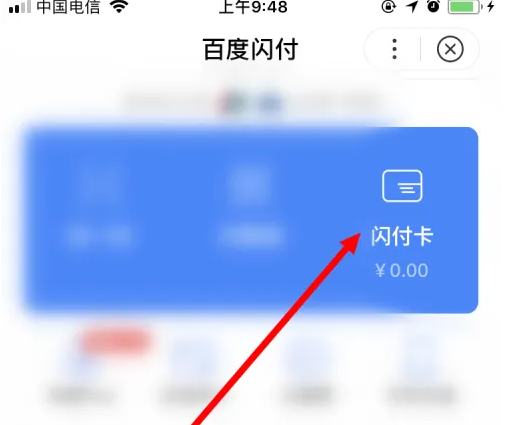
After entering the [Baidu Quick Pass] page, click [Quick Pass Card].
Then click [Settings].
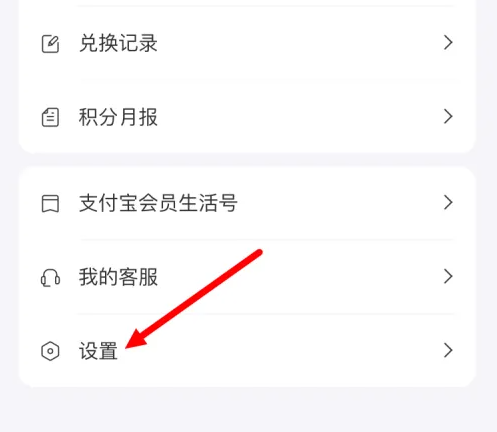
Then on the [Settings] page, click [Account Deactivation].
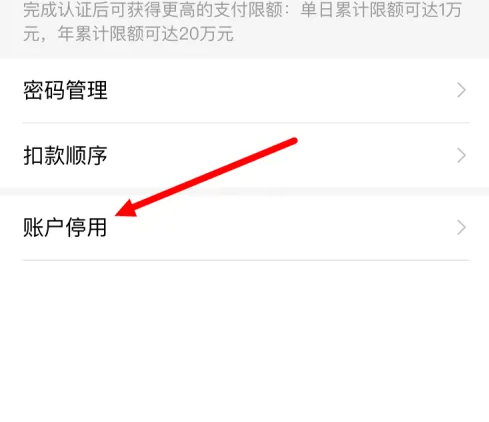
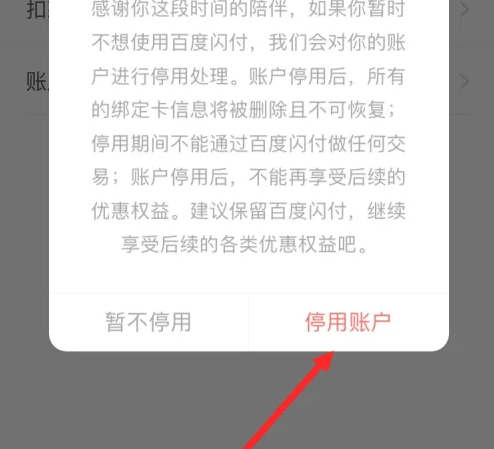
Finally, continue to click [Account Deactivation].
After the account is deactivated, the [Baidu Quick Pass] function will be turned off, and the previously bound bank card information will be deleted, and no transactions can be conducted through the [Baidu Quick Pass] function.