
How to apply for mobile provident fund to shorten the loan period? Tutorial on how to apply for mobile provident fund to shorten the loan period . Let’s take a look together.
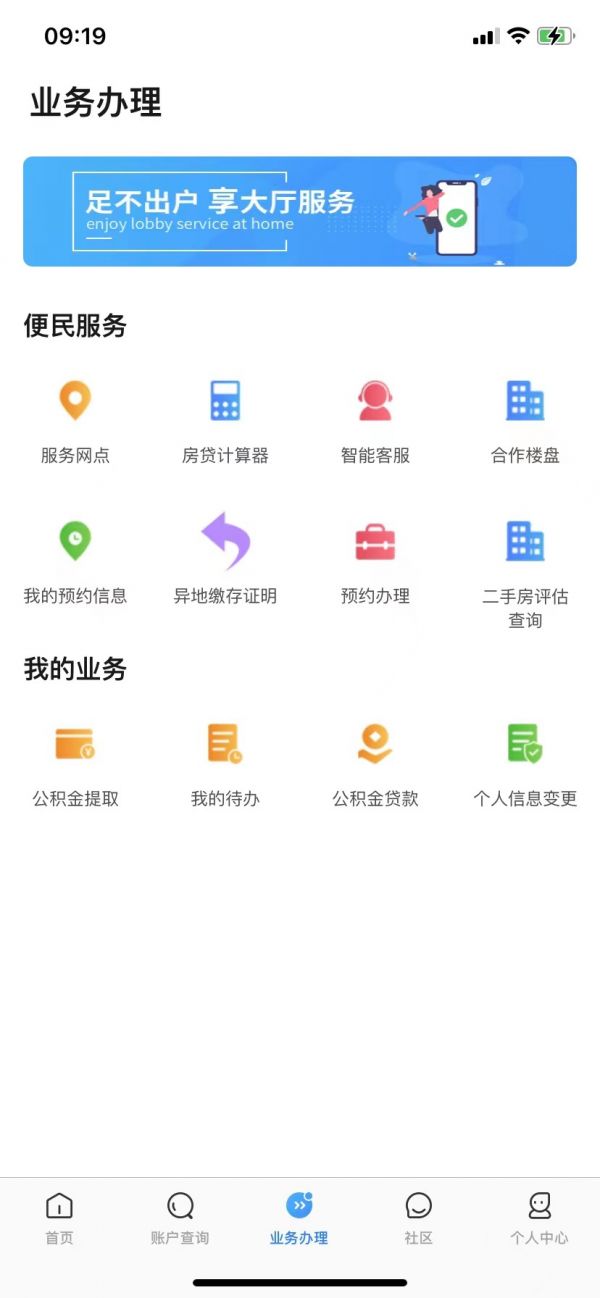
Take the mobile Provident Fund APP as an example. After logging in to the APP, click [Business Processing] below, and click [Provide Fund Loan] on the [Business Processing] page.
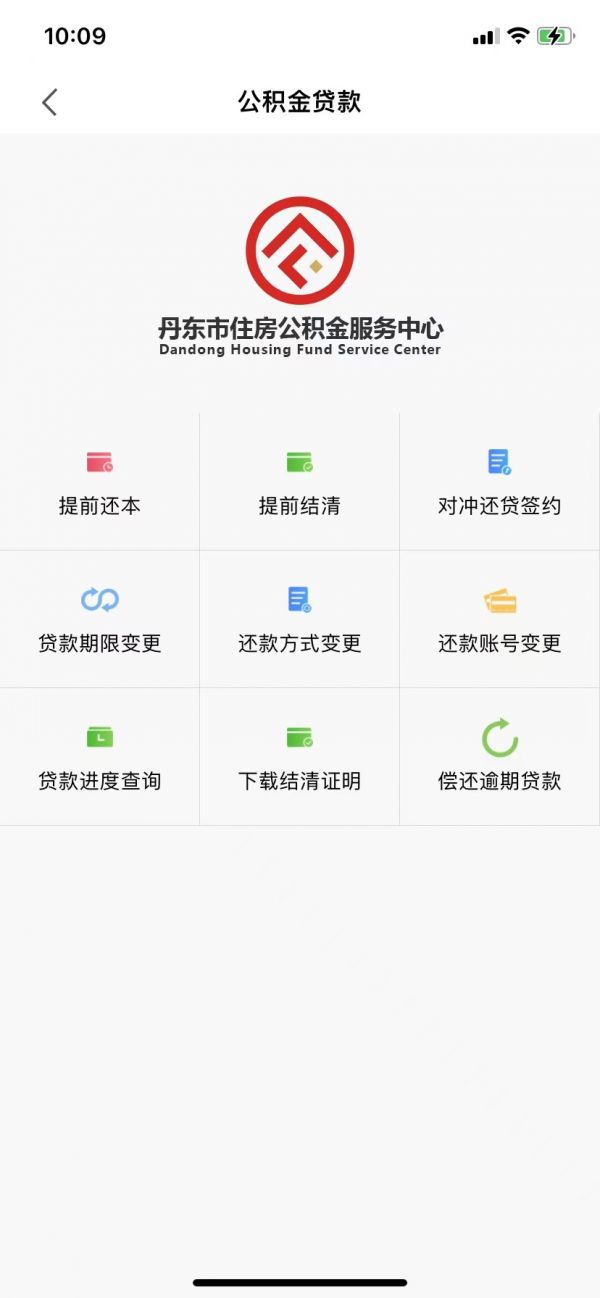
Click [Loan Term Change] in [Provide Fund Loan] to shorten the term of provident fund loan.
In the business interface, select the loan period after the change and the reason for the change, obtain the verification code and click [Submit Changes].
