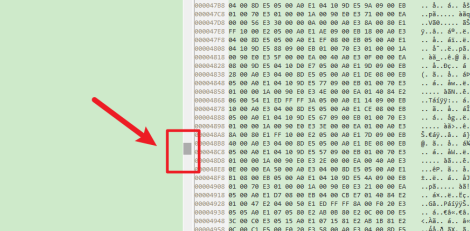
Many people use Beyond Compare software in their office work, so do you know how Beyond Compare compares binary files?

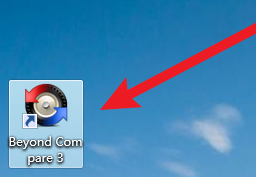
1. First open the [Beyond Compare] software
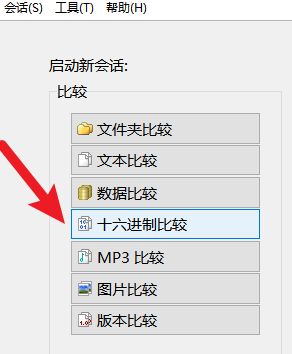
2. Then select the comparison type of [Hex File] to compare binary files.
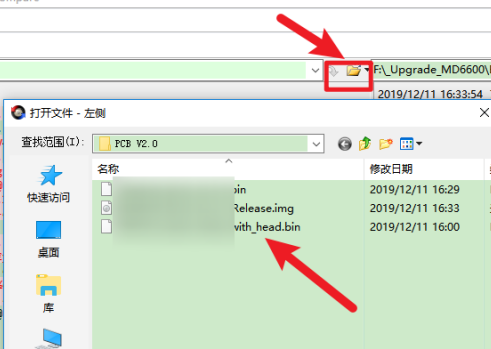
3. Click the file icons on the left and right to select the files to be compared.
4. After that, you can clearly see the [red area], which indicates the difference between the two files.

5. Click the [up and down arrows] to view the differences one by one.
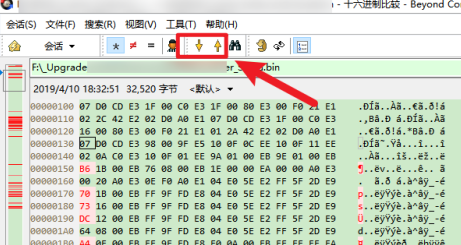
6. Drag the [cursor] in the middle to quickly view the differences.