How to customize routes on Tencent Maps. Let’s take a look at the tutorial on customizing route preferences on Tencent Maps .
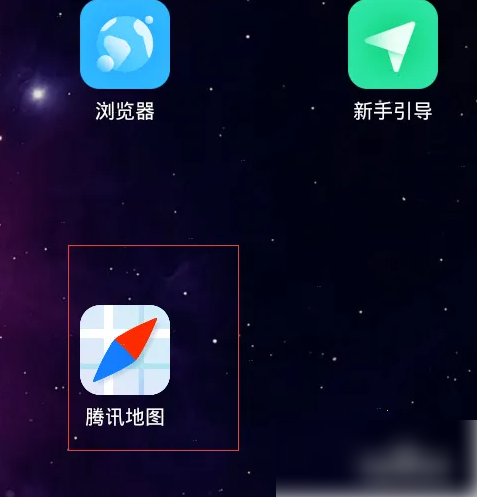
Open Tencent Maps on your phone
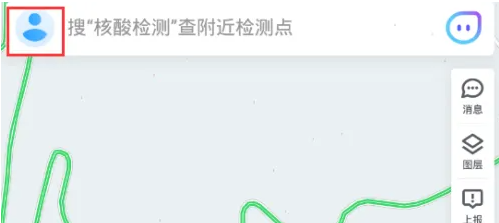
Click on your profile picture in the upper left corner
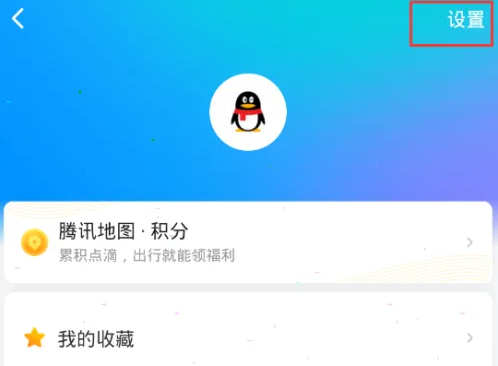
Click Settings in the upper right corner
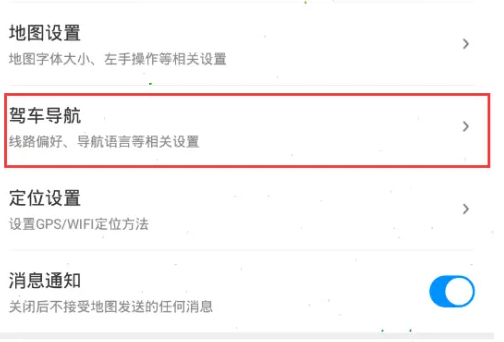
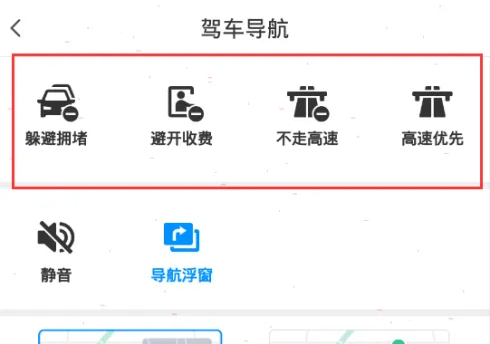
Select driving navigation
Select your desired line preference
The above is the entire content of the tutorial on how to customize routes on Tencent Maps and how to customize route preferences on Tencent Maps compiled by the editor. If you want to know more about mobile game strategies or software tutorials, you can follow this site, which will update some valuable content in real time every day. , hope everyone likes it.
