Tencent Maps is a very convenient map navigation application, so how to turn off Beidou Navigation on Tencent Maps? The operation method is very simple. Below is a tutorial on how to turn off Beidou Navigation on Tencent Maps. Let’s take a look.

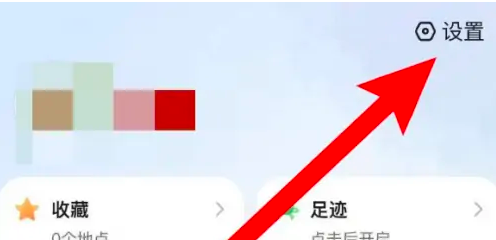
1. Enter the My page and click on the Settings option.
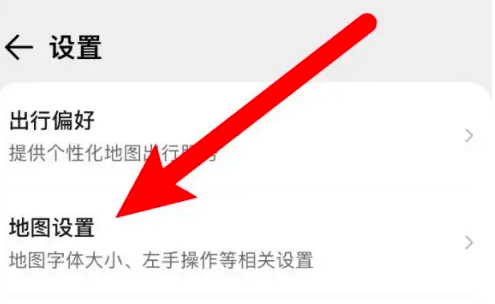
2. Click Map Settings on the page.
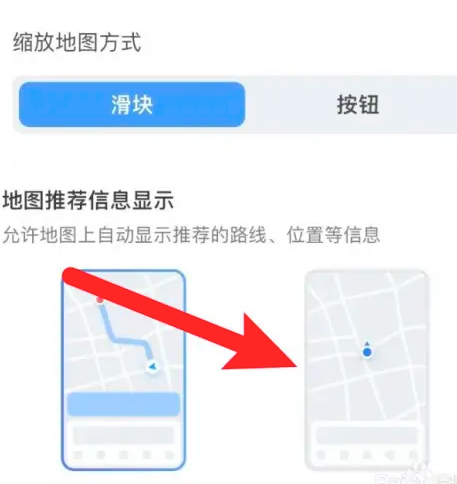
3. Select the option to turn off automatic display.