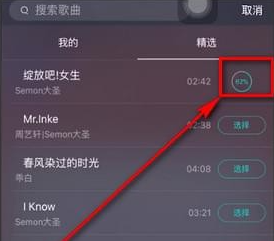
How to sing with accompaniment in Yingke Live. Here is an introduction to how to sing in Yingke Live . Let’s take a look together.
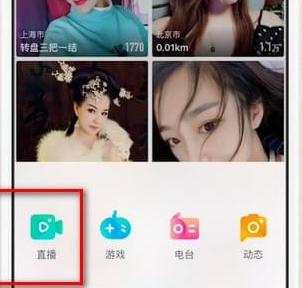
1. Open Inke Live and click the live broadcast button in the middle of the bottom.

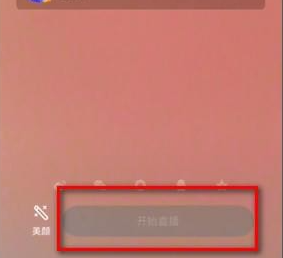
2. Click [Start Live Broadcast],
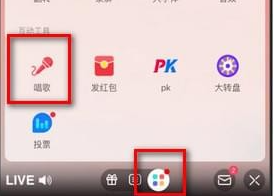
3. Then select the [Toolbar] icon at the bottom of the live broadcast page, select [Singing] in [Interactive Tools], and select a song.
4. Click [Use] to sing this song in the live broadcast room.