
How to enable dark mode on Huya Live? The editor below will bring you a detailed operation tutorial on how to enable dark mode on Huya Live. Netizens who don’t know how to operate can take a look. I hope it can help you.

1. Open the [Huya Live] APP on your mobile phone.
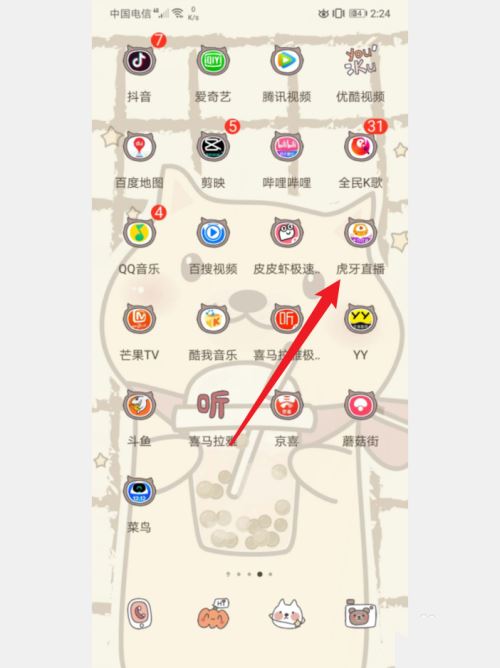
2. Log in to your account and click [My] in the lower right corner.

3. Then click the [Settings] option in the upper right corner.

4. Then click the [Appearance Settings] option below.

5. Finally, check [Dark Mode].
