DocSense
1.0.0

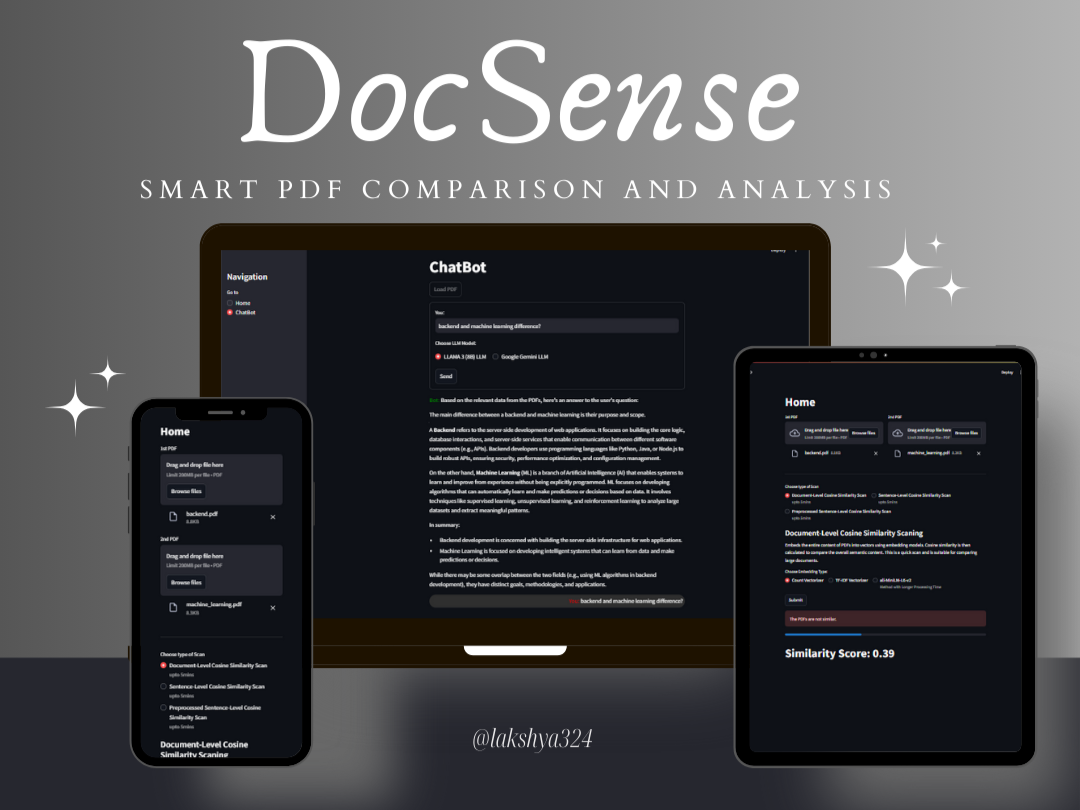
โครงการนี้มีเว็บแอปพลิเคชันสำหรับการเปรียบเทียบเอกสาร PDF โดยใช้การสแกนความคล้ายคลึงกันของโคไซน์ที่แตกต่างกันและอินเทอร์เฟซ Chatbot เพื่อโต้ตอบกับ PDF ที่ผ่านการประมวลผล แอปพลิเคชันถูกสร้างขึ้นโดยใช้ Streamlit, Fastapi และ Langchain
โคลนที่เก็บ :
git clone https://github.com/lakshya324/DocSense.git
cd DocSense
ติดตั้งแพ็คเกจที่ต้องการ :
pip install -r requirements.txt ตั้งค่าตัวแปรสภาพแวดล้อม : สร้างไฟล์ .env ในไดเรกทอรีรูทและเพิ่มตัวแปรสภาพแวดล้อมของคุณ:
 GOOGLE_API_KEY=your-google-api-key
DEPLOYED=False
ตั้งค่า Llama 3 และ Ollama : ติดตั้ง Llama 3 (8B) และ Ollama โดยใช้คำสั่งต่อไปนี้:
ollama run llama3เรียกใช้แอพ Streamlit :
streamlit run app.pyนำทางไปยังโฮมเพจ :
นำทางไปยังหน้า chatbot :
 ├── app.py                     # Main Streamlit application
├── compare.py                 # PDF comparison logic
├── pdf_extractor.py           # PDF text extraction logic
├── text_preprocessing.py      # Pre-processing of PDF text
├── LLM
│   ├── gemini.py              # Google Gemini LLM integration
│   ├── llama3.py              # LLAMA 3 LLM integration (OLLAMA)
│   ├── prompt.py              # Prompt generation logic
├── embeddings
│   ├── CountVectorizer.py     # Count Vectorization logic
│   ├── TfidfVectorizer.py     # TF-IDF Vectorization logic
│   ├── all_MiniLM_L6_v2.py    # All-MiniLM-L6-v2 Vectorization logic
├── result.py                  # Chatbot result processing
├── requirements.txt           # Required Python packages
└── .env                       # Environment variables (not included in the repository)
โครงการนี้ได้รับใบอนุญาตภายใต้ใบอนุญาต MIT - ดูไฟล์ใบอนุญาตสำหรับรายละเอียด





