DistroForensics
1.0.0

Windows Distro List - MacOS - Linux
รายการของ Linux distro สำหรับ OSINT การทดสอบการเจาะระบบนิติเวชดิจิตอลและความปลอดภัยทางไซเบอร์
ดัชนี
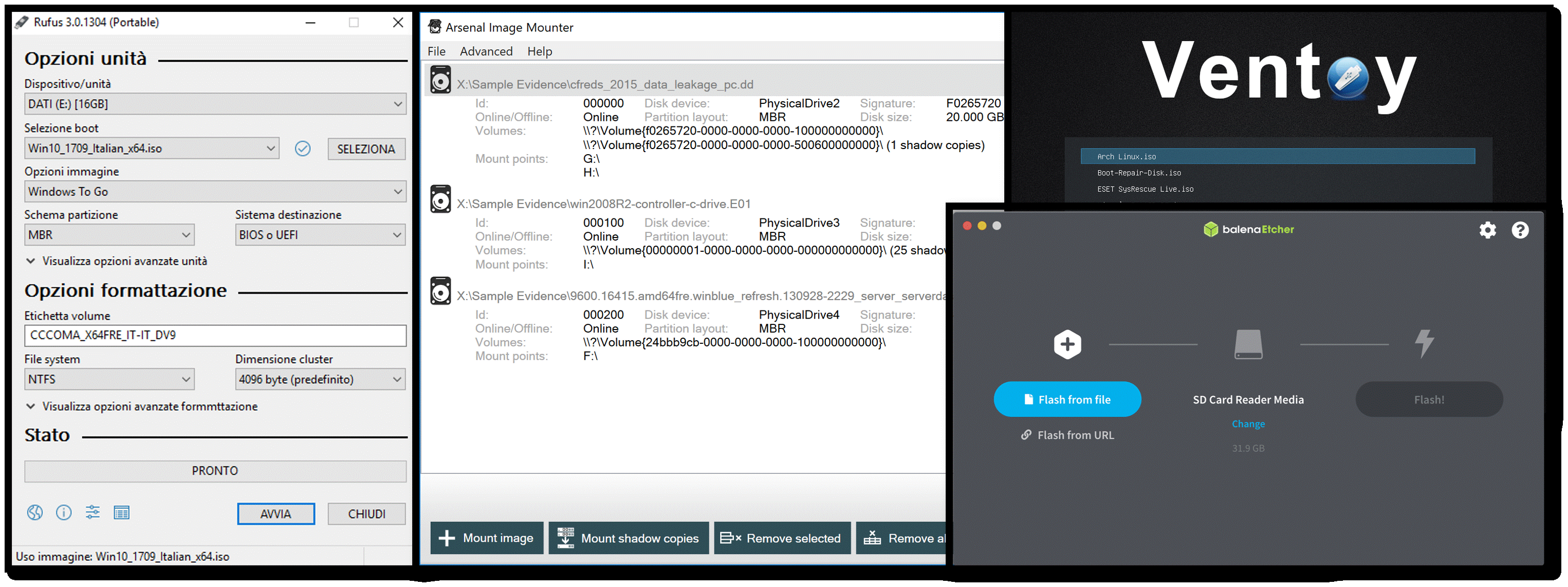
จะเปิดไฟล์ Image Image ได้อย่างไร?
 Aprire, decomprimere o montare un file ISO è molto semplice,
sia che si usino le funzioni integrate su Windows, macOS,
Ubuntu o un software aggiuntivo di terze parti come WinZip, WinRAR o 7-Zip
| ISO | ผู้อีamulators | การทำให้เสมือนจริง | USB Live |
|---|
| ชื่อ | หมวดหมู่ | |
|---|---|---|
 | Kali Linux | - Osint + Cybersecurity + Digital Forensics |
 | นักล่า | - Osint + Cybersecurity + Digital Forensics |
 | ก้อย | - Osint + Cybersecurity + Digital Forensics |
 | ระบบปฏิบัติการรักษาความปลอดภัยนกแก้ว | - Osint + Cybersecurity + Digital Forensics |
 | CSI linux | - Osint + Cybersecurity |
 | เคน | - Osint + Digital Forensics |
 | Tsurugi Linux | - Osint + Cybersecurity + Digital Forensics |
 | Athenaos | - Cybersecurity + Digital Forensics |
 | จิ้งจก | - Cybersecurity + Digital Forensics |
 | Paladin Edge | - นิติวิทยาศาสตร์ดิจิตอล |
 | การเดินสาย | ความปลอดภัยทางไซเบอร์ + ความเป็นส่วนตัว |
 | ผู้ท้าชิง | - นิติวิทยาศาสตร์ดิจิตอล |
| GitHub - Anubitux | เครื่องเสมือน - Osint - cryptocurrencies |
|---|---|
| gitHub - คำสั่ง -vm | ไซเบอร์เซค |
| GitHub - การคุกคาม -VM | Cyber Thret Intelligence |
| GitHub - Flare -vm | นิติวิทยาศาสตร์ดิจิตอล |
| gitHub - remnux | การวิเคราะห์มัลแวร์ - นิติวิทยาศาสตร์ดิจิตอล |
| GitHub - Sans/Sift Workstation | นิติวิทยาศาสตร์ดิจิตอล |
| GitHub - Osintko | Osint |
| GitHub - CyberPunkos | Osint |
| GitHub - Orion H | Osint |
| Ubuntu | Windows 11 | แม็กอส |
|---|---|---|
| เวอร์ชัน 22.10 | เวอร์ชัน 22h2 | Ventura เวอร์ชัน |
 |  |  |
Macchine emulatrici online di Windows, MacOS e Linux, oltre ad un serie di tool sudivisi per categorie.
 | WSA - ระบบย่อย Windows สำหรับ Android |
|---|---|
 | บลูสแต็ค |
 | ผู้ติดเชื้อ |
 | การเคลื่อนไหว |
 | Android-hemulars |
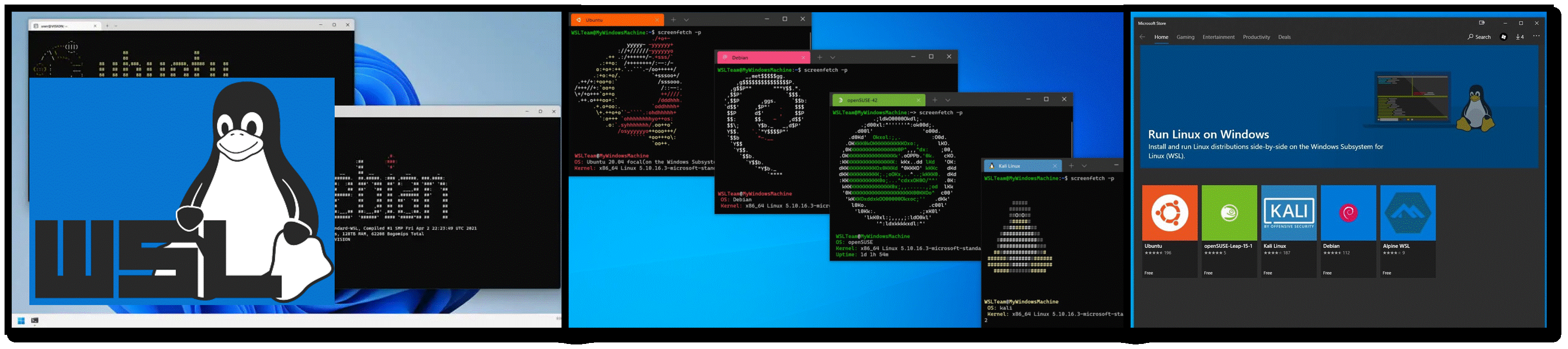
 Sottosistema Windows per Linux (WSL) consente agli sviluppatori di eseguire un ambiente GNU/Linux,
tra cui la maggior parte degli strumenti da riga di comando,
delle utilità e delle applicazioni, direttamente in Windows,
non modificata, senza il sovraccarico di una macchina virtuale tradizionale o della configurazione
a doppio avvio.
| WSL | คู่มือ - Windows WSL | คู่มือวิดีโอ |
|---|
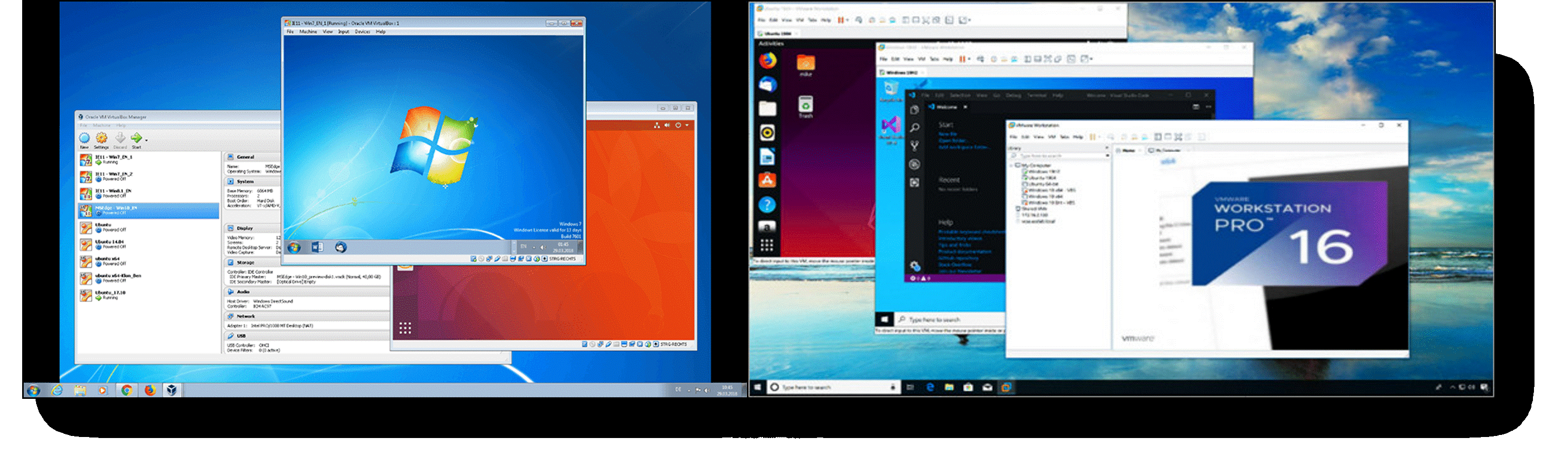
| Oracle VM VirtualBox | VMware - เวิร์กสเตชัน | hyper -v - windows | เคอร์เนลเครื่องเสมือน - Ubuntu | UTM เสมือนจริงสำหรับ Mac |
|---|---|---|---|---|
 |  |  |  |  |
| คู่มือ - VirtualBox | คู่มือ - VMware | คู่มือ - hyper -v - windows | คู่มือ - เคอร์เนลเครื่องเสมือน - Ubuntu | คู่มือ - UTM |

| รูฟัส | Arsenal Recon - Image Mouter | ลม | Balena Etcher | Easy2boot |
|---|---|---|---|---|
| แนะนำ | แนะนำ | Ventoy Guide - แนวคิดคอมพิวเตอร์ Megazine | แนะนำ | แนะนำ |