Localization
1.0.0

หน้าสาธิตออนไลน์: http://netcorestack-localization-test.herokuapp.com/
เอกสาร: https://netcorestack.github.io/localization/
รีลีสล่าสุดใน NUGET: https://www.nuget.org/packages/netcorestack.localization
Docker Image: https://hub.docker.com/r/tahaipek/netcorestack-localization-test-hosting
 PM> docker pull tahaipek/netcorestack-localization-test-hosting
PM> docker run -d -p 5003:80 netcorestack-localization-test-hosting
PM> Install-Package NetCoreStack.Localization
การตั้งค่าการกำหนดค่าใน AppSettings.json :
{
	"DbSettings" : {
		"SqlConnectionString" : " Server=.;Database=LocalizationTest;Trusted_Connection=True;MultipleActiveResultSets=true "
	},
	"LocalizationSettings" : {
		"UseDefaultLanguageWhenValueIsNull" : true
  	}
} public void ConfigureServices ( IServiceCollection services )
{
services . AddNetCoreStackMvc ( options => { options . AppName = "NetCoreStack Localization" ; } ) ;
services . AddNetCoreStackLocalization ( Configuration ) ;
} public void Configure ( IApplicationBuilder app , IHostingEnvironment env )
{
app . UseNetCoreStackMvc ( ) ;
app . UseNetCoreStackLocalization ( ) ;
} < head >
<!-- Optional: The resources defined javascript. => "window.culture.resource" -->
< netcorestack-javascriptregistrar > </ netcorestack-javascriptregistrar >
<!--
Optional:
- If you want cookies to be set by JavaScript, you should use this.
- If you don't want cookies to be set by JavaScript, remove this line. It will automatically redirect to Controller Action.
-->
< netcorestack-languageSelector-scripts > </ netcorestack-languageSelector-scripts >
</ head >
< body >
<!--
Required: Language Selector Combobox
Optional:
- If you want cookies to be set by JavaScript, you should set "set-cookie-with-java-script" property.
- If you don't want cookies to be set by JavaScript, the application sets it through Controller Action.
-->
< netcorestack-languageSelector name =" culture " set-cookie-with-java-script =" true " > </ netcorestack-languageSelector >
@Localizer["Logo_Description"]
</ body > public class HomeController : Controller
{
private readonly IStringLocalizer _stringLocalizer ;
public HomeController ( IStringLocalizer stringLocalizer )
{
_stringLocalizer = stringLocalizer ;
}
public IActionResult About ( )
{
ViewData [ "Message" ] = _stringLocalizer [ "AboutPageDescription" ] ;
return View ( ) ;
}
}| วิธีใช้ | แบบฟอร์มและการตรวจสอบ |
|---|---|
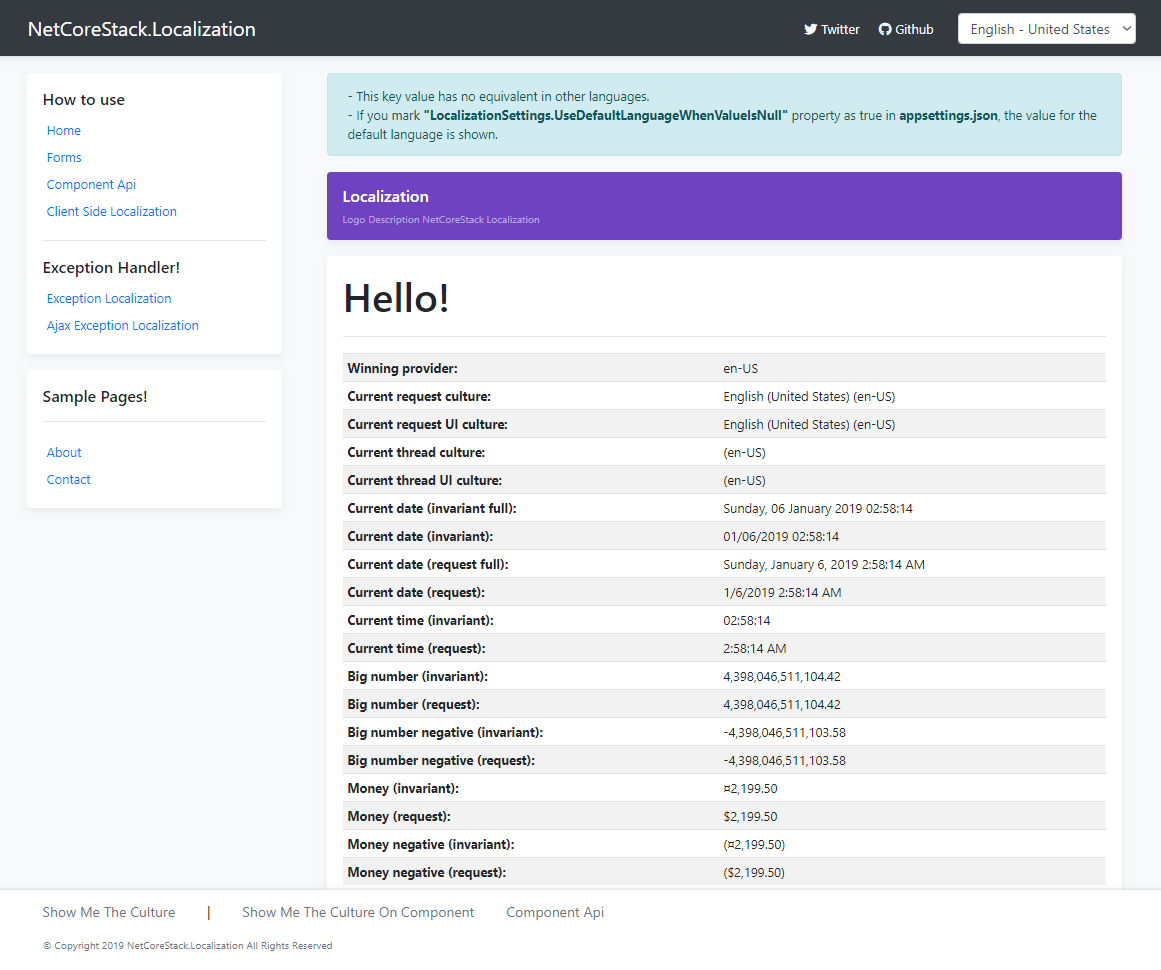 | 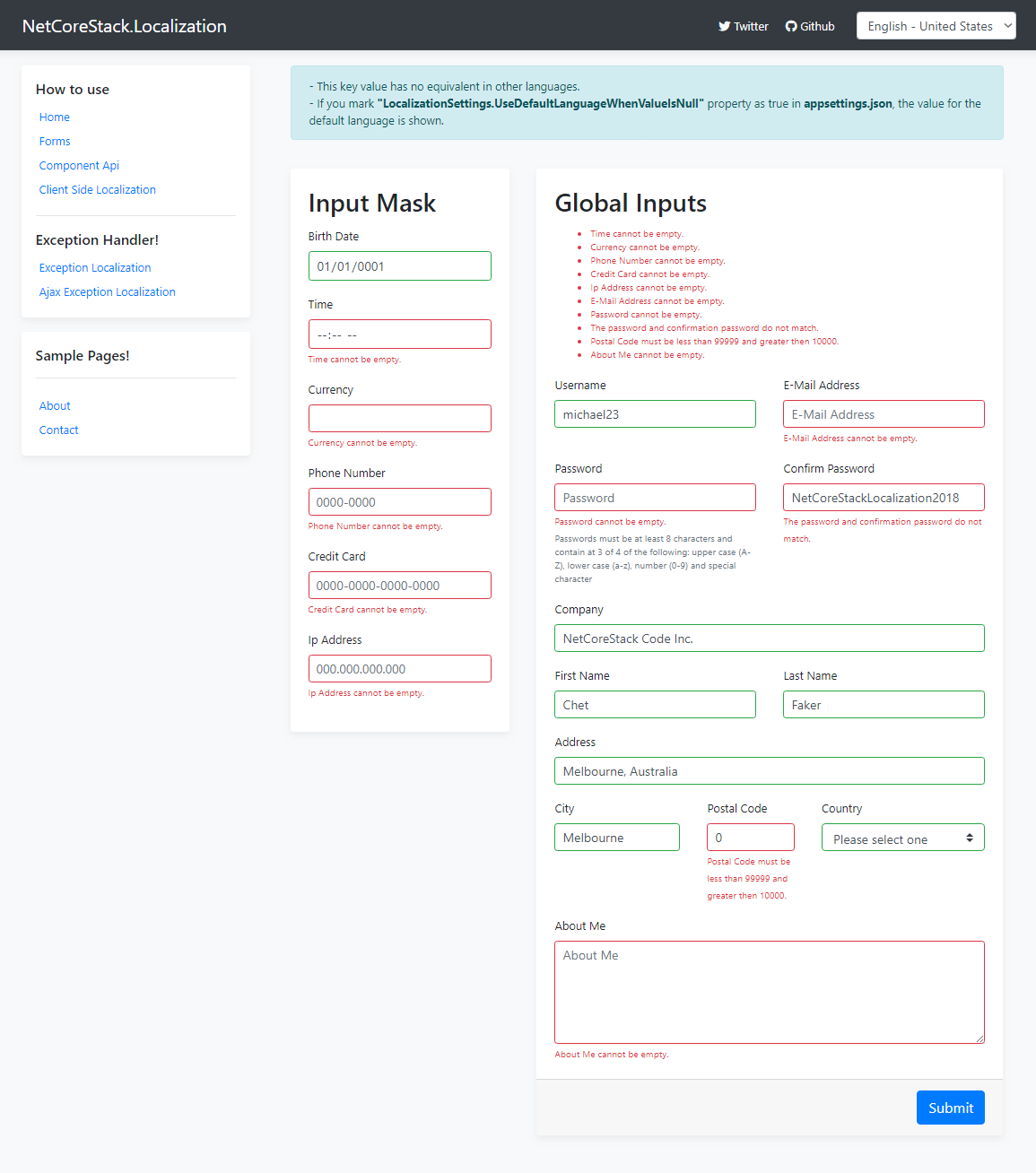 |
| ส่วนประกอบ API | การแปลฝั่งไคลเอ็นต์ |
|---|---|
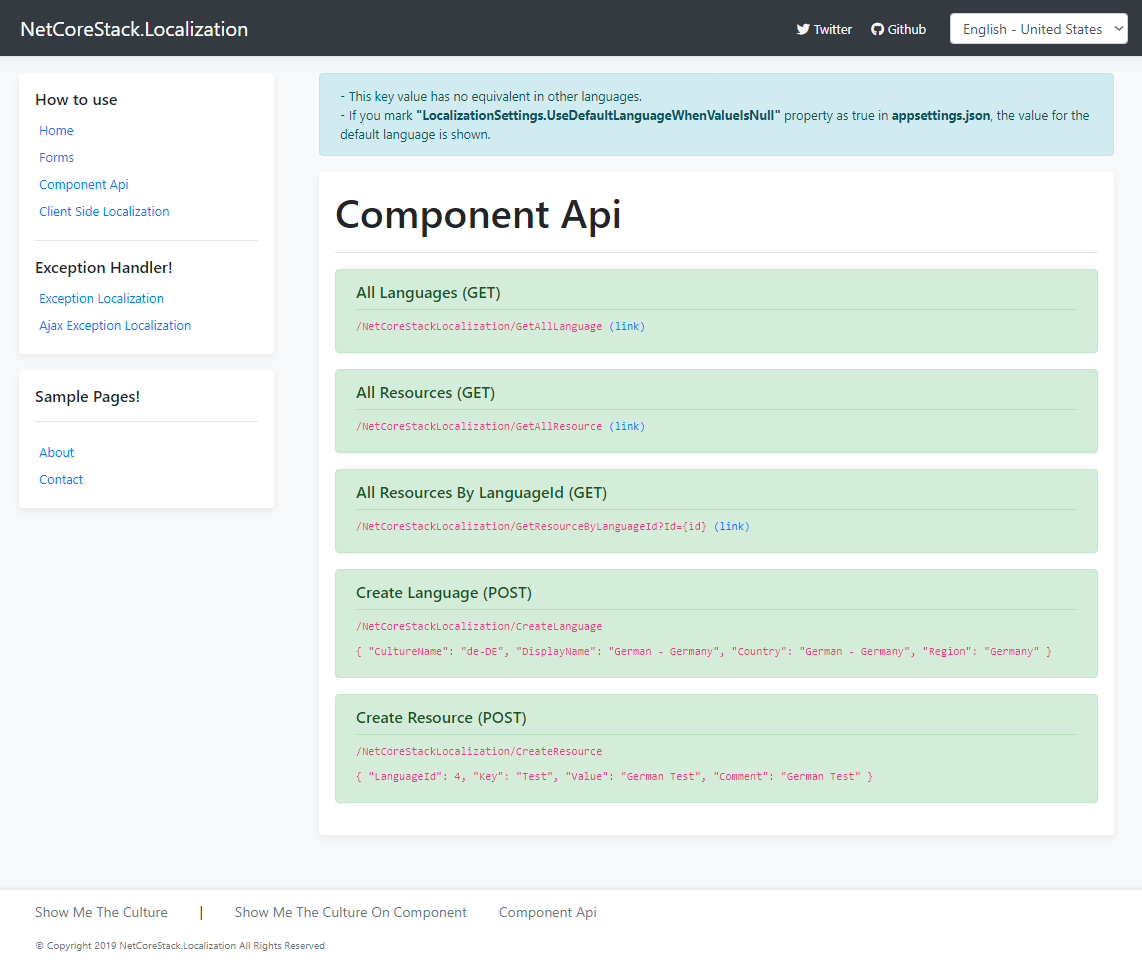 | 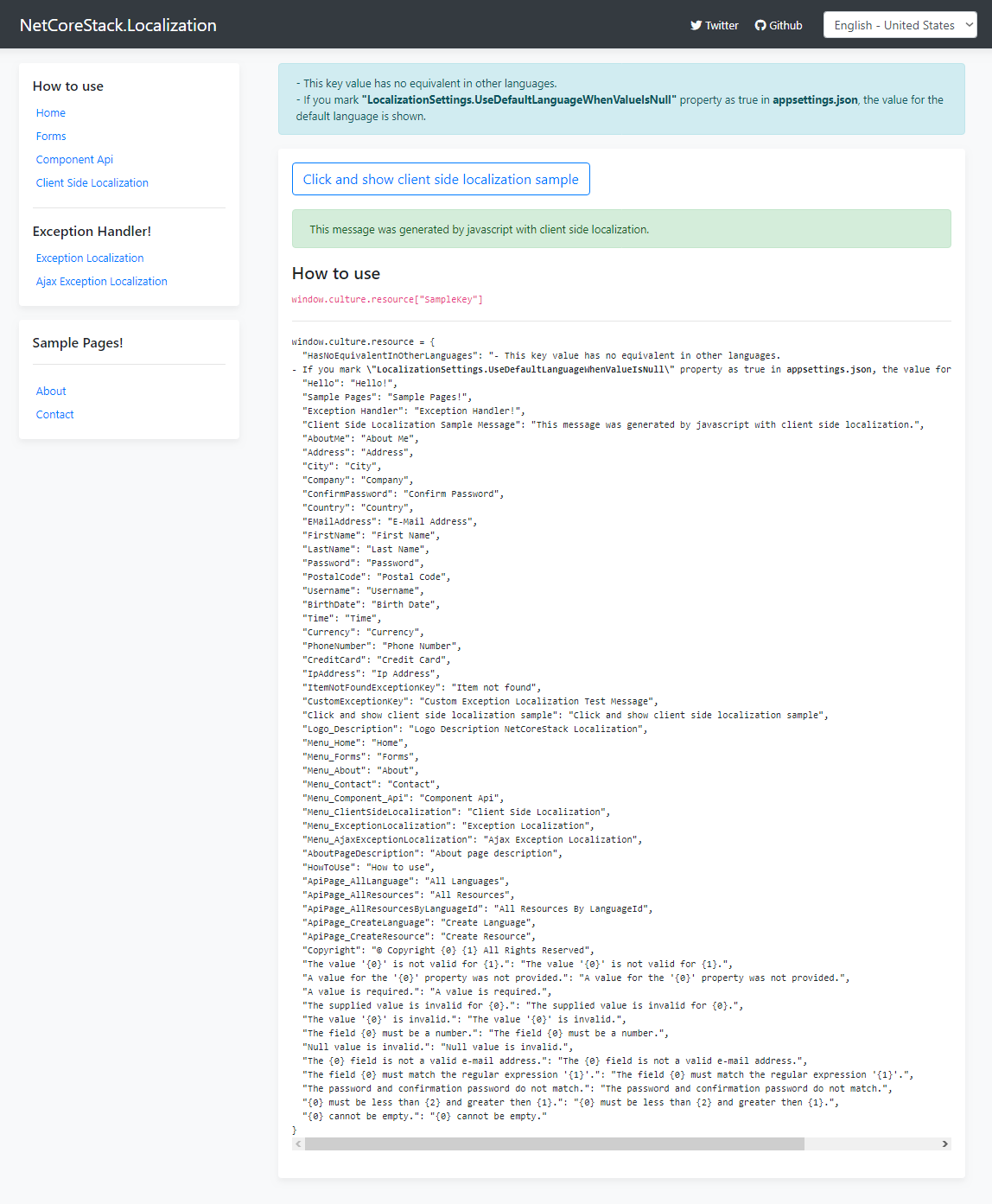 |
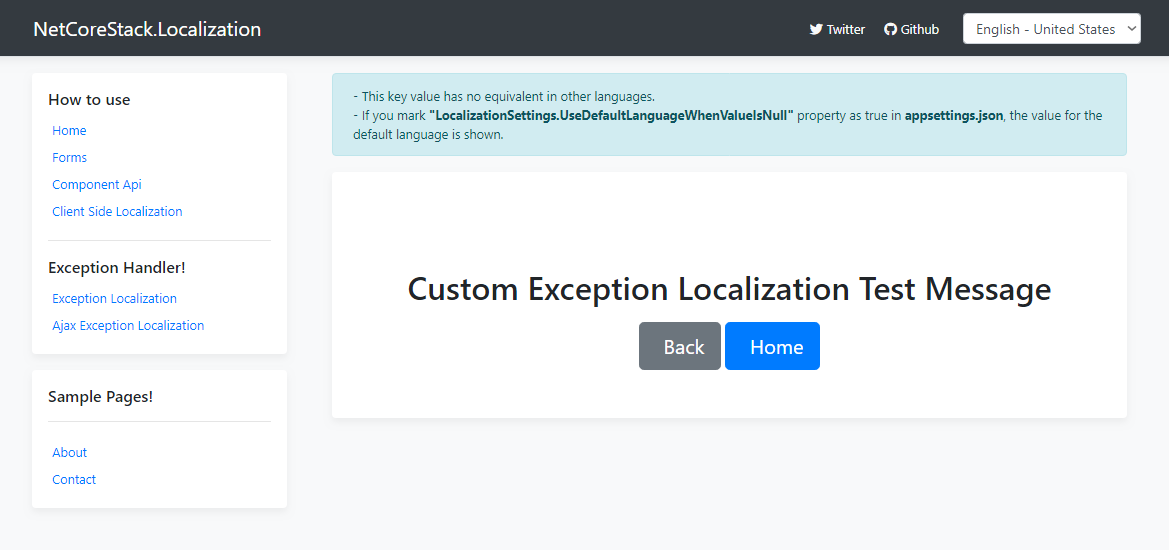
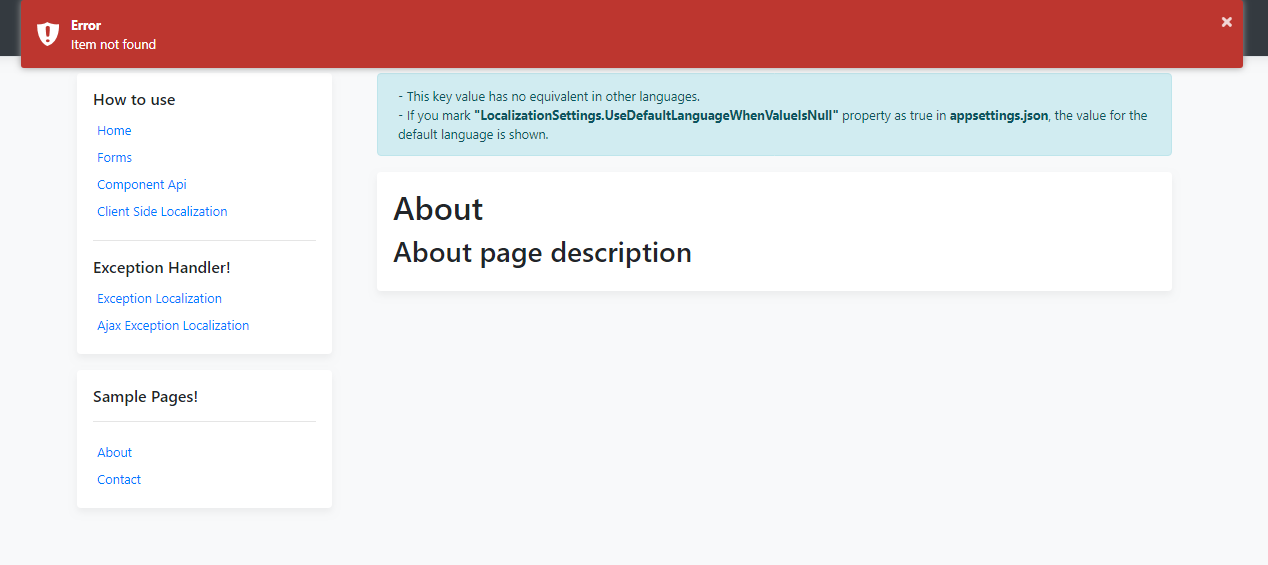
| ข้อยกเว้นการแปลภาษาท้องถิ่น | Ajaxexception localization |
|---|---|
 |  |






