
นักวิ่งรหัสแชท-GPT
Chat-GPT Code Runner is a Google Chrome extension that enables you to Run Code and Save code in more than 70 programming languages using the JDoodle Compiler API . This powerful tool offers a variety of themes and the ability to save your code locally. ปรับปรุงประสบการณ์การเข้ารหัสของคุณด้วยรหัสแชท GPT Code Runner!
คุณสมบัติ
- Save Code Locally : Save your code to your local machine for easy access and management.
- Run Code in 70+ Languages : Supports over 70 programming languages, offering versatility and flexibility for your coding needs.
- JDoodle Compiler : Utilizes the JDoodle Compiler API to compile and run code online.
- Multiple Themes : Choose from a variety of themes to customize your coding environment.
การติดตั้งและการตั้งค่า
- โคลนหรือดาวน์โหลดที่เก็บไปยังเครื่องในพื้นที่ของคุณ
- ทำตามคำแนะนำในหน้านี้เพื่อสร้างบัญชี JDOODLE ฟรีและรับคีย์ API และความลับของคุณ ด้วยบัญชีฟรีคุณจะได้รับ 200 หน่วยกิตต่อวัน
- ติดตั้งส่วนขยายในเบราว์เซอร์ Google Chrome ของคุณ:
- Open the Extension Management page by navigating to
chrome://extensions . - เปิดใช้งานโหมดนักพัฒนาซอฟต์แวร์โดยคลิกสวิตช์สลับถัดจาก "โหมดนักพัฒนา"
- คลิกปุ่ม "โหลดที่ไม่ได้บรรจุ" และเลือกไดเรกทอรีส่วนขยาย
- กำหนดค่าการตั้งค่าส่วนขยาย:
- เปิดการตั้งค่าส่วนขยายโดยคลิกขวาที่ไอคอน Runner รหัสแชท GPT ในเบราว์เซอร์ของคุณและเลือก "ตัวเลือก"
- ป้อนคีย์ JDOODLE API ของคุณและความลับในฟิลด์ที่เกี่ยวข้องและบันทึกการตั้งค่า
ตอนนี้คุณพร้อมที่จะใช้รหัสแชท GPT แล้ว!
การใช้งาน
1.Ask ChatGPT to generate code for you.
2.Now you will see two buttons as Run Code and Save Code in the browser.
3.Now click on Run Code to run the code and you can see the output directly in the browser.
4.Now click on Save Code to save the code in your local machine.
การสาธิตการใช้งาน
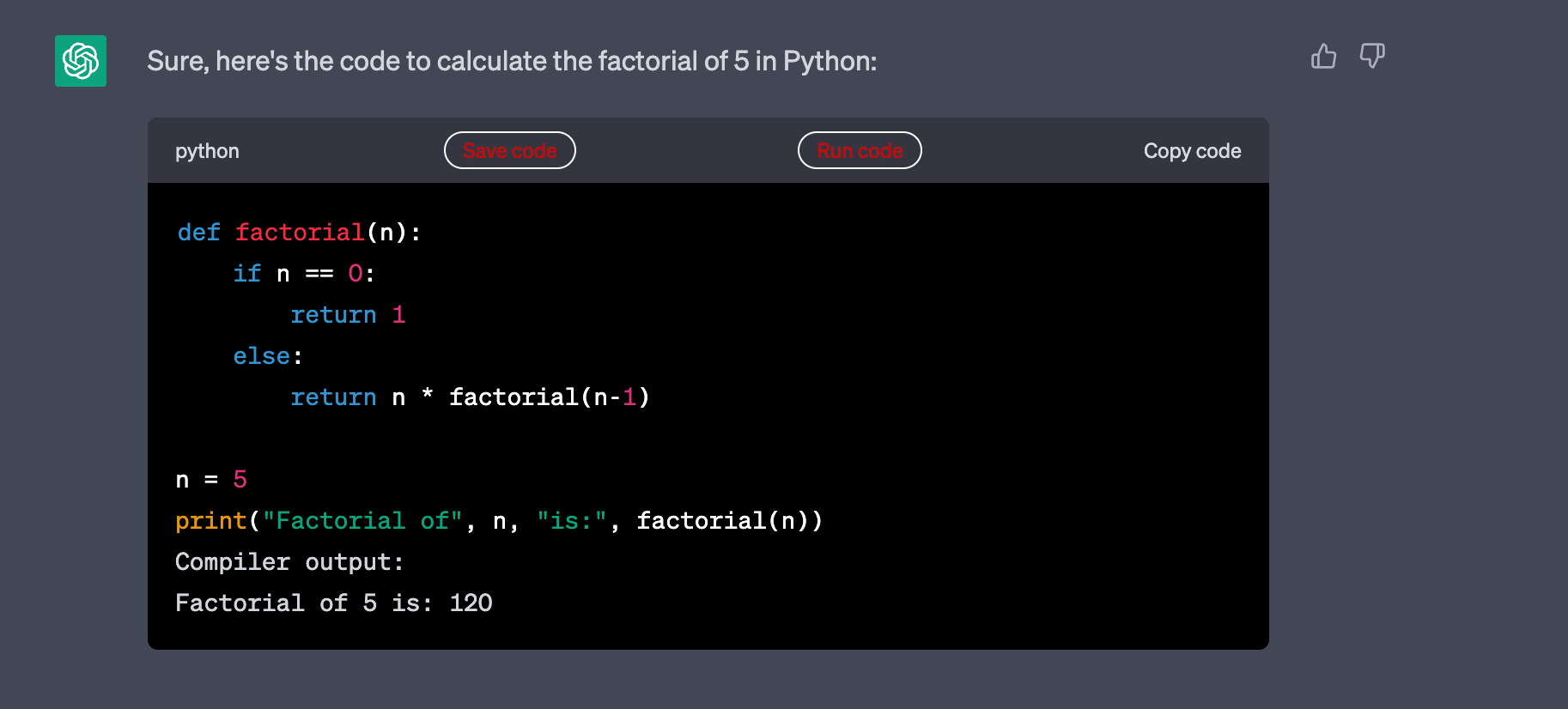
- การสาธิตรหัส Python ที่สร้างโดย CHATGPT
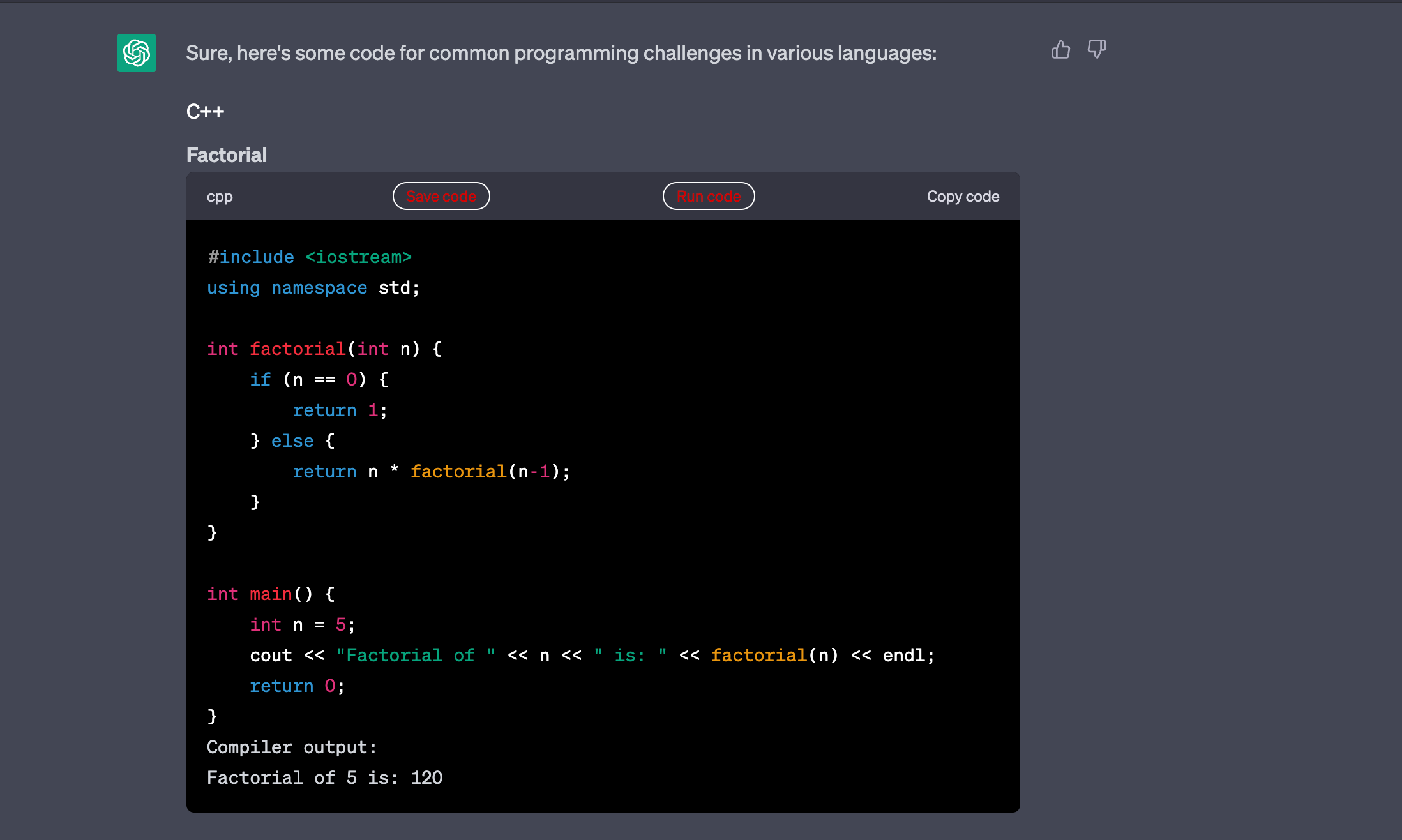
- การสาธิตรหัส C ++ ที่สร้างโดย CHATGPT
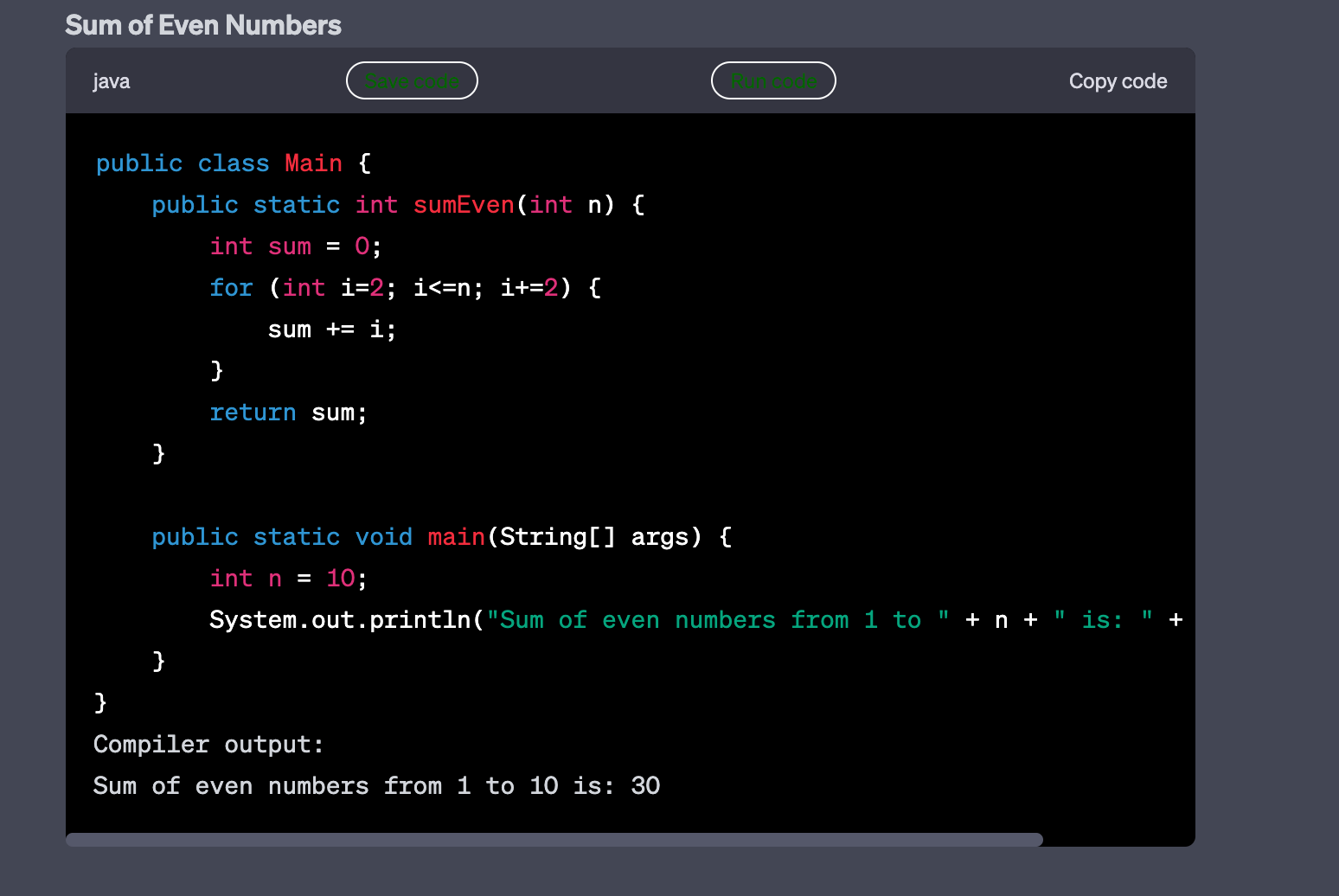
- การสาธิตรหัส Java ที่สร้างโดย CHATGPT
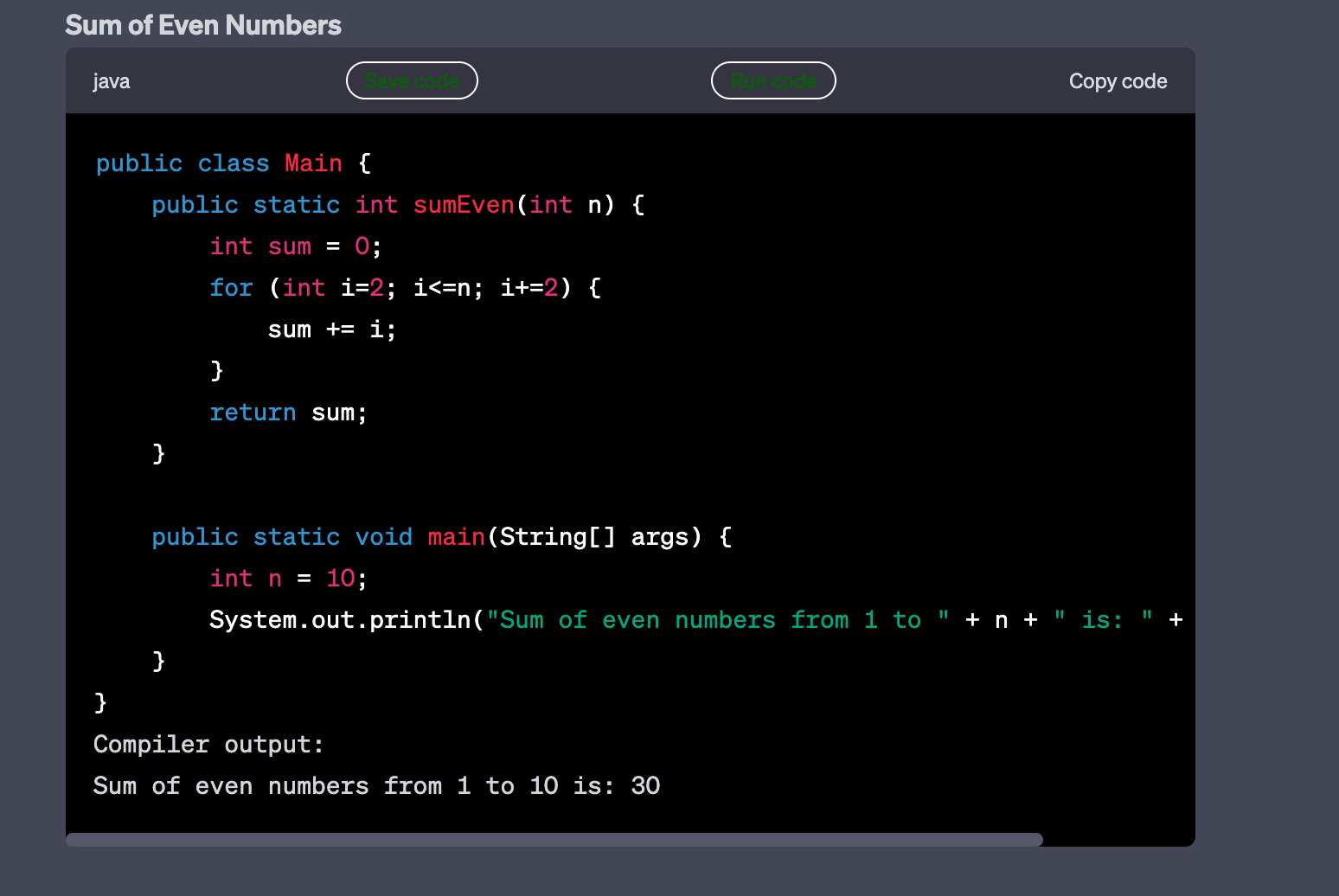
- การสาธิตรหัส C# ที่สร้างโดย CHATGPT
วิดีโอสาธิต
This showcase video demo of ChatGP T Code runner in action showing Save and Run code features.
การตั้งค่าและการปรับแต่ง
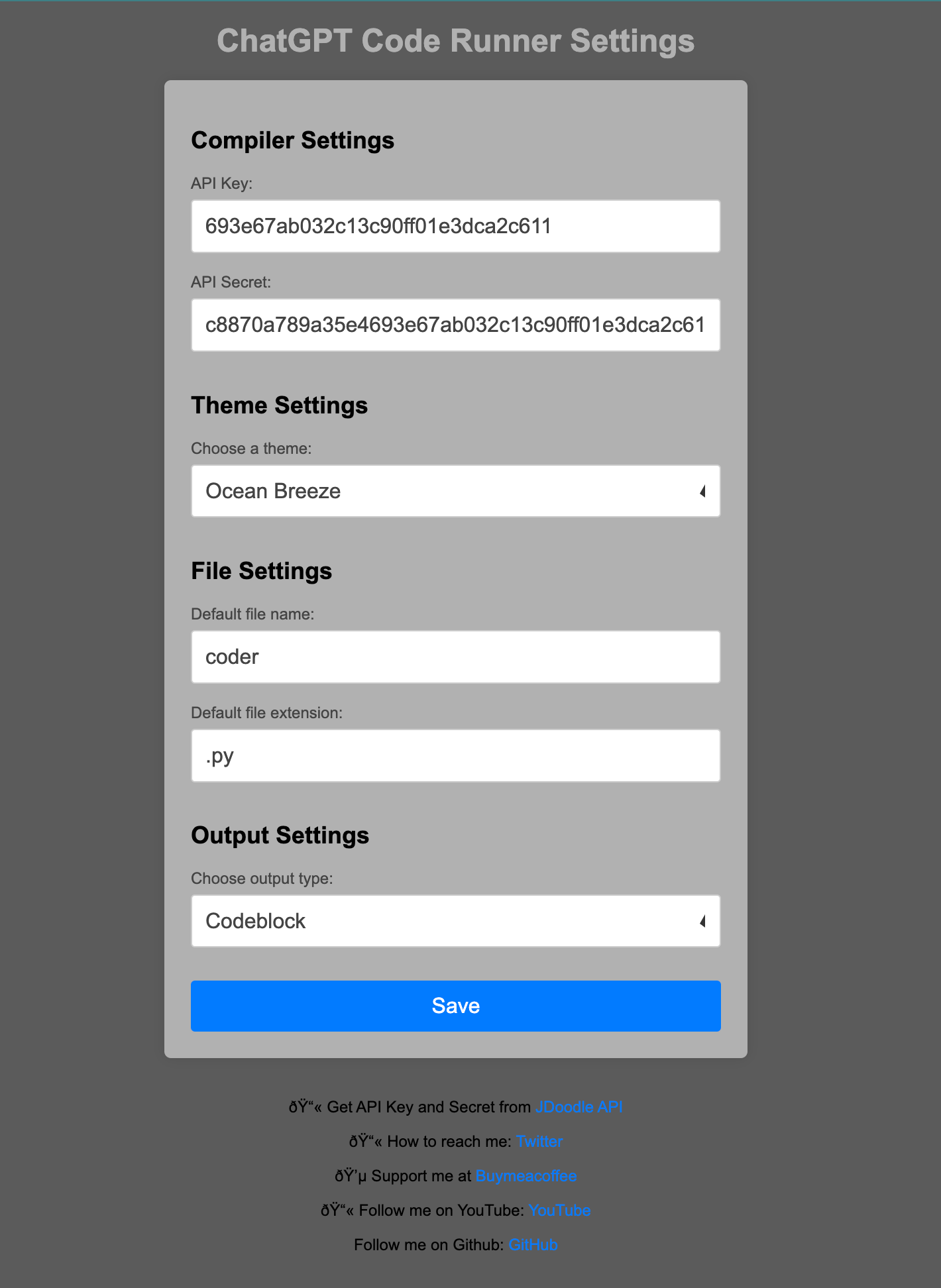
การขยายนี้ยังช่วยให้คุณสามารถปรับแต่งธีมของปุ่มและประเภทเอาต์พุต
- Theme : You can choose from the 10 themes available.
- Output Type : You can choose from the 2 output types available.
- Run Code : You can choose from the 2 options available.
- Save Code : You can choose set custom file name and file extension for the code to be saved.
Written by HeavenHM @ 2023 .






