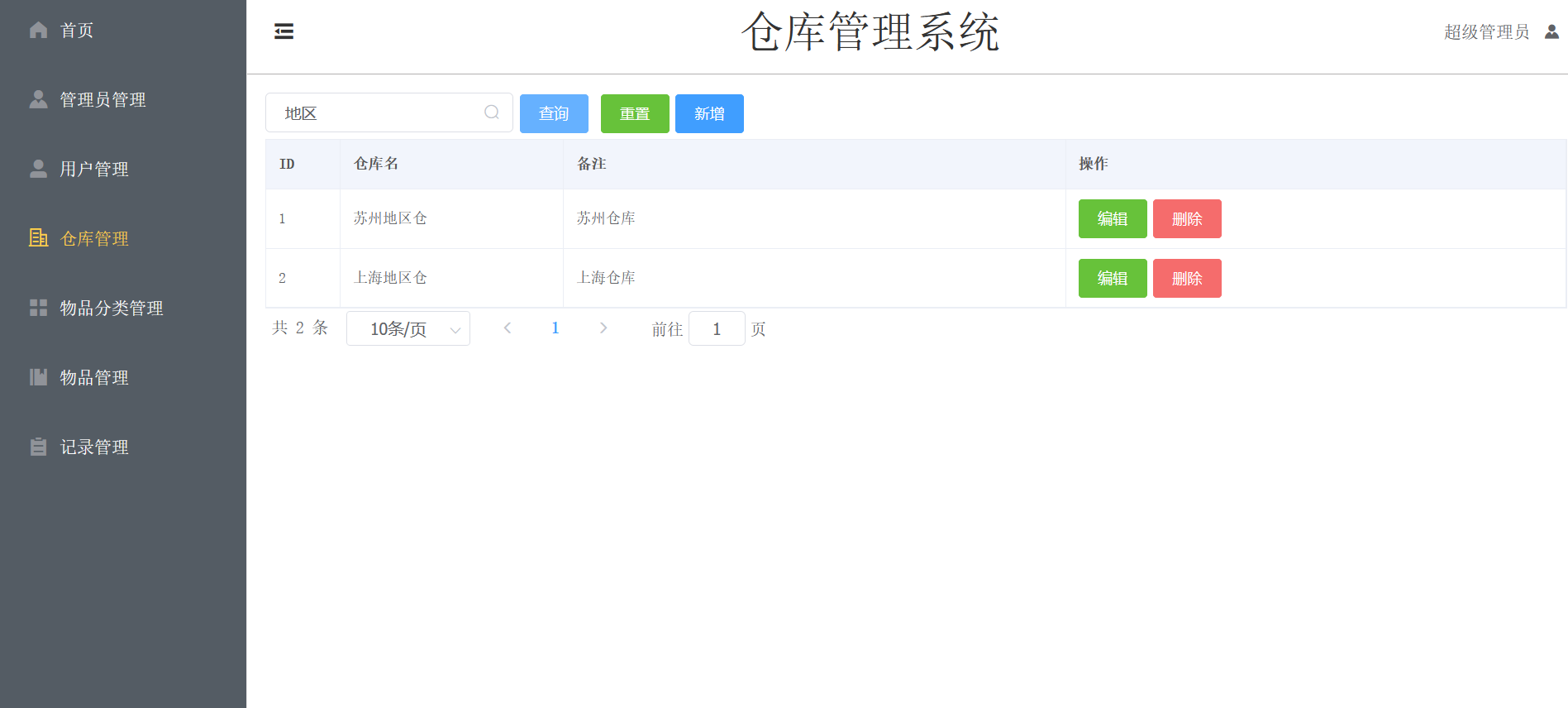
WMS
1.0.0

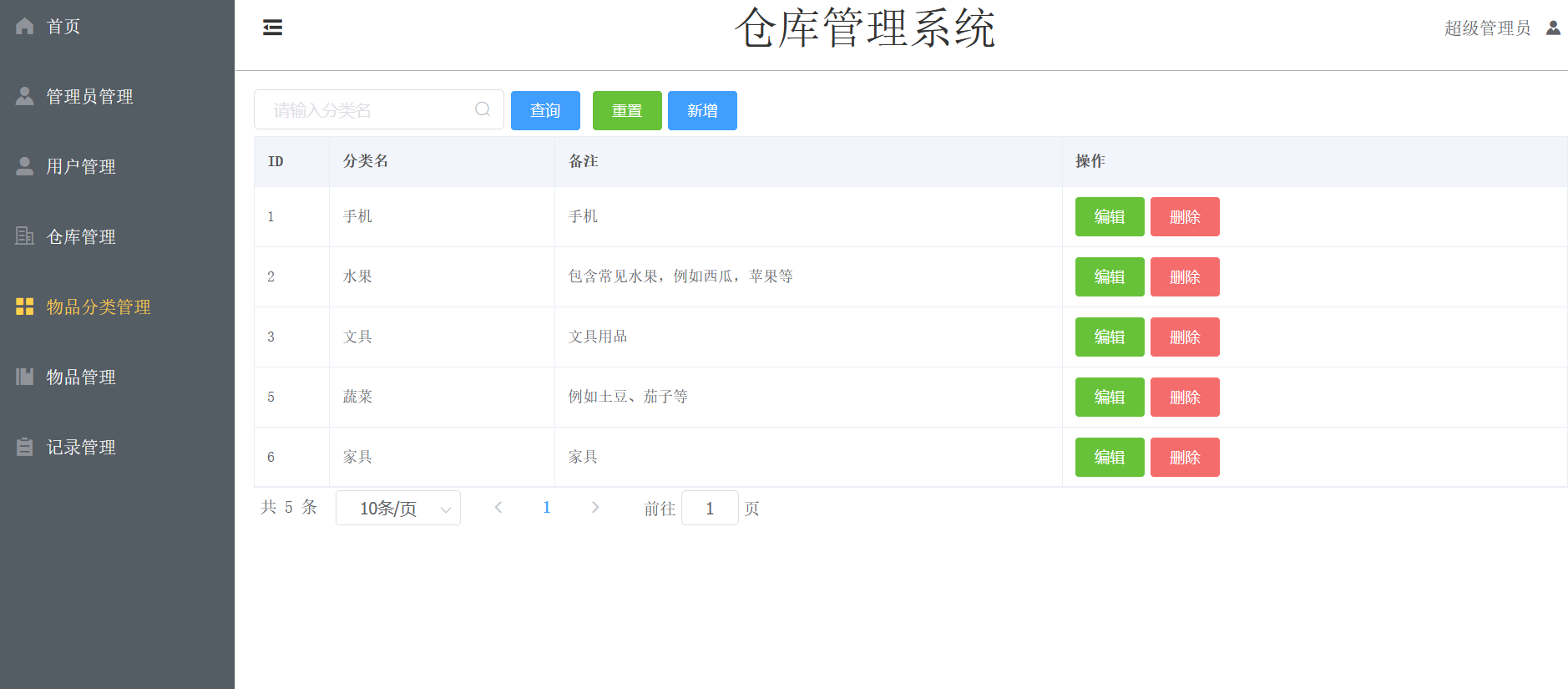
หน้าที่หลักของระบบการจัดการคลังสินค้ามีดังนี้:
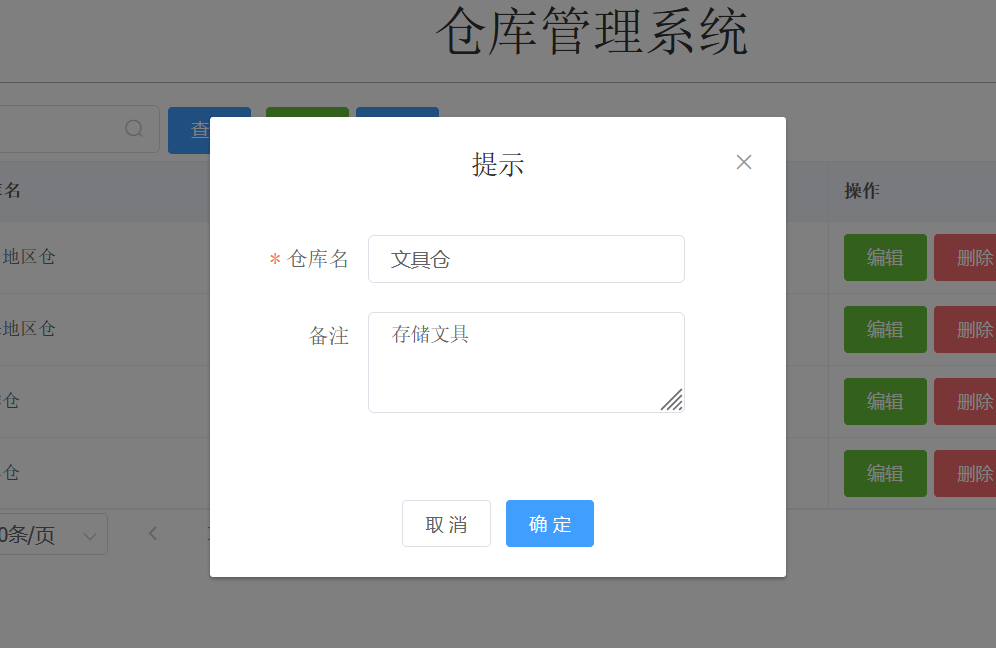
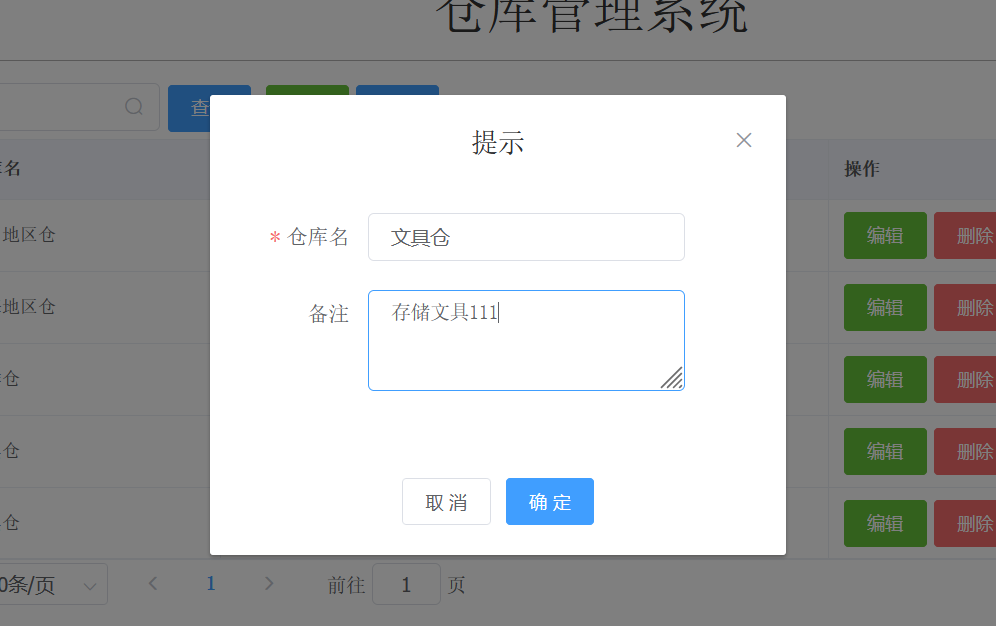
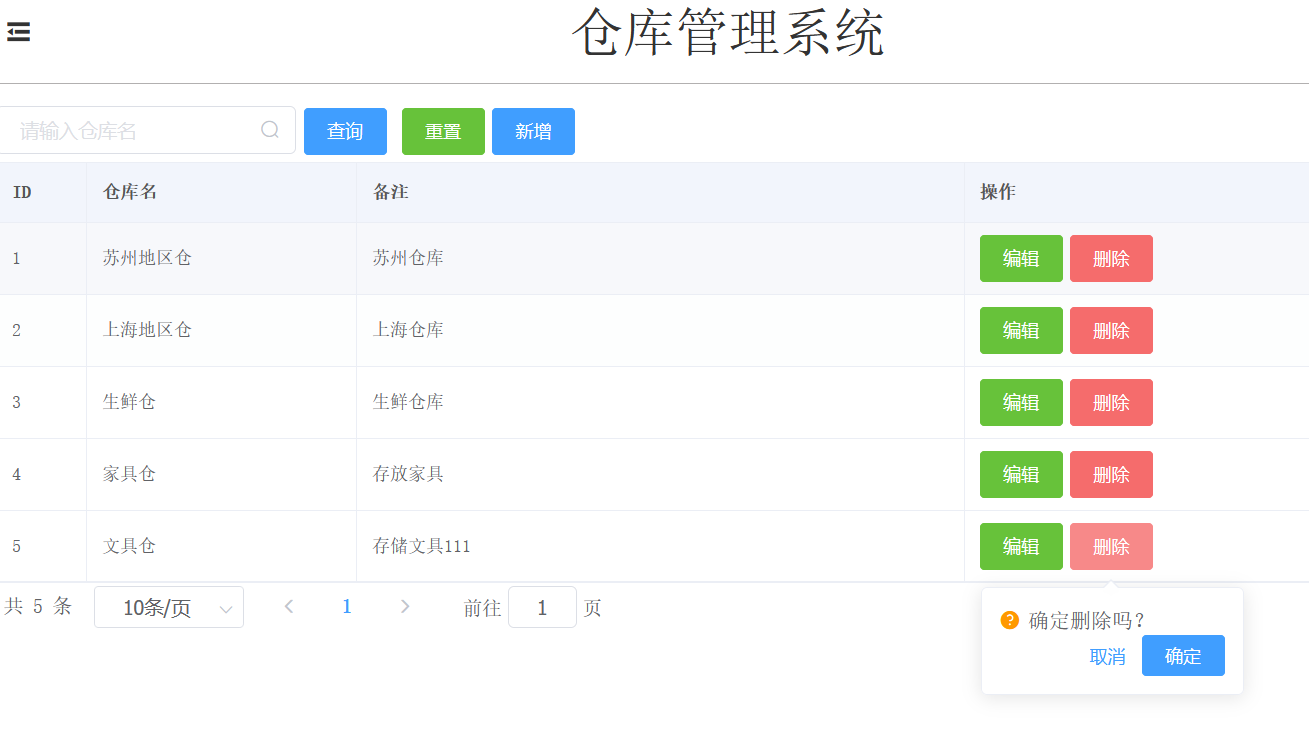
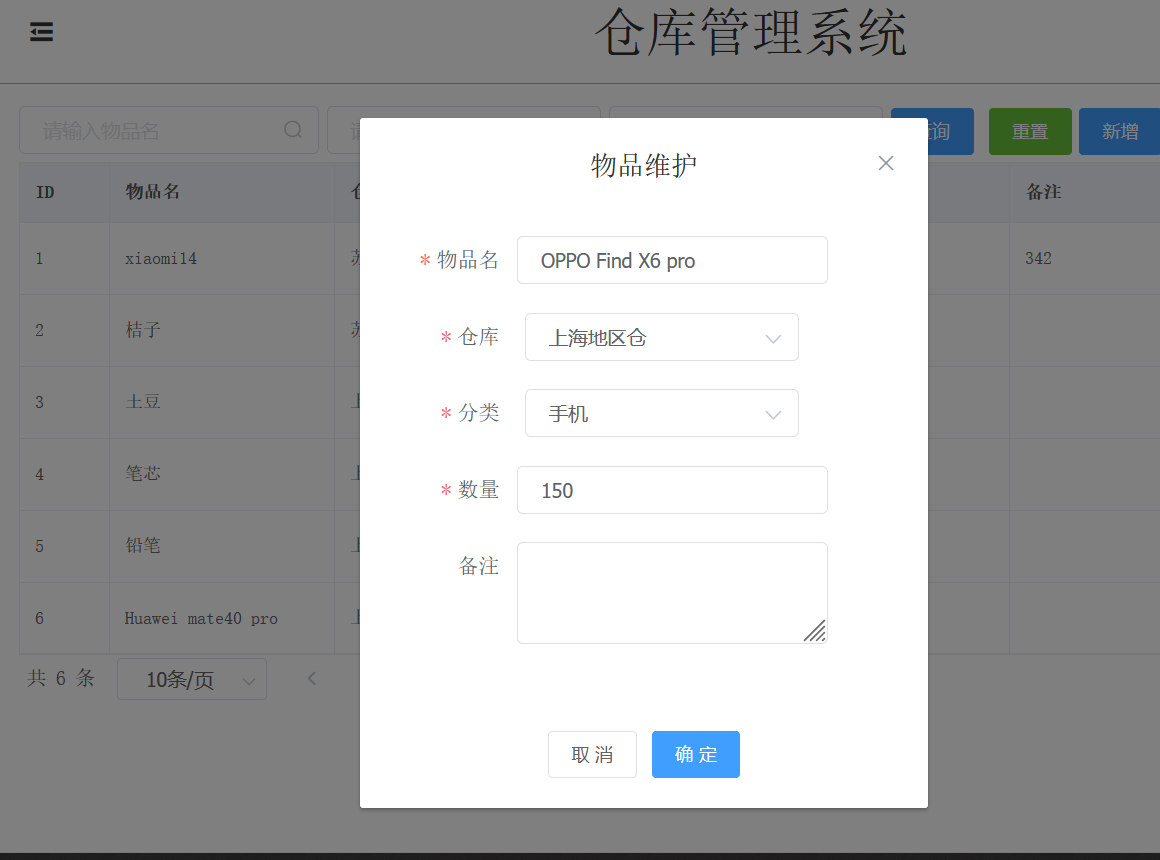
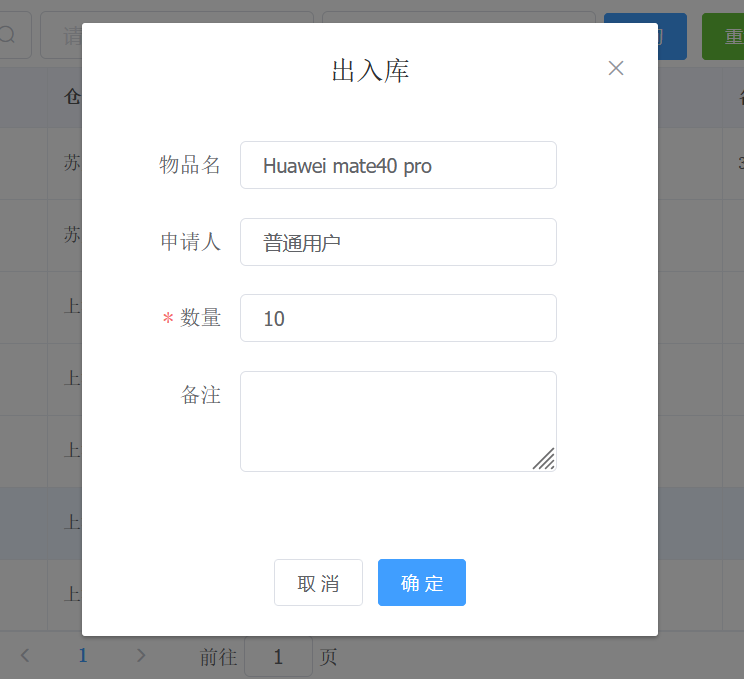
ฟังก์ชั่นของระบบประกอบด้วย: การลงทะเบียนเข้าและออกผลิตภัณฑ์ การยืนยันข้อมูลเข้าและออก และการลบข้อมูลคลังสินค้า
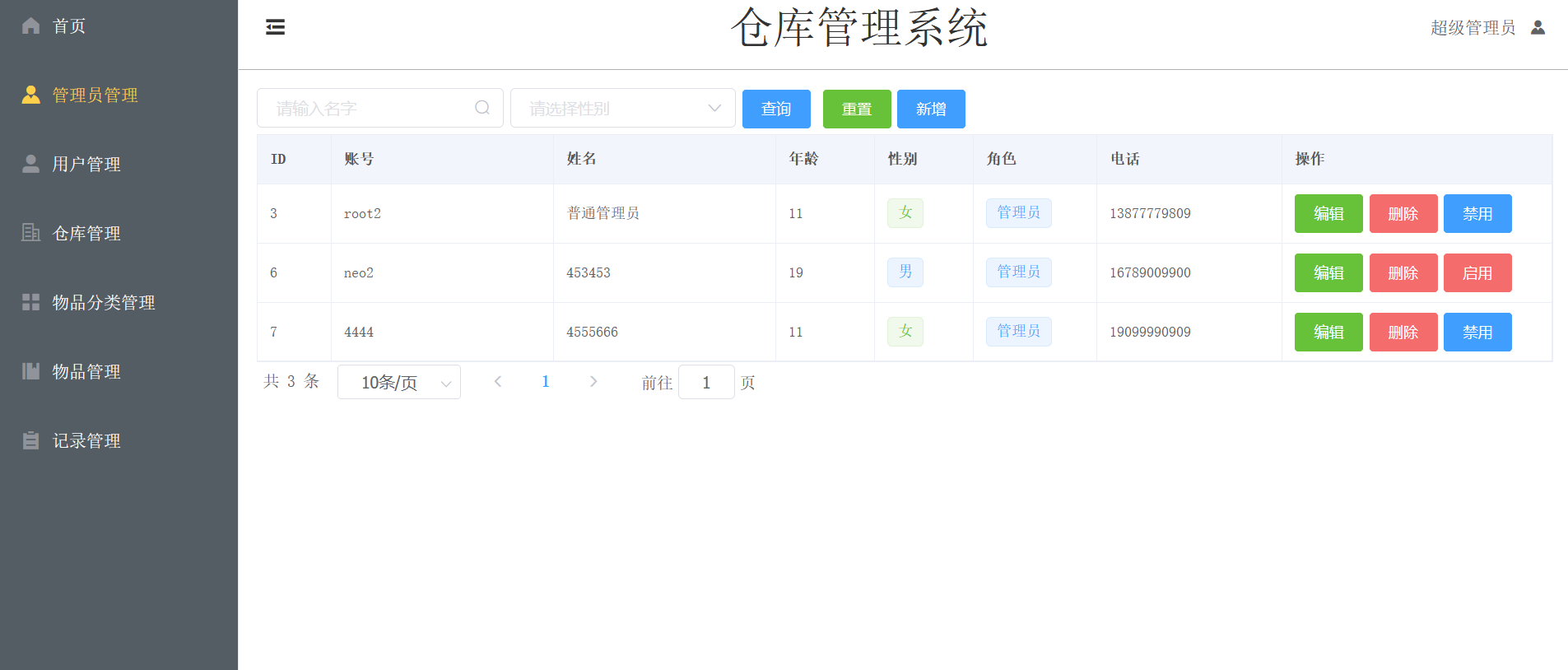
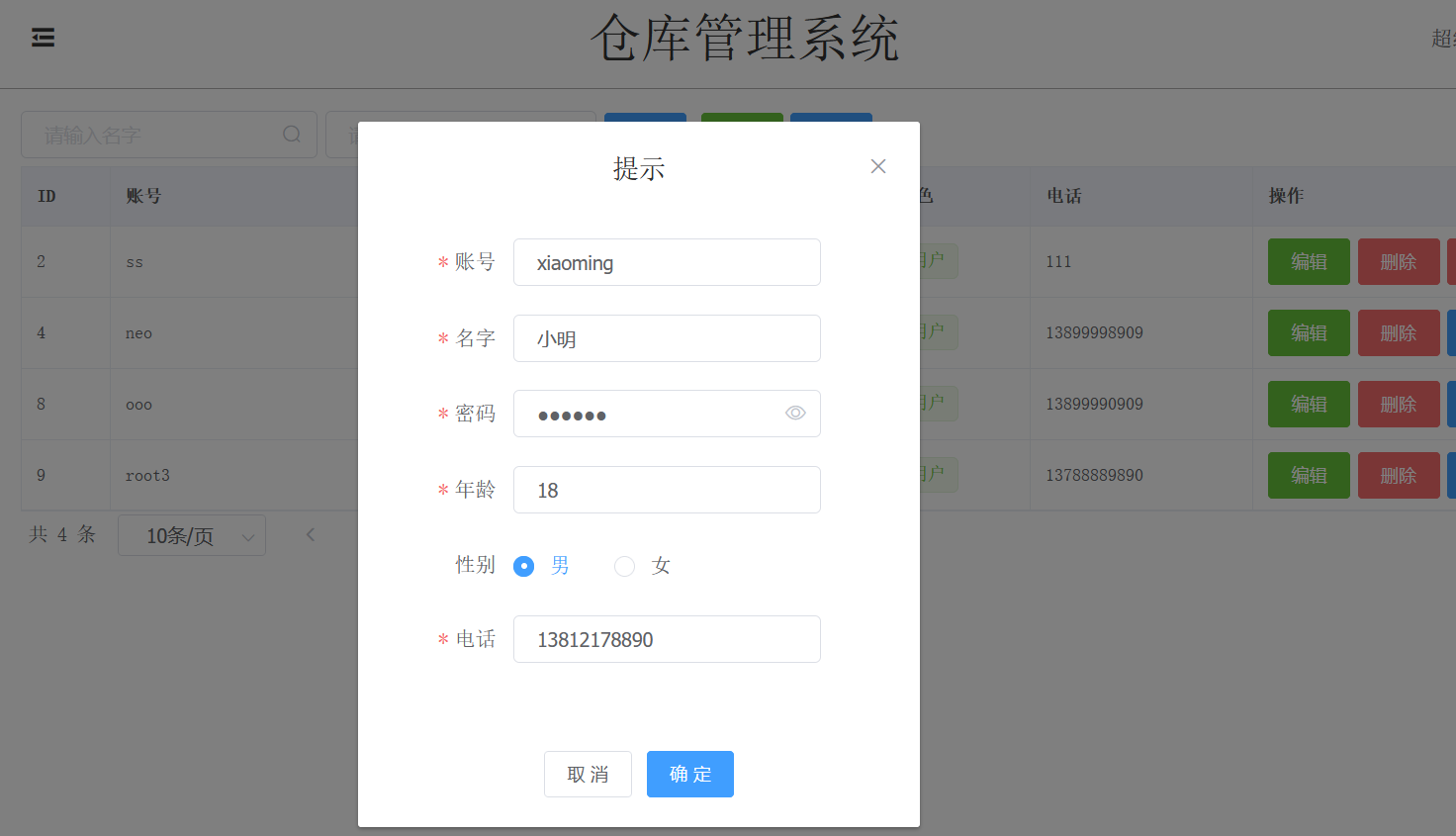
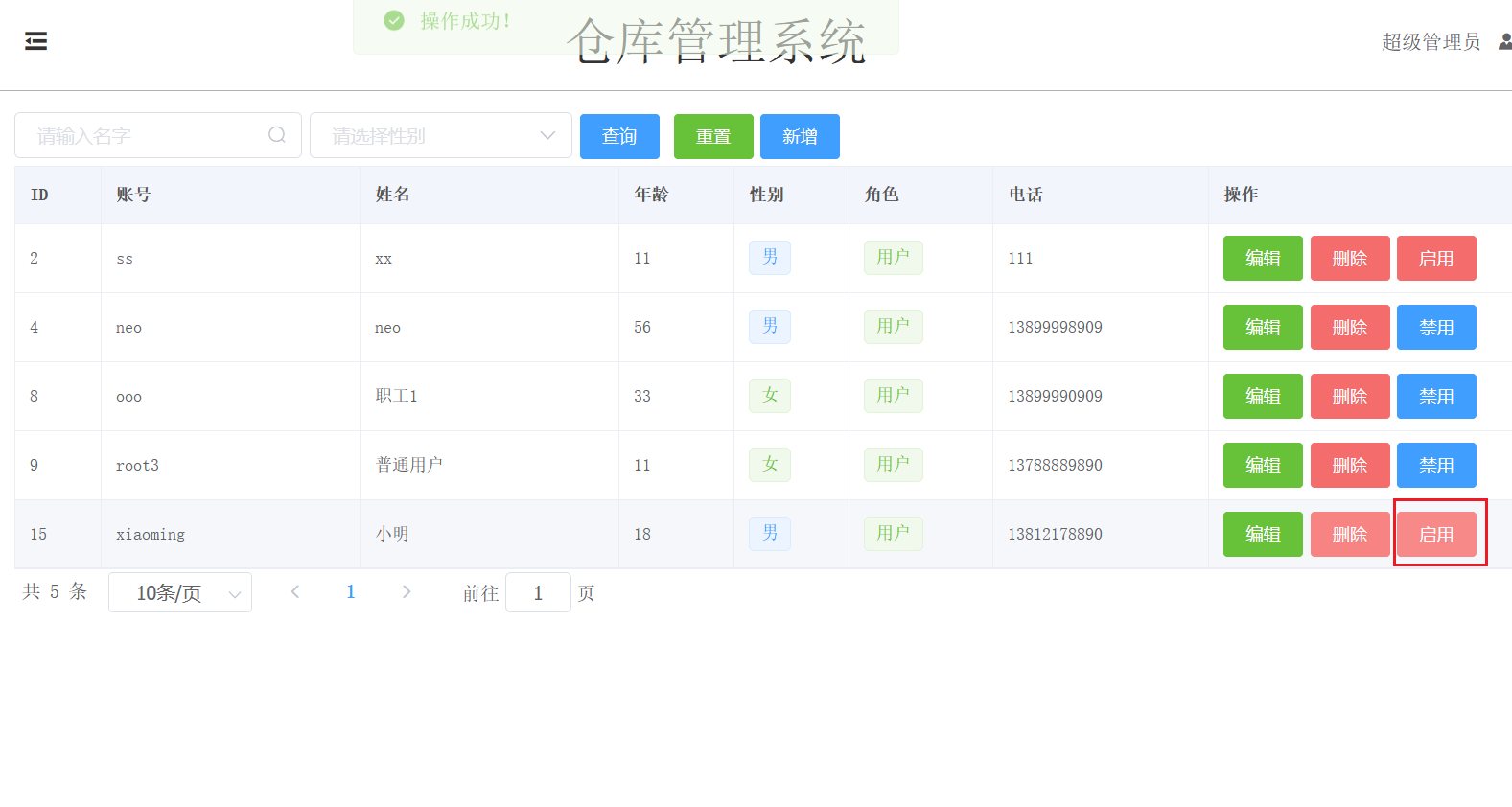
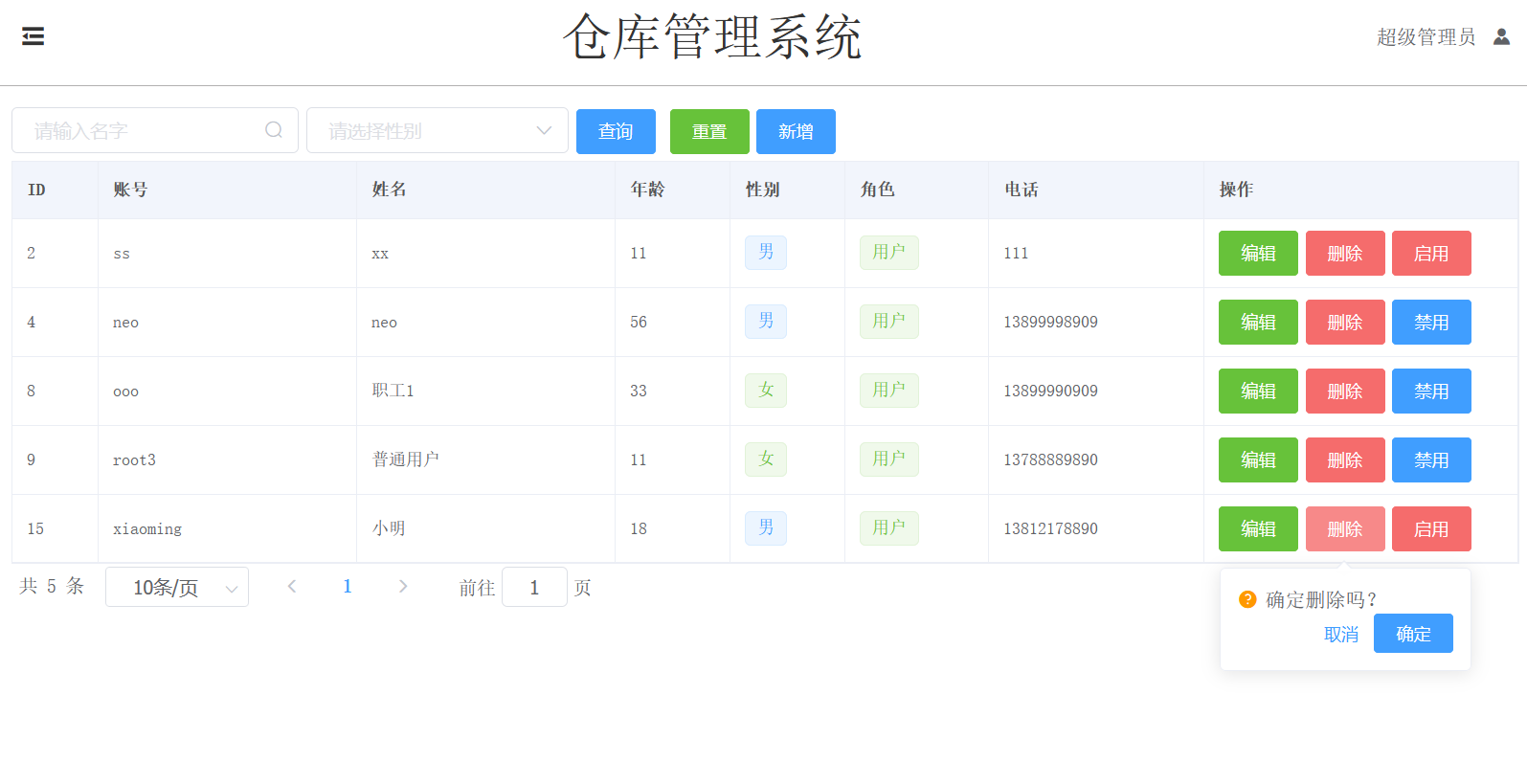
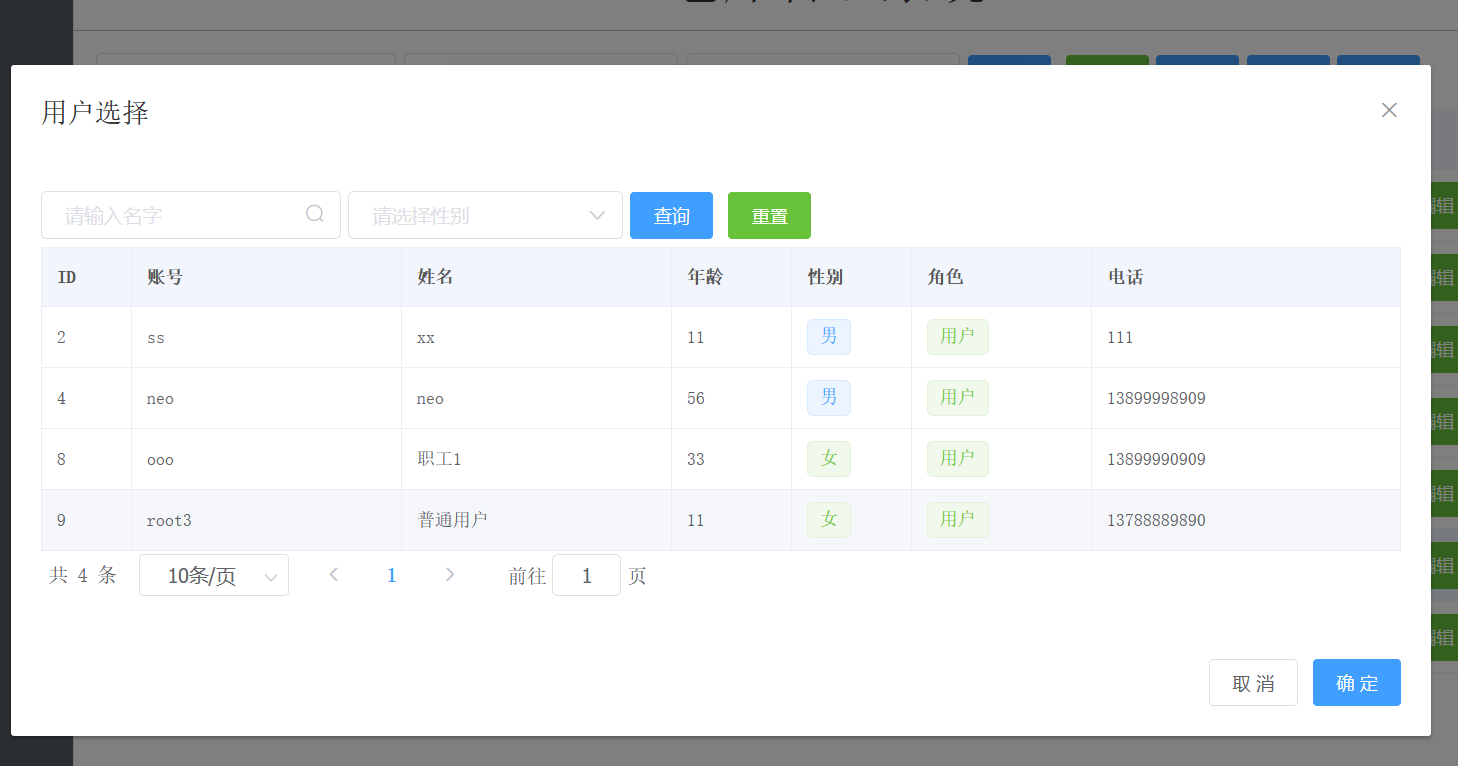
ฟังก์ชั่นผู้ดูแลระบบ: เพิ่มบุคลากร ลบบุคลากร สอบถามข้อมูลในฐานข้อมูล และการจัดการผู้ใช้
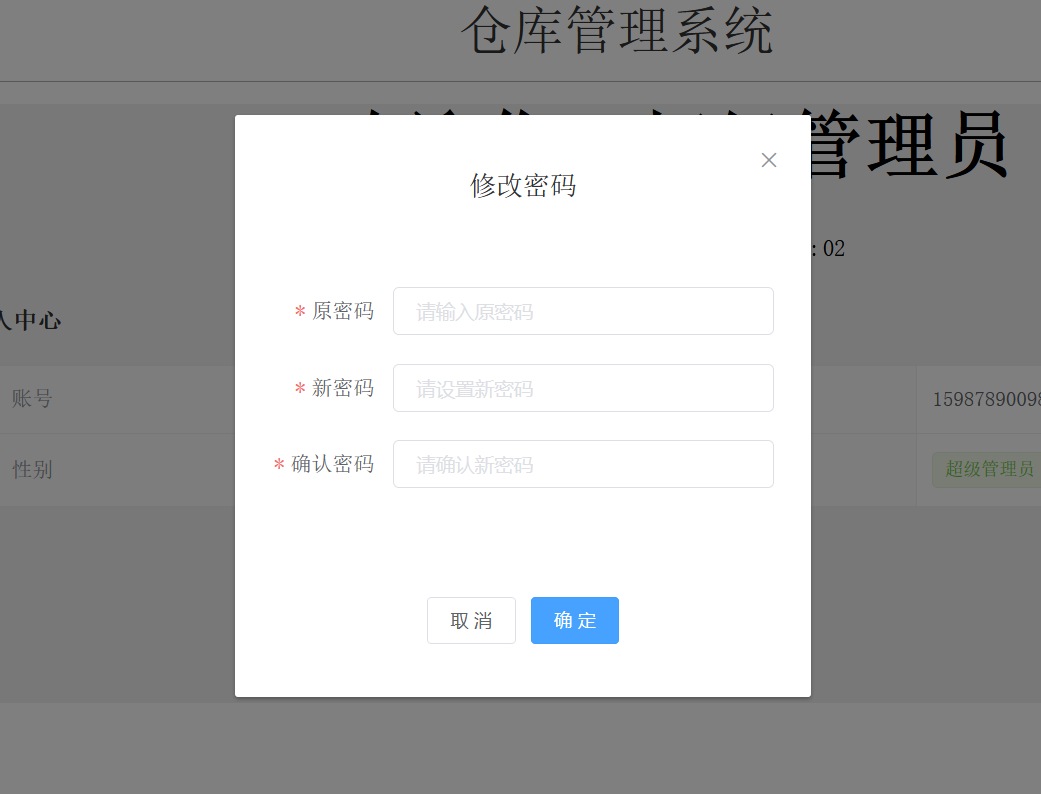
ฟังก์ชั่นผู้ใช้ประกอบด้วย: การสืบค้นข้อมูลในฐานข้อมูล การสืบค้นข้อมูลออกจากฐานข้อมูล การสืบค้นข้อมูลที่เข้าสู่ฐานข้อมูล และการแก้ไขรหัสผ่านของผู้ใช้
ตามการจำแนกประเภทของบุคลากรฝ่ายบริหาร บุคลากรที่มีอำนาจหน้าที่ต่างกันมีหน้าที่การจัดการที่แตกต่างกัน
| สิทธิ์/ฟังก์ชัน | การจัดการผู้ดูแลระบบ | การจัดการผู้ใช้ | การจัดการคลังสินค้า | การจัดการการจำแนกประเภทรายการ | การจัดการรายการ | การจัดการบันทึก |
|---|---|---|---|---|---|---|
| ผู้ดูแลระบบขั้นสูง | ||||||
| ผู้ดูแลระบบสามัญ | ||||||
| พนักงาน | √ (มีข้อจำกัด) | √ (มีข้อจำกัด) |
ในฟังก์ชันการจัดการรายการ พนักงานสามารถสืบค้นได้เท่านั้น ในการจัดการบันทึก พนักงานสามารถสืบค้นบันทึกขาเข้าและขาออกของตนเองเท่านั้น
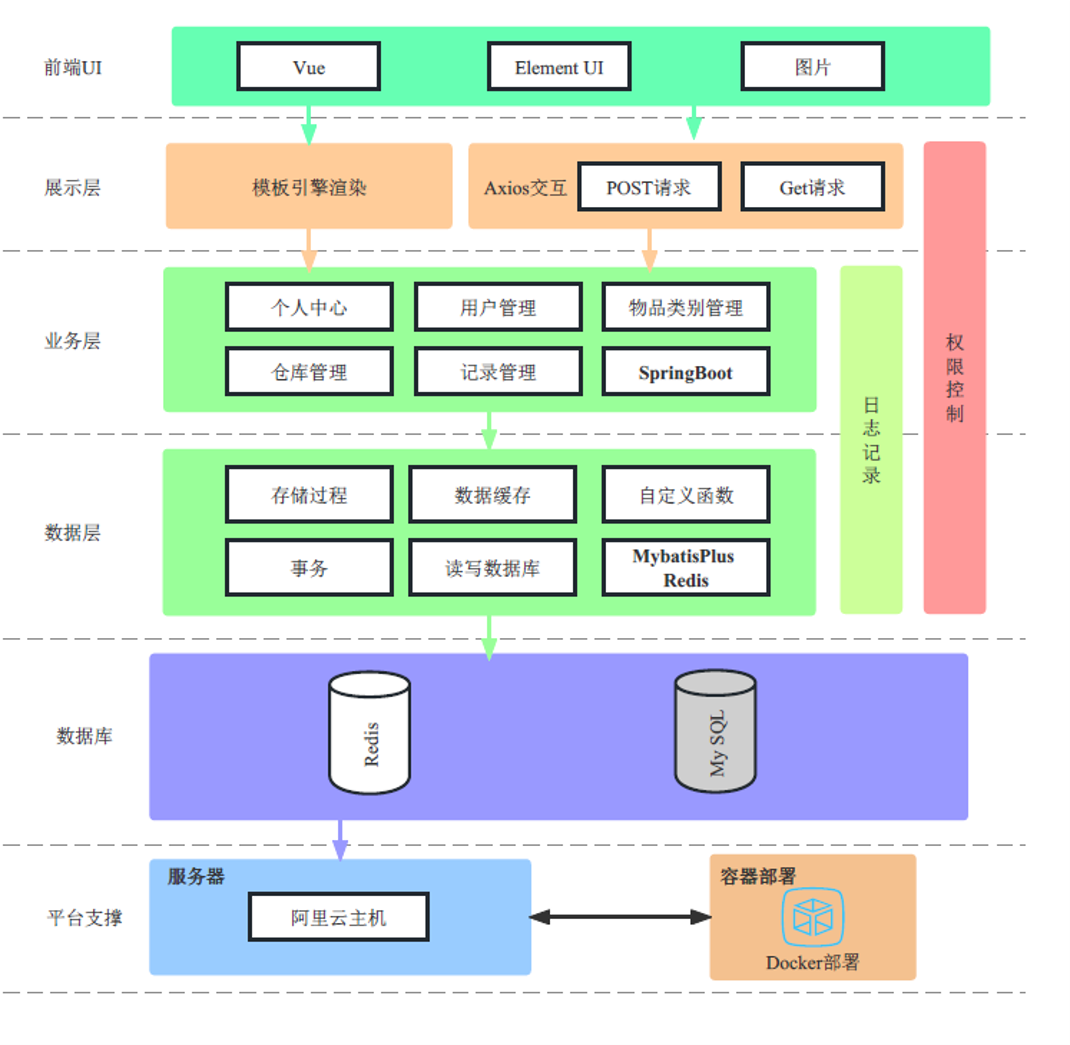
SpringBoot : เฟรมเวิร์กแบ็กเอนด์MyBatisPlus : เฟรมเวิร์กเลเยอร์การคงอยู่Vue2 : การใช้ Vue เป็นเฟรมเวิร์กส่วนหน้า โปรเจ็กต์นี้จะแยกส่วนหน้าและส่วนหลังMD5 : รหัสผ่านผู้ใช้ถูกเข้ารหัสโดยใช้ MD5Docker : ปรับใช้โครงการโดยใช้คอนเทนเนอร์นักเทียบท่าGit : การใช้ Github สำหรับการควบคุมเวอร์ชัน ใน main.js ใต้ไฟล์โครงการ vue (ตำแหน่งที่กำหนดโดยโครงการที่แตกต่างกันอาจไม่เหมือนกัน)
Vue.prototype.$httpUrl = 'http://{服务器ip}:{springboot端口号}';
eg:
Vue.prototype.$httpUrl = 'http://67.99.26.82:8081';axios.defaults.baseURL="http://{服务器ip}:{端口号}"ภายใต้ไดเร็กทอรีโปรเจ็กต์ vue
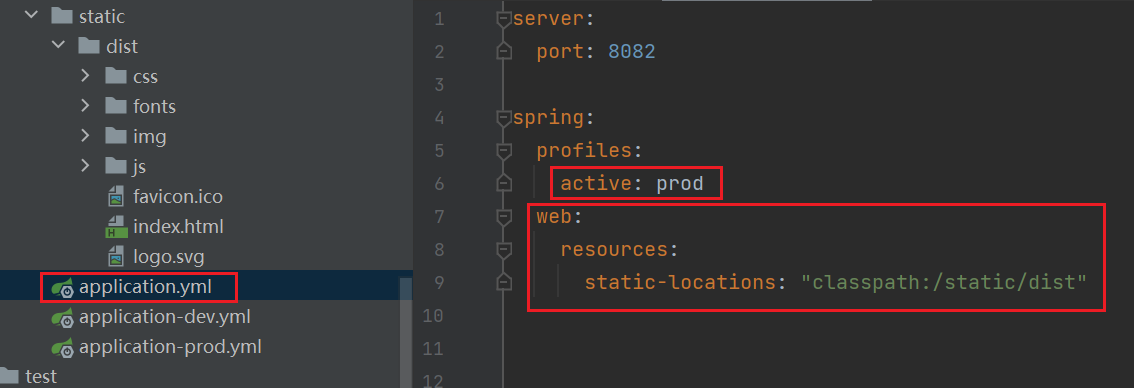
npm run build ย้ายไฟล์ dist ที่แพ็กเกจไปยัง resources/static
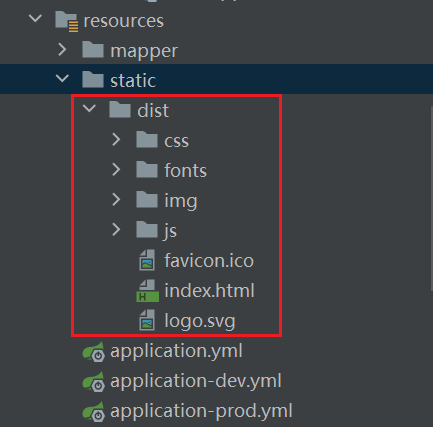
ดังที่แสดงในภาพ ให้เปิดใช้งานสภาพแวดล้อมการผลิตและกำหนดค่าไดเร็กทอรีทรัพยากรแบบคงที่
จากนั้น คุณจะต้องกำหนดค่าสภาพแวดล้อมการสร้าง เช่น mysql, รหัสผ่าน Redis ฯลฯ
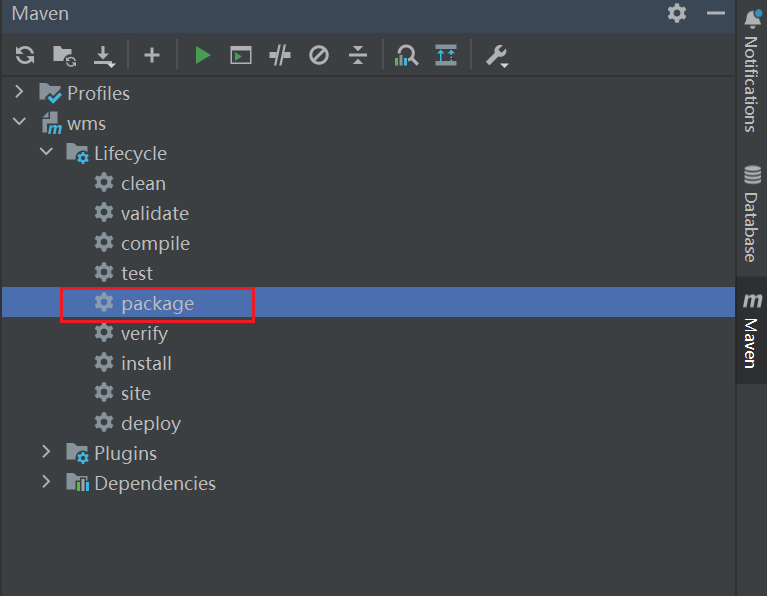
เรียกใช้แพ็คเกจ jar ในส่วนหน้า
java -jar xxx.jarเรียกใช้แพ็กเกจ jar ในเบื้องหลัง
nohup java -jar xxx.jar > msg.log 2>&1 &[root@iZbp144worluc8frpn60arZ nginx2] # pwd
/root/nginx2
[root@iZbp144worluc8frpn60arZ ~ ] # cd nginx2
[root@iZbp144worluc8frpn60arZ nginx2] # ll
total 8
drwxr-xr-x 6 root root 4096 Jun 27 19:52 html
-rw-r--r-- 1 root root 550 Jun 26 16:02 nginx.confnginx.conf
 # user  root;
worker_processes  1 ;
events {
  worker_connections  1024 ;
}
http {
  include       mime.types ;
  default_type  application/octet-stream ;
  sendfile        on ;
  keepalive_timeout  65 ;
  server {
      listen       80 ;
      server_name  localhost ;
      location / {
          root   /usr/share/nginx/html ;
          try_files $uri $uri / /index.html last ; # 别忘了这个哈
          index  index.html index.htm ;
      }
      error_page   500 502 503 504  /50x.html ;
      location = /50x.html {
          root   html ;
      }
  }
}
ไดเร็กทอรี html (แตกไฟล์ dist ที่แพ็กเกจไว้ที่นี่)
[root@iZbp144worluc8frpn60arZ nginx2] # cd html
[root@iZbp144worluc8frpn60arZ html] # ll
total 32
drwxr-xr-x 2 root root 4096 Jun 27 19:52 css
-rw-r--r-- 1 root root 4286 Jun 27 19:52 favicon.ico
drwxr-xr-x 2 root root 4096 Jun 27 19:52 fonts
drwxr-xr-x 2 root root 4096 Jun 27 19:52 img
-rw-r--r-- 1 root root  670 Jun 27 19:52 index.html
drwxr-xr-x 2 root root 4096 Jun 27 19:52 js
-rw-r--r-- 1 root root 1524 Jun 27 19:52 logo.svgDockerfile
 FROM openjdk:8
EXPOSE 8082
ADD wms-0.0.1-SNAPSHOT.jar app.jar
RUN bash -c 'touch /app.jar'
ENTRYPOINT [ "java" , "-jar" , "/app.jar" , "--spring.profiles.active=prod" ]
นักเทียบท่า-compose.yml
 version : " 3 "
services :
  nginx : # 服务名称,用户自定义
    image : nginx:latest  # 镜像版本
    ports :
      - 80:80  # 暴露端口
    volumes : # 挂载
      - /root/nginx2/html:/usr/share/nginx/html
      - /root/nginx2/nginx.conf:/etc/nginx/nginx.conf
    privileged : true # 这个必须要,解决nginx的文件调用的权限问题
  mysql :
    image : mysql:latest
    ports :
      - " 3306:3306 "
    environment : # 指定用户root的密码
      - MYSQL_ROOT_PASSWORD={password}
    privileged : true
  redis :
  	image : redis:latest
  wms :
    image : wms:latest
    build : src # 表示以当前目录下的Dockerfile开始构建镜像
    ports :
      - 8082:8082
    depends_on : # 依赖与mysql其实可以不填,默认已经表示可以
      - mysql
      - redis
หากคุณใช้เซิร์ฟเวอร์คลาวด์ โปรดเปิดพอร์ตที่เกี่ยวข้องในกลุ่มความปลอดภัย (หรือไฟร์วอลล์)
 [root@iZbp144worluc8frpn60arZ WMS]# ls
docker-compose.yml  Dockerfile  wms-0.0.1-SNAPSHOT.jar
[root@iZbp144worluc8frpn60arZ WMS]# docker-compose up -dหากบริการเริ่มตามปกติจะสามารถเข้าถึงเว็บไซต์ได้ผ่าน IP