flutter_fonts_jp
1.0.0

플러터 앱을위한 일본 글꼴.
flutter test flutter_fonts_jp 테스트를위한 일본어 글꼴을 제공합니다.
먼저 flutter_fonts_jp dev_dependencies 에 추가하십시오.
 # pubspec.yaml
dev_dependences:
    flutter_fonts_jp:
다음으로, pubspec.yaml 의 flutter.assets 에 하나 이상의 파일/디렉토리가 포함되어 있는지 확인하십시오. 이것은 Flutter to Bundle Fonts를 지시해야합니다. 앱이 자산을 사용하지 않으면 더미 (빈) 디렉토리를 추가하십시오.
 # pbuspec.yaml
flutter:
    assets:
        - images/
마지막으로 테스트에서 loadJapaneseFont 호출하십시오.
 testWidgets('golden test', (WidgetTester tester) async {
    await loadJapaneseFont();
    await tester.pumpWidget(App());
    await expectLater(find.byType(App), matchesGoldenFile('app.png'));
});
골든 파일은 다음과 같이 보입니다 (빈 글꼴 대신 실제 글꼴을 사용합니다).
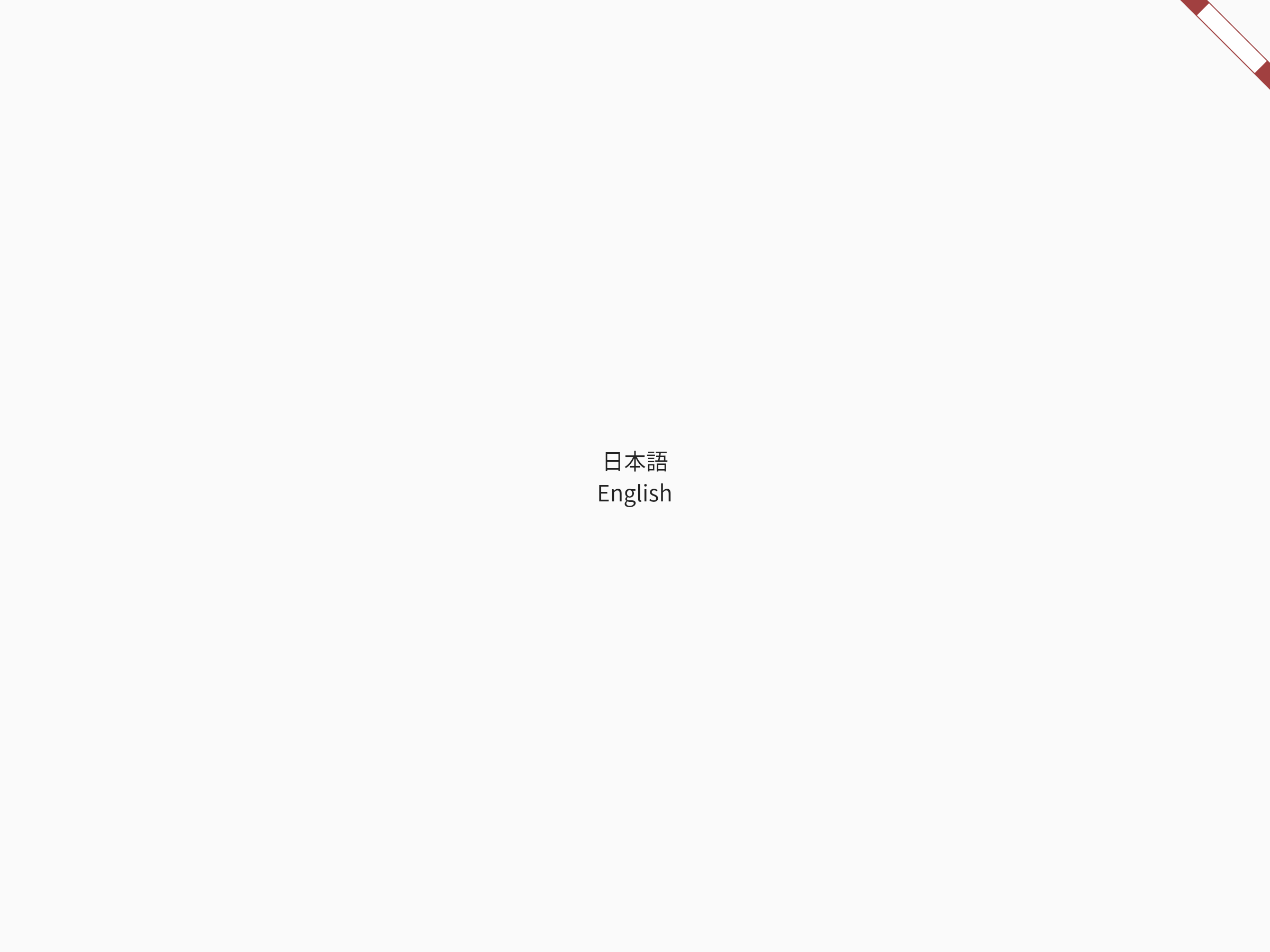
골든 파일은 플러터 버전 또는 플랫폼 플러터/플러터#36667에 따라 다를 수 있습니다. Golden Files에는 Linux와 최신 안정 플러터 버전을 사용합니다.








