typeai
1.0.0

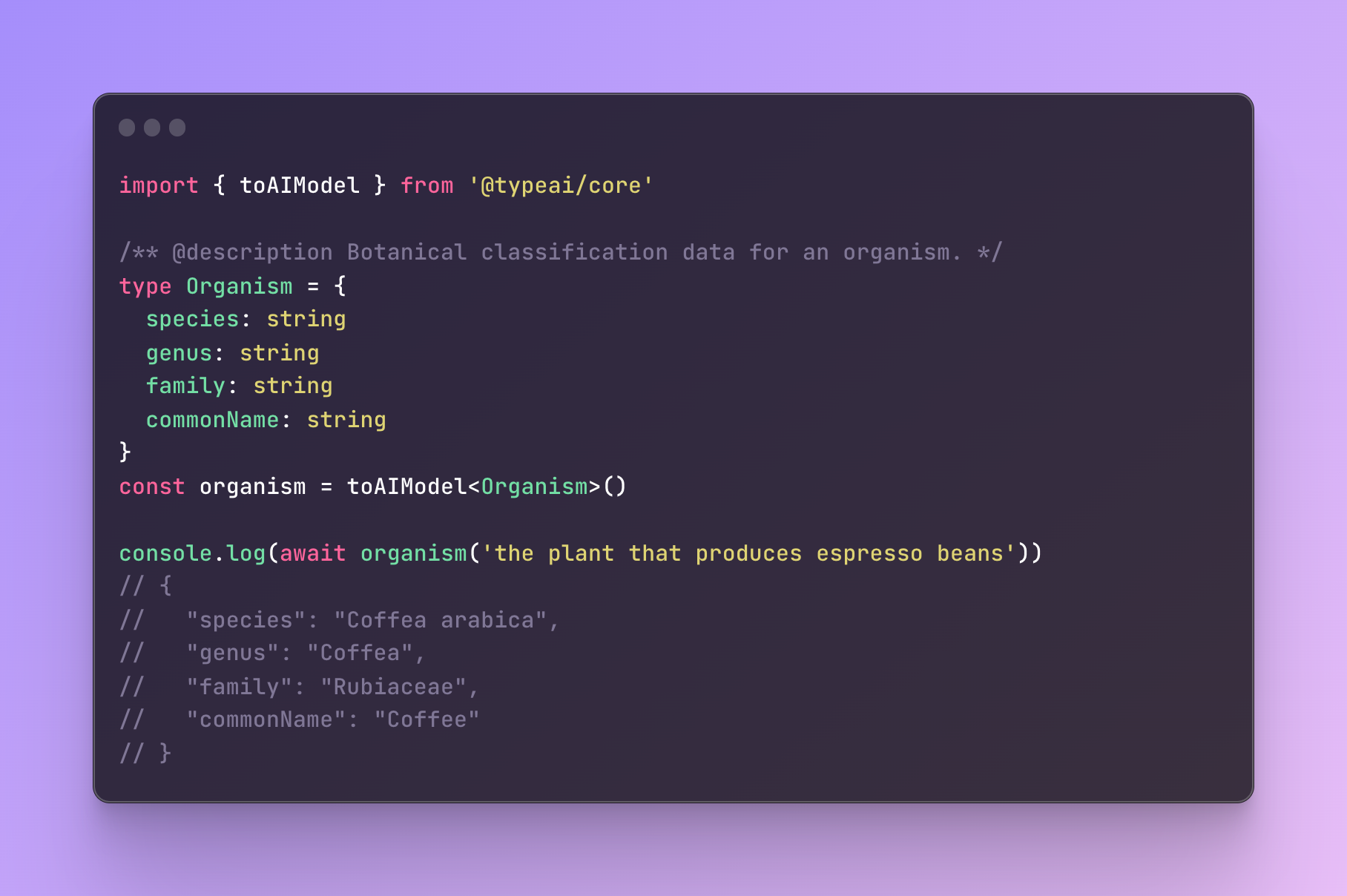
TypEAI는 TypeScript를 사용하여 AI 지원 앱을 구축하기위한 툴킷입니다. 더 중요한 것은 LLM을 사용하여 구축이 저임금 불일치가 낮은 일반 코드와 같은 "느낌"을 제공하는 것입니다.
An example:
 import { toAIFunction } from '@typeai/core'

/** @description Given `text`, returns a number between 1 (positive) and -1 (negative) indicating its sentiment score. */
function sentimentSpec ( text : string ) : number | void { }
const sentiment = toAIFunction ( sentimentSpec )

const score = await sentiment ( 'That was surprisingly easy!' )
자연스럽게 유형과 기능 서명을 지정하면 TypEAI가 유형 선언과 관련하여 적절한 구현을 생성합니다. 별도의 스키마 파일을로드, 프롬프트 엔지니어링 및 기능의 JSON 스키마 표현을 수동으로 작성하지 않습니다.
트위터에서 나를 따르십시오 :
기능 및 유형에 대한 런타임 유형 정보를 제공하려면 DeepKit이 필요합니다.
npm install @typeai/core @deepkit/core참고 : 현재 JSDOC @Description 태그의 자동 추출이 포크 NPM 패키지 빌드 @DeepKit/Type 및 @DeepKit/Type-Compiler가 필요합니다.
npm install @deepkit/type@npm:@jefflaporte/[email protected]
npm install --save-dev @deepkit/type-compiler@npm:@jefflaporte/[email protected]
# Bash
./node_modules/.bin/deepkit-type-install
# PowerShell
pwsh ./node_modules/.bin/deepkit-type-install.ps1
tsconfig.json
 // tsconfig.json
{
  "compilerOptions" : {
    // ...

    // Note: DeepKit says that experimentalDecorators is not necessary when using @deepkit/type,
    // but I have found that deepkit's typeOf() does not always work with TypeScript > 4.9
    // without experimentalDecorators set.
    "experimentalDecorators" : true
  } ,
  "reflection" : true
}
참고 : tsx 와 같은 일부 런타임은 DeepKit과 함께 작동하지 않습니다. 자세한 내용은 Gotchas를 참조하십시오.
실행 시간에
 export OPENAI_API_KEY= ' ... '    # currently required for core functionality
export BING_API_KEY= ' ... '      # if using predefined SearchWeb Tool function
TypEAI는 OpenAI의 채팅 완료 엔드 포인트와 같은 기능과 유형을 AI API에 연결하여 OpenAI의 기능 호출 기능을 생성하고 LLM으로의 기능 발송 및 결과 전달을 처리함으로써 TypeScript 코드에서 런타임 유형 반사를 사용하여 Lightweight Lightweight와 같은 AI API를 연결합니다.
TypEAI는 현재 기능의 두 가지 주요 영역을 제공합니다.
AI- 지원 함수를 만들려면 스터브 함수를 작성하여 toAIFunction() 로 전달하여 원하는 동작으로 AI 지원 기능을 생성합니다.
 /** @description Given `text`, returns a number between 1 (positive) and -1 (negative) indicating its sentiment score. */
function sentimentSpec ( text : string ) : number | void { }
const sentiment = toAIFunction ( sentimentSpec )

const score = await sentiment ( 'That was surprisingly easy!' )
복잡한 입력 및 출력 타이프 스크립트 유형의 기능도 작동합니다. 더 흥미로운 예는 다음과 같습니다.
 type Patient = {
  name : string
  age : number
  isSmoker : boolean
}
type Diagnosis = {
  condition : string
  diagnosisDate : Date
  stage ?: string
  type ?: string
  histology ?: string
  complications ?: string
}
type Treatment = {
  name : string
  startDate : Date
  endDate ?: Date
}
type Medication = Treatment & {
  dose ?: string
}
type BloodTest = {
  name : string
  result : string
  testDate : Date
}
type PatientData = {
  patient : Patient
  diagnoses : Diagnosis [ ]
  treatments : Treatment | Medication [ ]
  bloodTests : BloodTest [ ]
}

/** @description Returns a PatientData record generate from the content of doctorsNotes notes. */
function generateElectronicHealthRecordSpec ( input : string ) : PatientData | void { }
const generateElectronicHealthRecord = toAIFunction ( generateElectronicHealthRecordSpec , {
  model : 'gpt-4' ,
} ) enum AppRouteEnum {
USER_PROFILE = '/user-profile' ,
SEARCH = '/search' ,
NOTIFICATIONS = '/notifications' ,
SETTINGS = '/settings' ,
HELP = '/help' ,
SUPPORT_CHAT = '/support-chat' ,
DOCS = '/docs' ,
PROJECTS = '/projects' ,
WORKSPACES = '/workspaces' ,
}
const AppRoute = toAIClassifier ( AppRouteEnum )
const appRouteRes = await AppRoute ( 'I need to talk to somebody about billing' )AI 도구 기능은 답변 생성에 자체적으로 사용하기 위해 LLM에 제공되는 기능입니다.
기능이 있고 기능 호출 기능과 함께 사용하기 위해 OpenAI의 LLM에 기능을 제공하고 싶다고 가정 해 봅시다.
보다:
TypEAI는 기능과 모델을 GPT-3.5/4에 노출시키고 GPT-3/4에서 결과 기능 호출 요청을 처리하는 세 가지 기능을 제공합니다.
 static ToolFunction . from < R > (
  fn : ( ... args : any [ ] ) => R ,
  options ?: ToolFunctionFromOptions
) : ToolFunction

static ToolFunction . modelSubmissionToolFor < T > (
  cb : ( arg : T ) => Promise < void >
) : ToolFunction

function handleToolUse (
  openAIClient : OpenAIApi ,
  originalRequest : CreateChatCompletionRequest ,
  responseData : CreateChatCompletionResponse ,
  options ?: {
    model ?: string ,
    registry ?: SchemaRegistry ,
    handle ?: 'single' | 'multiple'
  } ,
) : Promise < CreateChatCompletionResponse | undefined >
다음과 같이 사용할 수 있습니다.
 import {
  OpenAIApi ,
  Configuration ,
  CreateChatCompletionRequest ,
  ChatCompletionRequestMessage ,
  ChatCompletionRequestMessageRoleEnum ,
} from 'openai'
import { ToolFunction , handleToolUse } from '@typeai/core'
import { getCurrentWeather } from 'yourModule'

// Init OpenAI client
const configuration = new Configuration ( { apiKey : process . env . OPENAI_API_KEY } )
const openai = new OpenAIApi ( configuration )

// Generate JSON Schema for function and dependent types
const getCurrentWeatherTool = ToolFunction . from ( getCurrentWeather )

// Run a chat completion sequence
const messages : ChatCompletionRequestMessage [ ] = [
  {
    role : ChatCompletionRequestMessageRoleEnum . User ,
    content : "What's the weather like in Boston? Say it like a weather reporter." ,
  } ,
]
const request : CreateChatCompletionRequest = {
  model : 'gpt-3.5-turbo' ,
  messages ,
  functions : [ getCurrentWeatherTool . schema ] ,
  stream : false ,
  max_tokens : 1000 ,
}
const { data : response } = await openai . createChatCompletion ( request )

// Transparently handle any LLM calls to your function.
// handleToolUse() returns OpenAI's final response after
// any/all function calls have been completed
const responseData = await handleToolUse ( openai , request , response )
const result = responseData ?. choices [ 0 ] . message

/*
Good afternoon, Boston! This is your weather reporter bringing you the latest
updates. Currently, we're experiencing a pleasant temperature of 82 degrees Celsius. The sky is a mix of sunshine and clouds, making for a beautiful day. However, there is a 25% chance of precipitation, so you might want to keep an umbrella handy. Additionally, the atmospheric pressure is at 25 mmHg. Overall, it's a great day to get outside and enjoy the city. Stay safe and have a wonderful time!
*/ DeepKit이 주입하는 방식으로 인해 TSC를 패치하여 유형 컴파일러 변환입니다. 일부 런타임은 작동하지 않을 수 있습니다. 이것들은 작동하지 않는다는 것을 알고 있습니다.
tsx typeai는 @deepkit/type 에서 제공하는 TypeScript 런타임 유형 정보를 사용합니다.
이로 인해 "네이티브"를 느끼는 코딩 경험이 발생합니다.
예
 import { ToolFunction , handleToolUse } from '@typeai/core'

// Your type definitions
// ...
// Your function definitions dependent on your types
// ...
// eg:
const getCurrentWeather = function getCurrentWeather (
  location : string ,
  unit : TemperatureUnit = 'fahrenheit' ,
  options ?: WeatherOptions ,
) : WeatherInfo {
  const weatherInfo : WeatherInfo = {
    location : location ,
    temperature : 82 ,
    unit : unit ,
    precipitationPct : options ?. flags ?. includePrecipitation ? 25 : undefined ,
    pressureMmHg : options ?. flags ?. includePressure ? 25 : undefined ,
    forecast : [ 'sunny' , 'cloudy' ] ,
  }
  return weatherInfo
}

// Register your function and type info
const getCurrentWeatherTool = ToolFunction . from ( getCurrentWeather )

// Run a completion series
const messages : ChatCompletionRequestMessage [ ] = [
  {
    role : ChatCompletionRequestMessageRoleEnum . User ,
    content : "What's the weather like in Boston? Say it like a weather reporter." ,
  } ,
]
const request : CreateChatCompletionRequest = {
  model : 'gpt-3.5-turbo-0613' ,
  messages ,
  functions : [ getCurrentWeatherTool . schema ] ,
  stream : false ,
  max_tokens : 1000 ,
}
const { data : response } = await openai . createChatCompletion ( request )
const responseData = await handleToolUse ( openai , request , response )
const result = responseData ?. choices [ 0 ] . message
console . log ( `LLM final result: ${ JSON . stringify ( result , null , 2 ) } ` )
참고 : OpenAI 완료 API는 무효 기능 응답을 좋아하지 않습니다.
License.txt를 참조하십시오





