vsblog
1.0.0

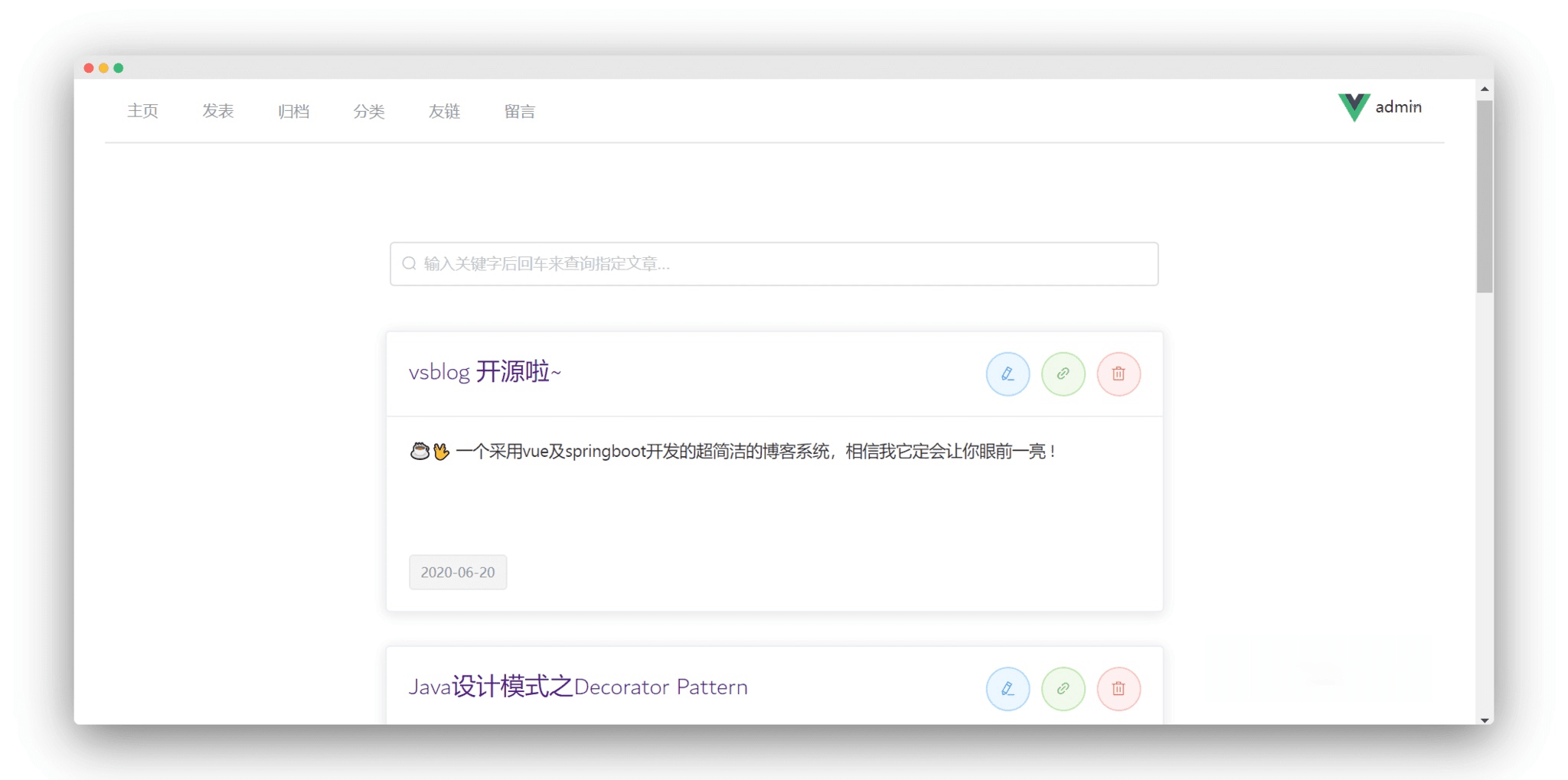
? 최근 저는 프론트엔드와 백엔드 분리 개발 모델을 배우고 있으며 Springboot와 Vue 프레임워크를 통합하기 위해 이 작은 프로젝트를 작성했습니다. 계정: admin , 비밀번호: iblog.run .
다음은 Ubuntu18.04 원격 서버에 vsblog 배포하는 과정입니다 .
 # install jdk
sudo apt install openjdk-8-jdk-headless

# check
java -version # the installation package as follows you need to download it
# decompress the installation package
sudo dpkg -i mysql-apt-config_0.8.10-1_all.deb
# update installation package
sudo apt update
# install mysql server
sudo apt install mysql-server
# run mysql
mysql -u root -p # install redis server
sudo apt-get install redis-server
# check redis server status
netstat -nlt | grep 6379
# test
redis-cli # mysql -u root -p < vueblog.sql
mysql -u root -p < ' the specified path of database file ' # kill the specified server port:8080
kill -9 $( netstat -nlp | grep :8080 | awk ' {print $7} ' | awk -F " / " ' { print $1 } ' )
# run
# nohup /usr/lib/jvm/java-8-openjdk-amd64/jre/bin/java -jar /tmp/vueblog-0.0.1-SNAPSHOT.jar > vsblog.file 2>&1 &
nuhup -jar vueblog-0.0.1-SNAPSHOT.jar > vsblog.file 2>&1 &
# test
http://ip:8080/ # first you need install the nginx
sudo apt install nginx
# vim /etc/nginx/nginx.conf
# such as the example configuraion be added as follows
http{
server{
listen 80 ;
server_name vue.iblog.run ;
location / {
proxy_pass http://ip:8080 ;
}
}
}
. . .
# then check the default configuration file
nginx -t
# reload the nginx
nginx -s reload
# test
http://vue.iblog.run // 自定义全局请求头(后台)
// axios.defaults.baseURL = "http://49.233.79.152:8080"
axios . defaults . baseURL = "http://localhost:8080" redis - manager :
// host: 49.233.79.152:6379
host : 127.0 .0 .1 : 6379 8.0.11 입니다. 데이터베이스 버전이 이 버전보다 낮은 경우 다음 구성을 수정하세요.pom.xml : mysql-connector-java 버전 수정application.yml : 드라이버 클래스 이름을 com.mysql.jdbc.Driver로 변경합니다.자세한 내용은 내 블로그 게시물인 JDBC-Common Error Analysis를 참조하세요.








