nvimdots.lua
vim config

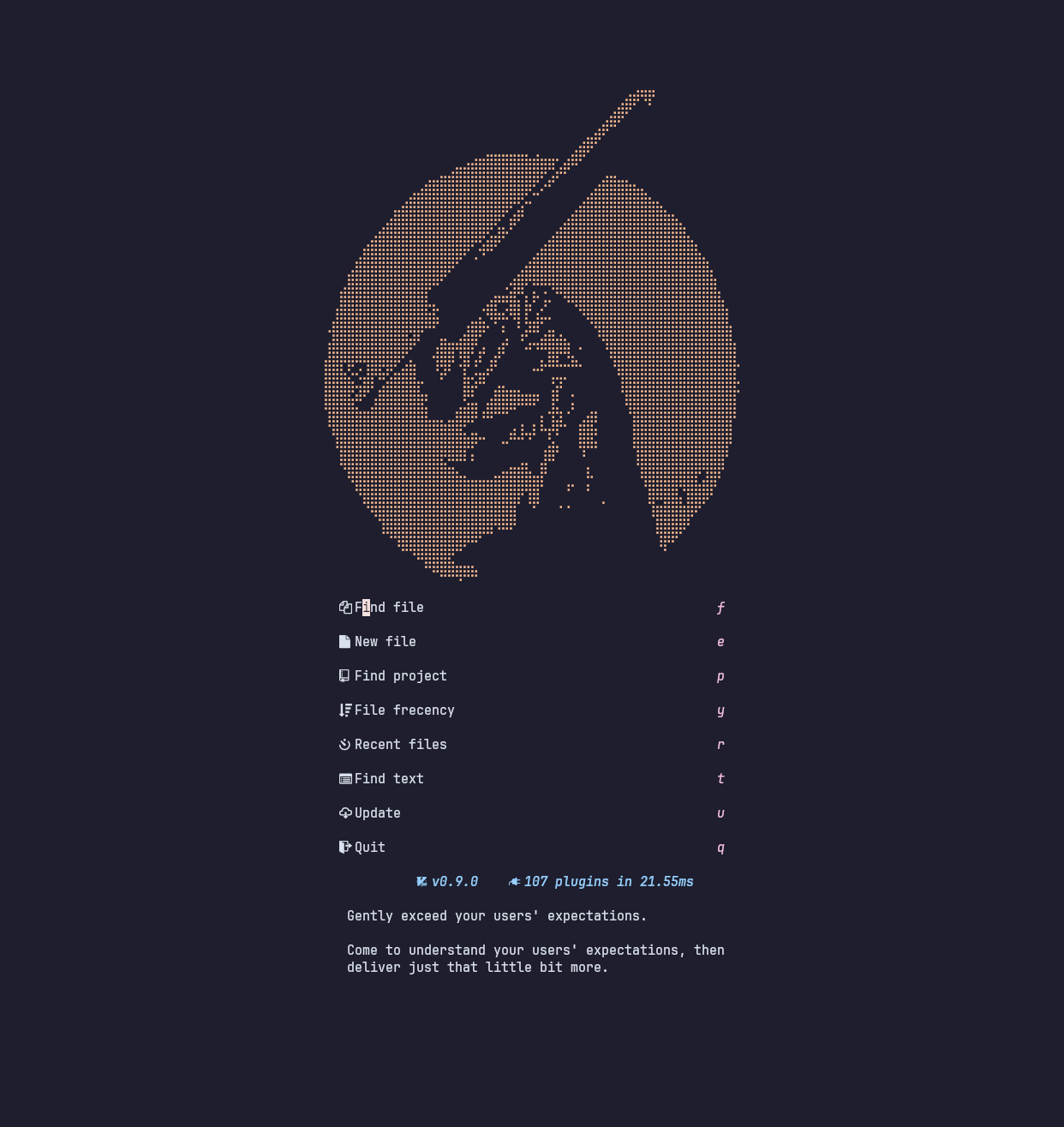
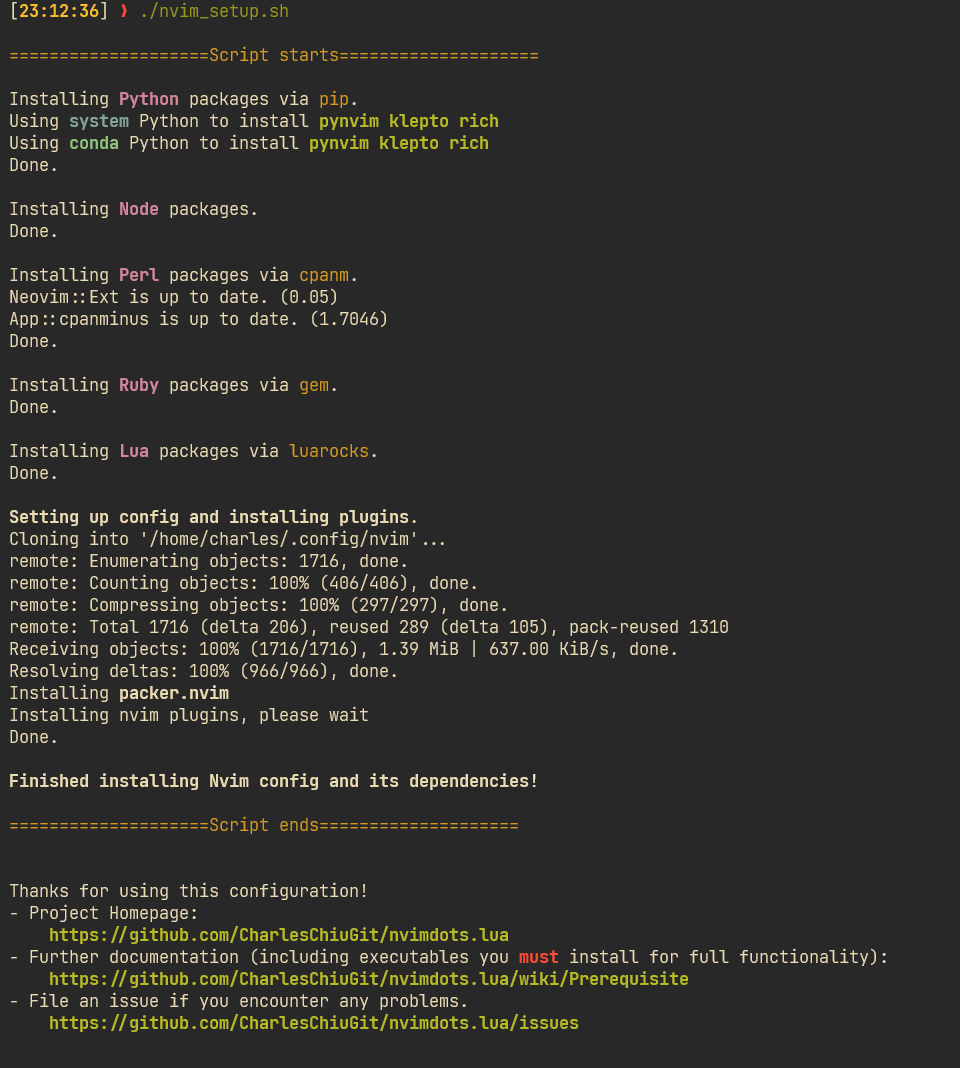
Luaでよく構成されています。bashで記述された自動インストールスクリプト。${HOME}/.config/nvim
├── after/
│   └── ftplugin/                  filetype-based rules
├── fonts/                         nerdfonts
├── ftdetect/                      filetype detection
├── scripts
│   ├── nvim_up.sh                 script for upgrade to neovim nightly
│   ├── setup_config.sh            script for installing dependencies for plugins
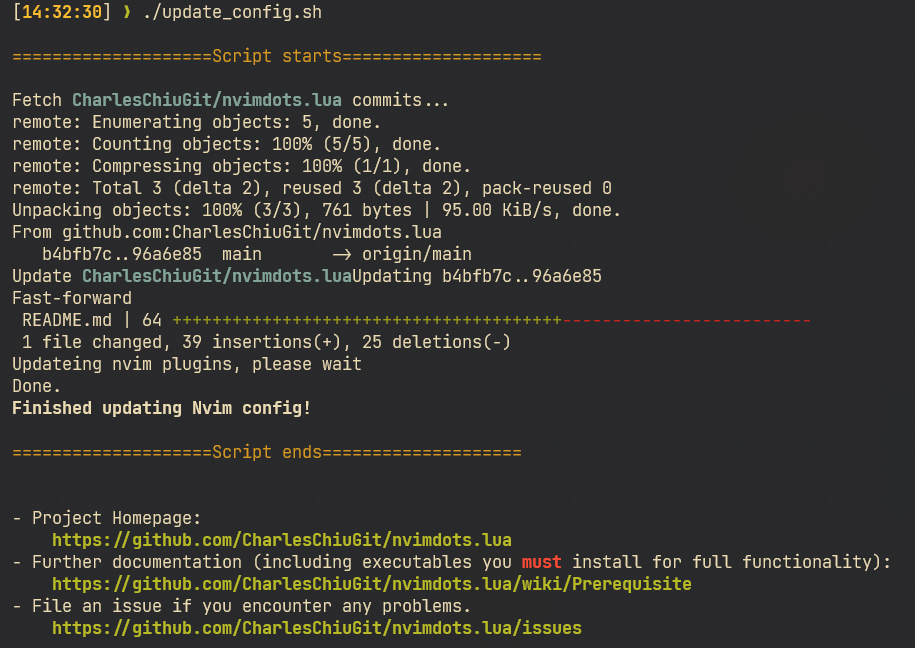
│   └── update_config.sh           script for fetch new commits of this repo
├── init.lua
├── lua/
│   ├── core/
│   │   ├── event.lua              event-based autocommands
│   │   ├── global.lua             global variables
│   │   ├── init.lua
│   │   ├── mapping.lua            basic keymaps
│   │   ├── options.lua            neovim options
│   │   └── pack.lua               custom packer wrapper
│   ├── keymap/                    plugin-related keymaps
│   ├── modules/                   plugin-configs
│   │   ├── completion/            nvim-cmp + LSP
│   │   │   ├── plugins.lua
│   │   │   └── server-settings/   settings for each LSP
│   │   ├── editor/
│   │   │   └── plugins.lua
│   │   ├── lang
│   │   │   └── plugins.lua
│   │   ├── tools/
│   │   │   ├── dap/               DAP settings for each language
│   │   │   └── plugins.lua
│   │   └── ui/
│   │       └── plugins.lua
│   └── utils                      utility functions
│       └── init.lua
├── snippets/
│   └── package.json               how `LuaSnip` reads snippets, vscode-style
├── spell/                         custom spelling correction
└── stylua.toml                    stylua settings
注: modules内のフォルダの名前を変更/作成できますが、 plugins.luaを追加することを常に忘れないでください。プラグインを登録してください。
Wikiをフォロー:前提条件と自分でコーヒーを飲んでください
wikiに従ってください:使用してそれをあなた自身のフレーバーにスパイスします(WIP)
Wikiのリスト:インストールされたプラグイン(WIP)
Wikiを参照:FAQ(WIP)
DSTEIN64/VIM-STARTIMPIPTIMEプラグインでテストされています。
Goで書かれたCLIツールであるRHYSD/VIM-Startuptimeでテストされました。