cfg
BSPWM customized setup

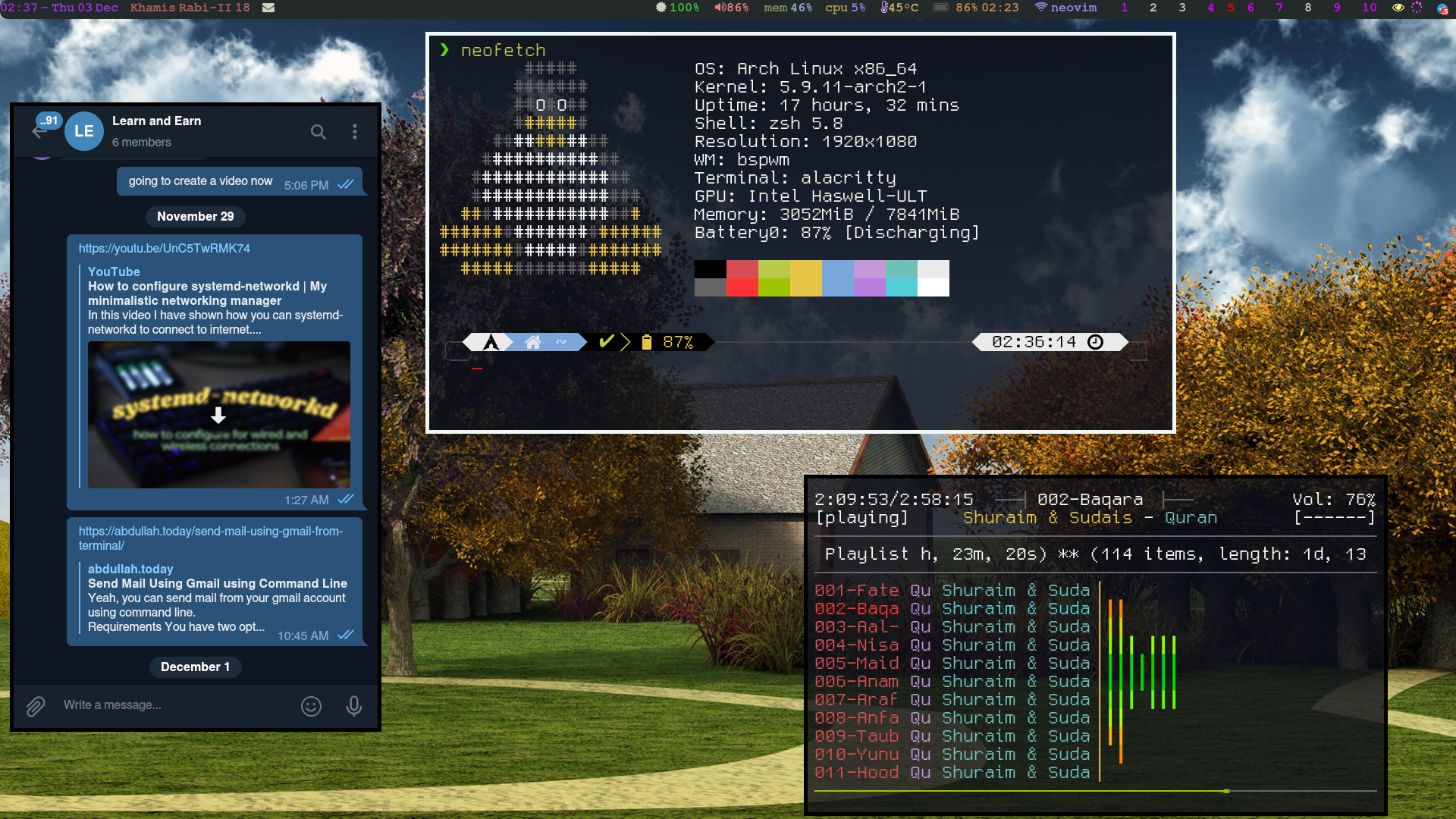
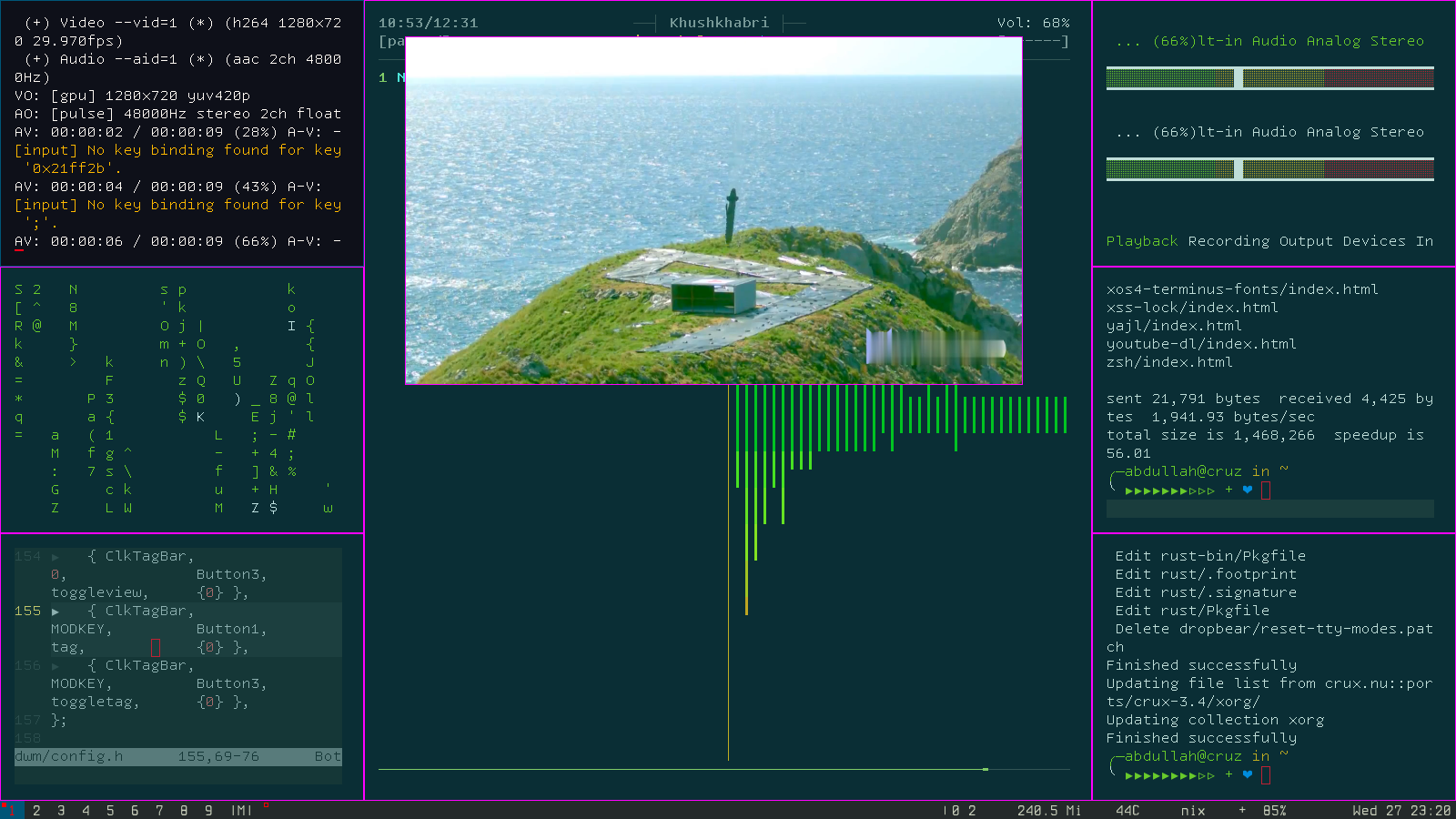
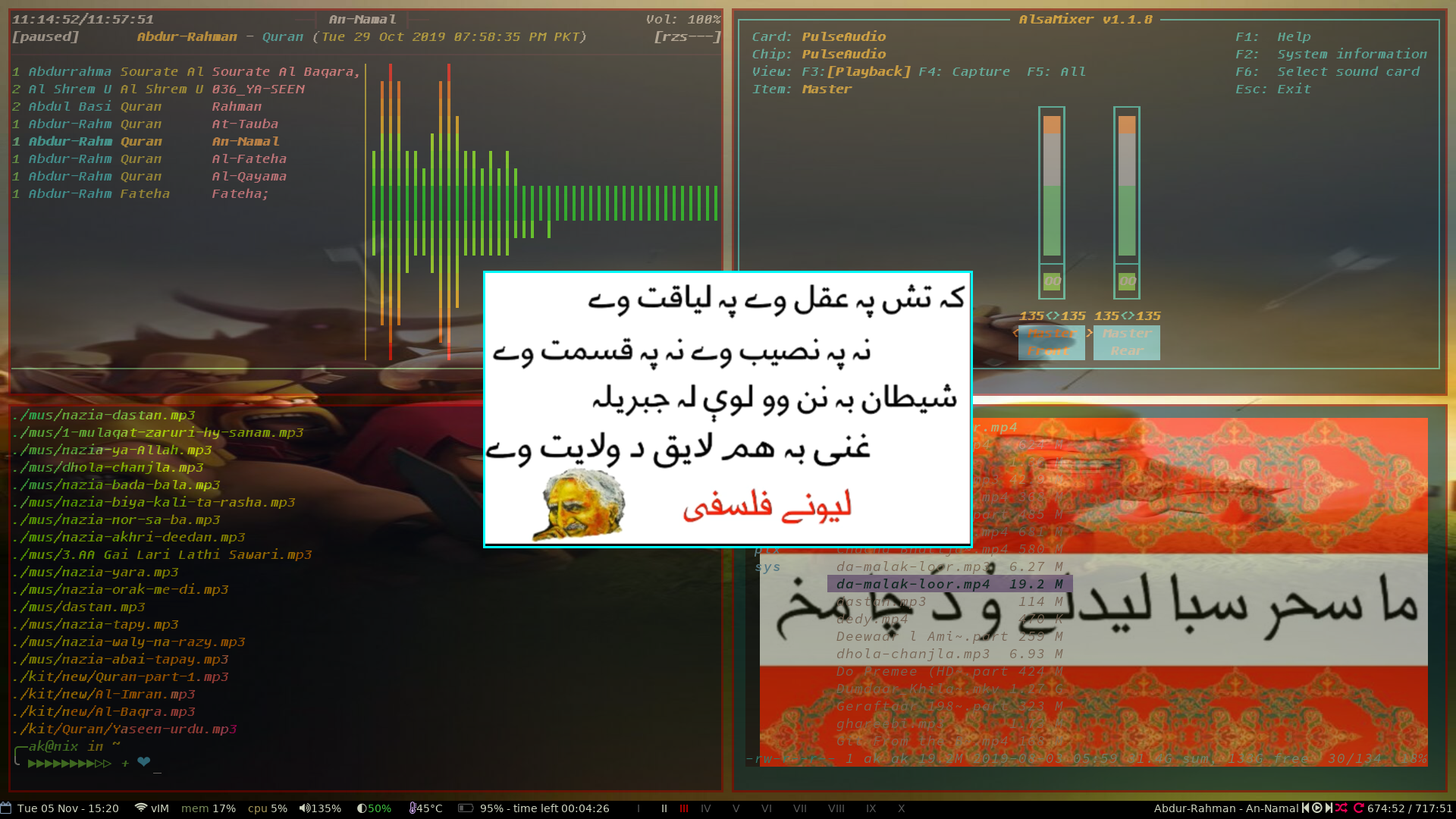
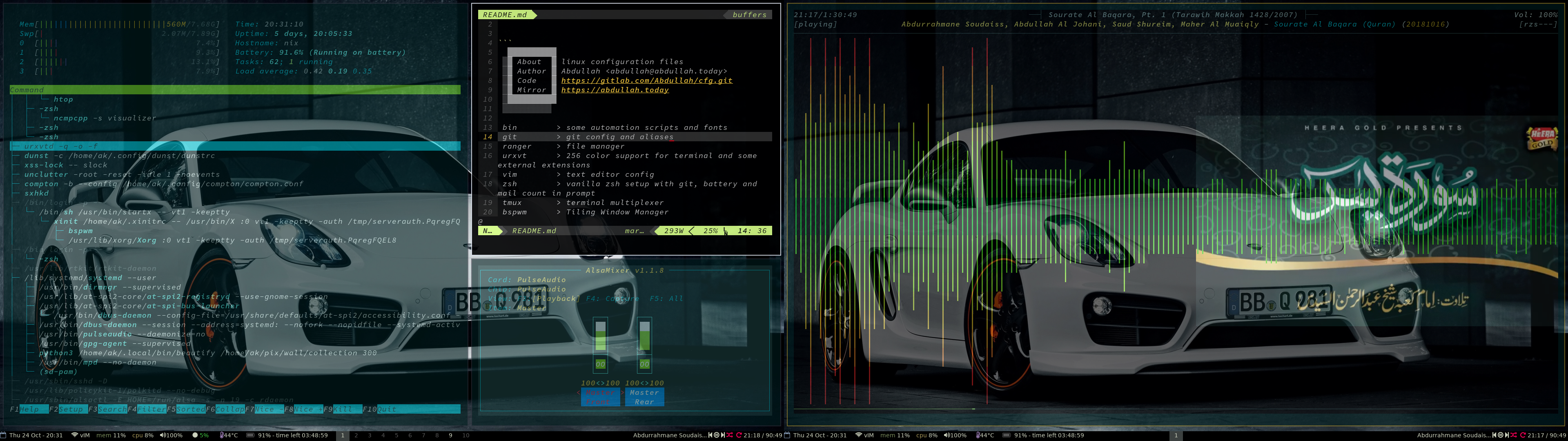
  ▓▓▓▓▓▓▓▓▓▓
 ░▓ About  ▓ linux configuration files
 ░▓ Author ▓ Abdullah <[email protected]>
 ░▓ Code   ▓ https://gitlab.com/Abdullah/cfg.git
 ░▓ Mirror ▓ https://abdullah.today
 ░▓▓▓▓▓▓▓▓▓▓
 ░░░░░░░░░░

 bin        > some automation scripts and fonts
 git        > git config and aliases
 ranger     > file manager
 urxvt      > 256 color support for terminal and some external extensions
 vim        > text editor config
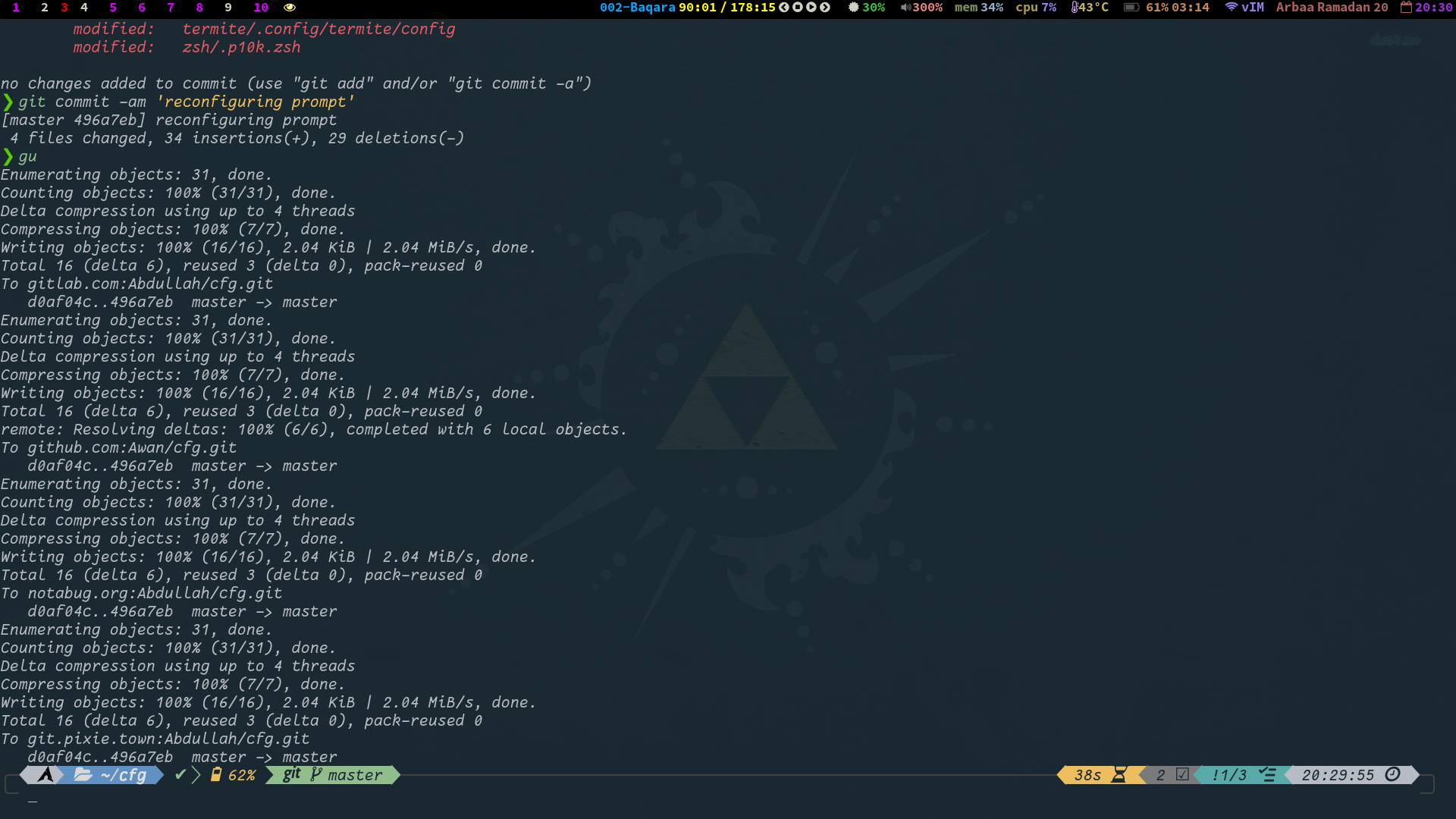
 zsh        > vanilla zsh setup with git, battery and mail count in prompt
 tmux       > terminal multiplexer
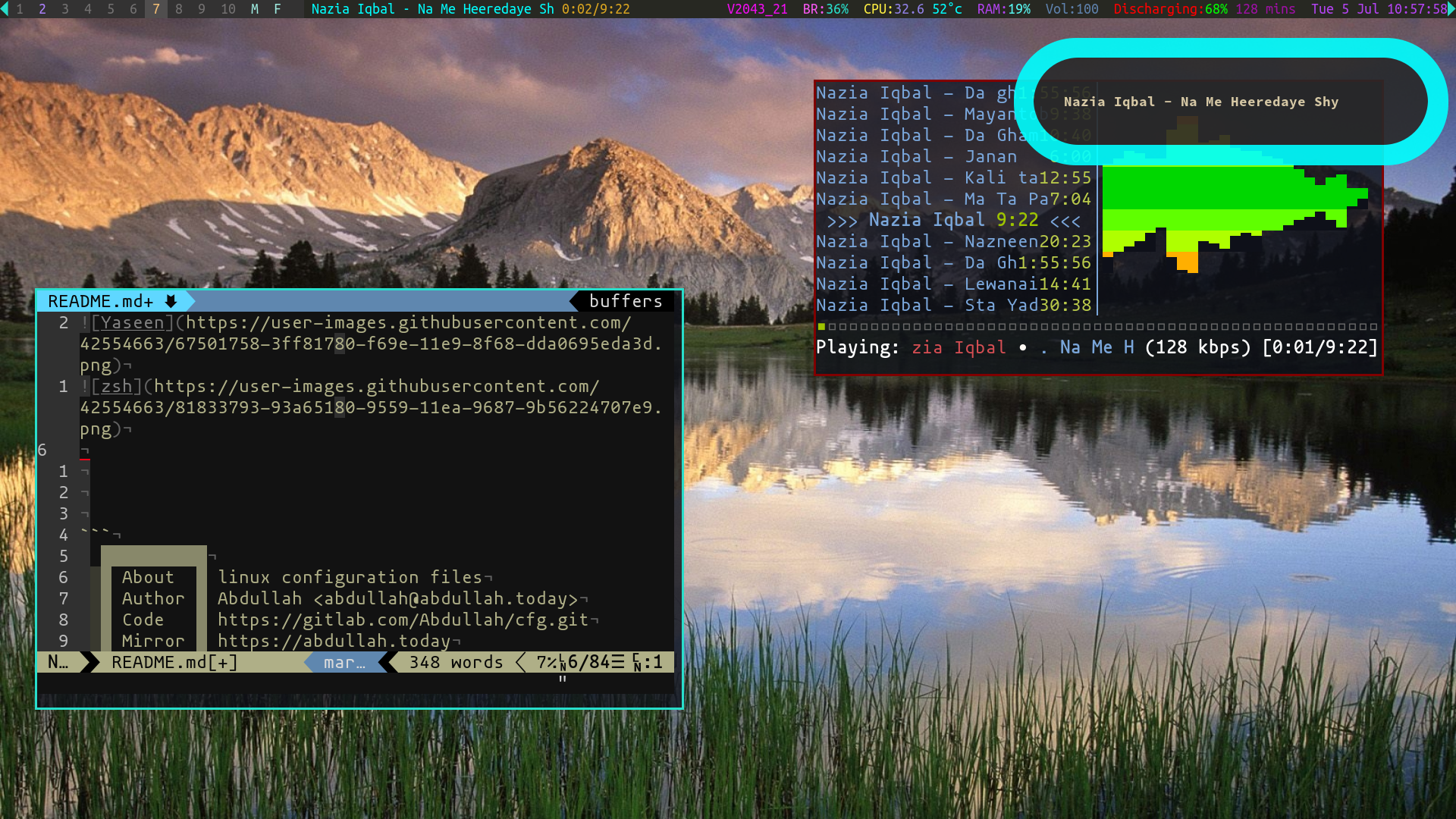
 bspwm      > Tiling Window Manager
 polybar    > A stylish colorful status bar with system tray support
 compton    > compositor
 feh        > image viewer (there are more programs included like pqiv and sxiv)
 ipython    > python interactive shell with vim like keys support
 dunst      > notification daemon
 sxhkd      > hotkeys daemon (xbindkeys also is there with configurations)
 mutt       > Mail user agent
 isync      > command line synchronization tool for local mailbox with remote
 notmuch    > thread based email index, search and tagging app
 mpv        > media player (mplayer also available)
Symlink Farm ManagerであるGnu Stowでドットファイルを管理しています。ほとんどのLinux分布で利用できます。
sudo apt install stowsudo dnf install stowsudo yum install stowsudo pacman install stowbrew install stowまたは
$ curl https://git.io/JILE5 | shまたは、ソースからそれをクローンして自分で構築します。
ストウが設置されたら、このリポジトリにCDだけを作成し、このようなストウを使用してシンリンクを作成します。
cd ~git clone https://gitlab.com/Abdullah/cfg.gitcd cfgstow vim vimをシンプルにします。ルートユーザーにこの構成を使用したい場合は、 -t引数を使用してください。
stow -t /root vim注:構成ファイルがまだ存在しない場合にのみ、StowはSymlinkを作成します。プログラムにデフォルトの構成がある場合は、削除/バックアップする必要があります。
レモンバーは、完全にXCBに基づいた軽量のバーです。完全なUTF-8サポート、基本的なフォーマット、RANDRおよびXINERAMAサポート、EWMHコンプライアンスを提供することはできません。ソースコードからコンパイルできます。 Arch Linuxには、pkgbuildがあります。
ポリバーはスタイリッシュなステータスバーです。一部の分布のために、ソースからコンパイルする必要があります。現在、Arch Linuxの公式リポジトリで入手できます。依存関係として、Arch Linuxの公式リポジトリで利用できるFont Awesomeをインストールできます。
この暗号化されたファイルには、Arch Linuxホストに現在インストールしているパッケージ名が含まれています。 ageを使って自分に暗号化された:
pacman -Qq | age -e -a -r age1teq3zep9z3l9ea5s3x2t6859pskkj4nz74w2cy8kxh7jgnyvdcpq0xm9gg > installed_packages







