storybook amp
v3.0.0

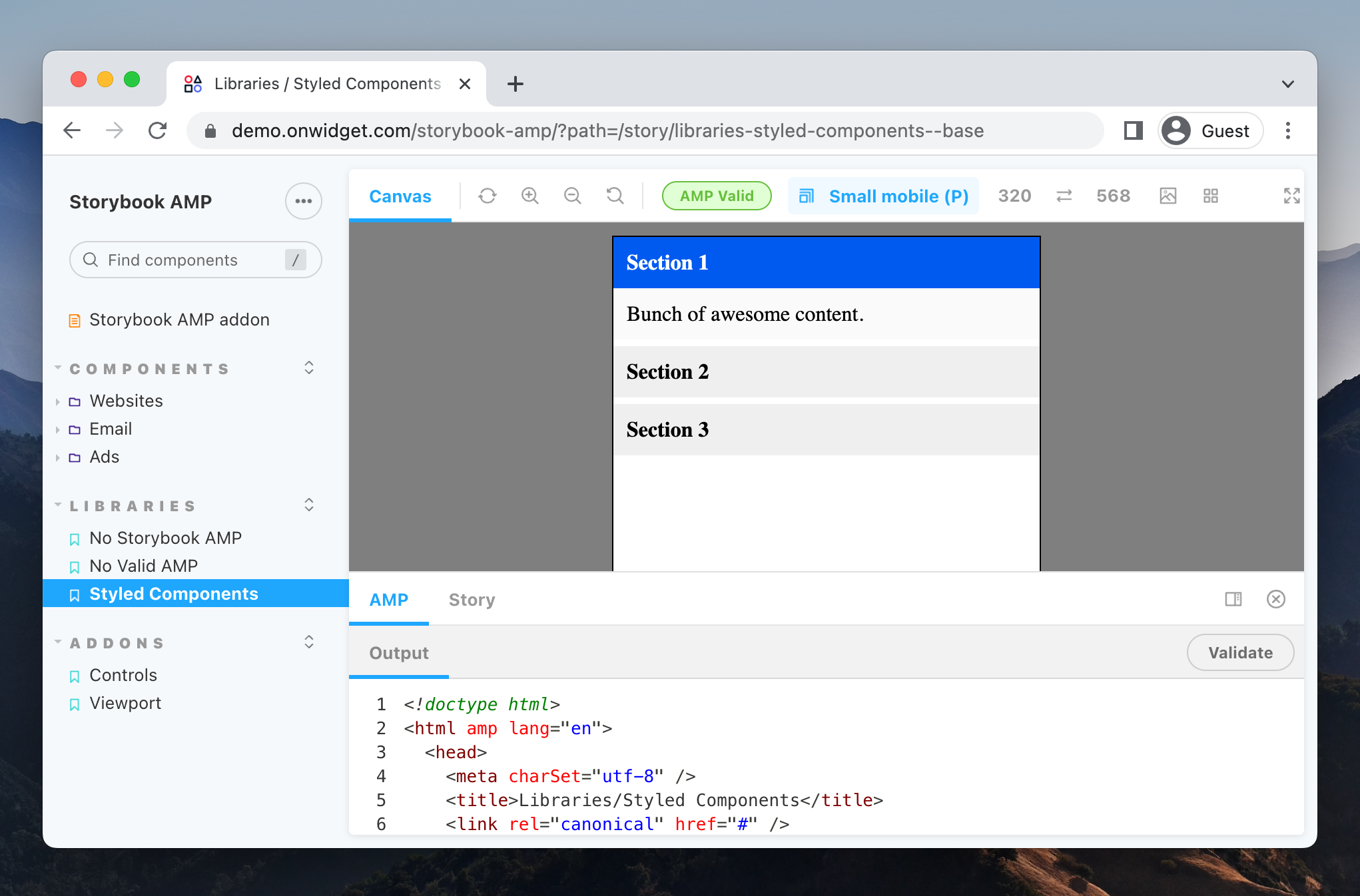
AMP用のストーリーブックアドオン(アクセラレーションされたモバイルページ)。 Reactで生成されたストーリーにAMP HTMLコンポーネントを表示できます。
npm install -D storybook-amp次に、 .storybook/main.js以下に更新します。
 // .storybook/main.js

module . exports = {
  stories : [
    // ...
  ] ,
  addons : [
    // Other Storybook addons

    'storybook-amp' , // ? The addon registered here
  ] ,
} ;カスタム設定を設定するには、 ampパラメーターを使用します。
 // .storybook/preview.js

const scripts = '' ;
const styles = '' ;

export const parameters = {
  // Other defined parameters

  amp : {              // ? The addon parameters here
    isEnabled : true ,  // Enable the addon, false by default (boolean)
    scripts ,          // Global scripts to add, empty by default (string)
    styles ,           // Custom css styles, empty by default (string)
  } ,
} ; ampパラメーターを使用して、各ストーリーの設定を個別にオーバーライドできます。
 // Story example

export default {
  title : "Components/amp-youtube" ,
  parameters : {
    amp : {
      scripts : // ? Script needed by the story
        `<script async custom-element="amp-youtube" src="https://cdn.ampproject.org/v0/amp-youtube-0.1.js"></script>` ,
    } ,
  } ,
} ;

export const Story = ( args ) => (
  < amp-youtube
    width = "480"
    height = "270"
    layout = "responsive"
    data-videoid = 'lBTCB7yLs8Y'
  > </ amp-youtube >
)Storybook Amp HTMLアドオンは、オープンソースプロジェクトです。私たちは完全に透明な開発プロセスに取り組んでおり、あらゆる貢献を高く評価しています。バグの修正、新機能の提案、ドキュメントの改善、言葉の広がりを手伝っているのかにかかわらず、コミュニティの一員としてあなたを迎えたいと思います。
貢献ガイドラインと行動規範を参照してください。
ストーリーブックAMP HTMLアドオンは、MITライセンスの下でライセンスされています。詳細については、ライセンスファイルを参照してください。
当初はOnwidgetによって作成され、貢献者のコミュニティによって維持されていました。








