EquinoxDialogue
1.0.0

ご注意ください!このリポジトリはアーカイブされています。私はこれの独自のバージョンを書くために契約されているため、このリポジトリの更新を予定していない将来のために計画していません。とはいえ、誰かがそれをフォークしたい場合は、お気軽にお願いします。
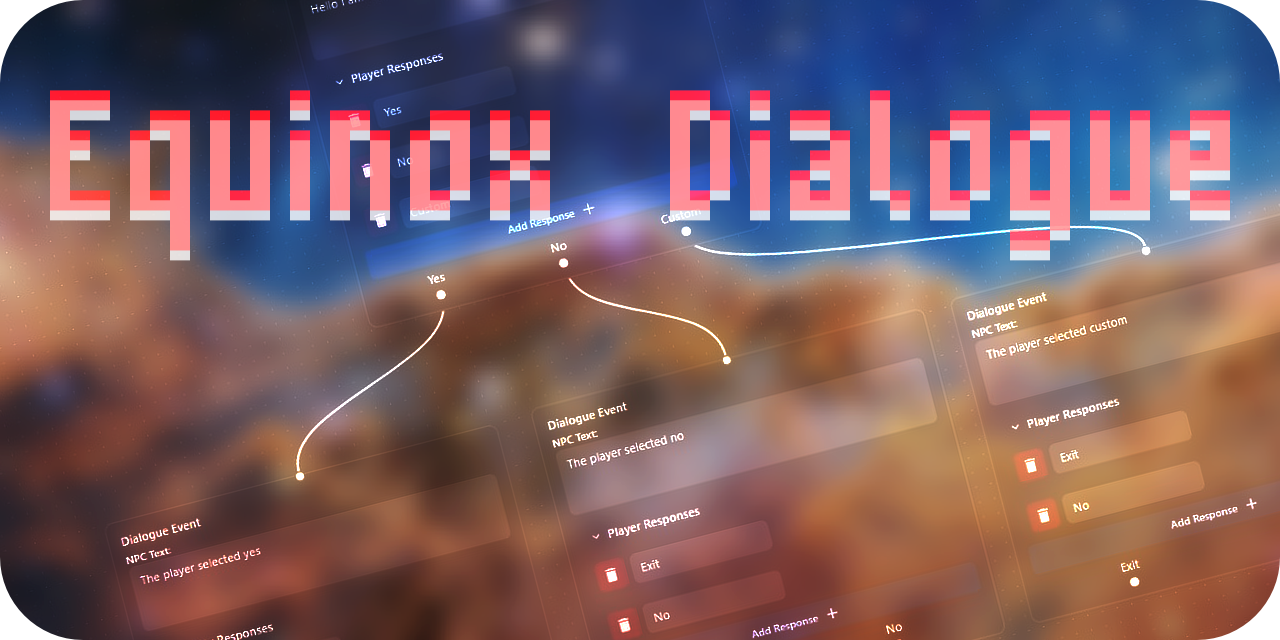
ここで試してみてください! https://nlaha.github.io/equinoxdialogue/
Equinox Dialogueは、Equinoxengine用のWebベースのダイアログツリービルダーです。 Reactを使用して構築されています。貢献者である場合は、以下の指示をお読みください。
「Equinox Engine」とは何ですか?それは私が取り組んでいるものです。
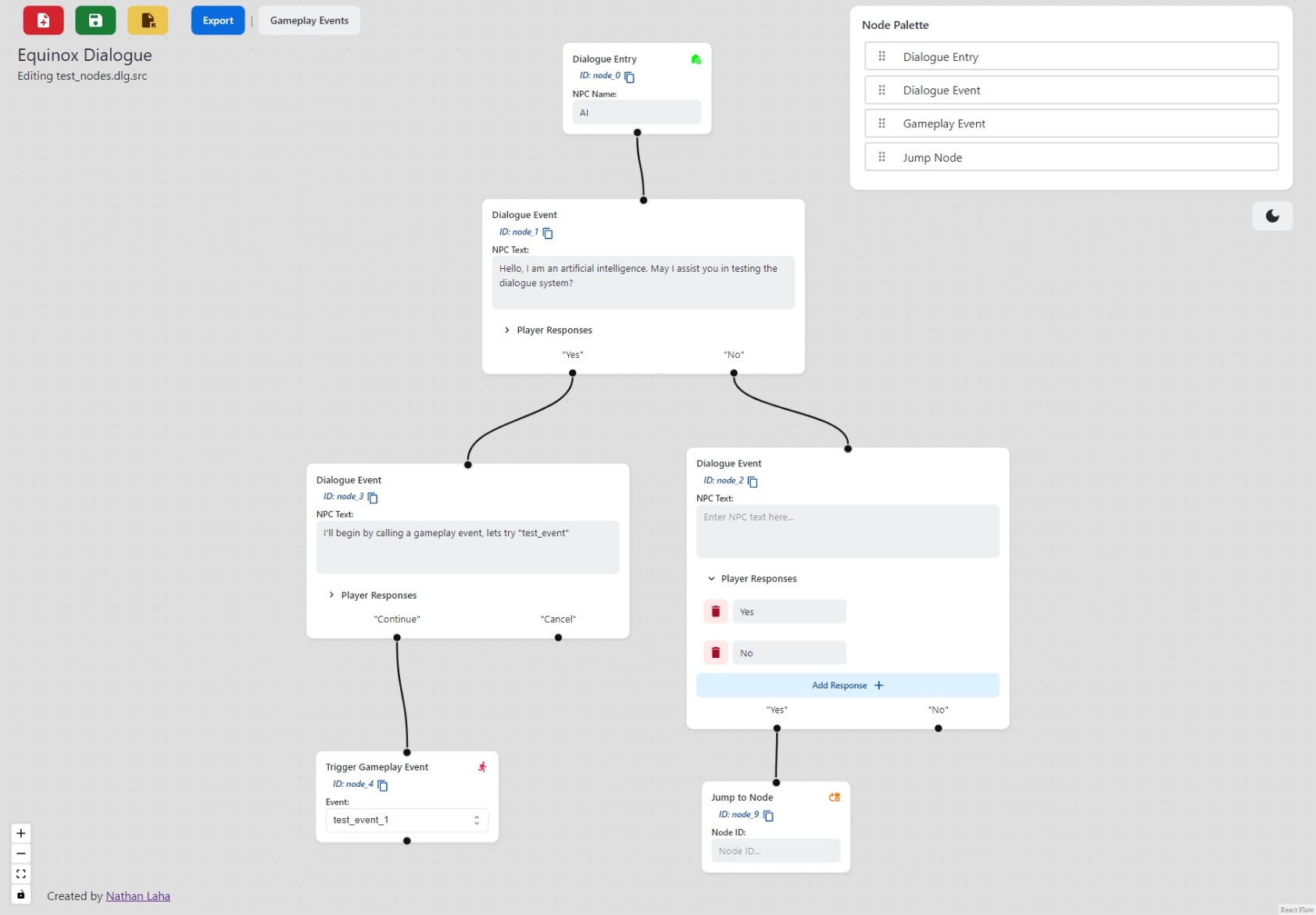
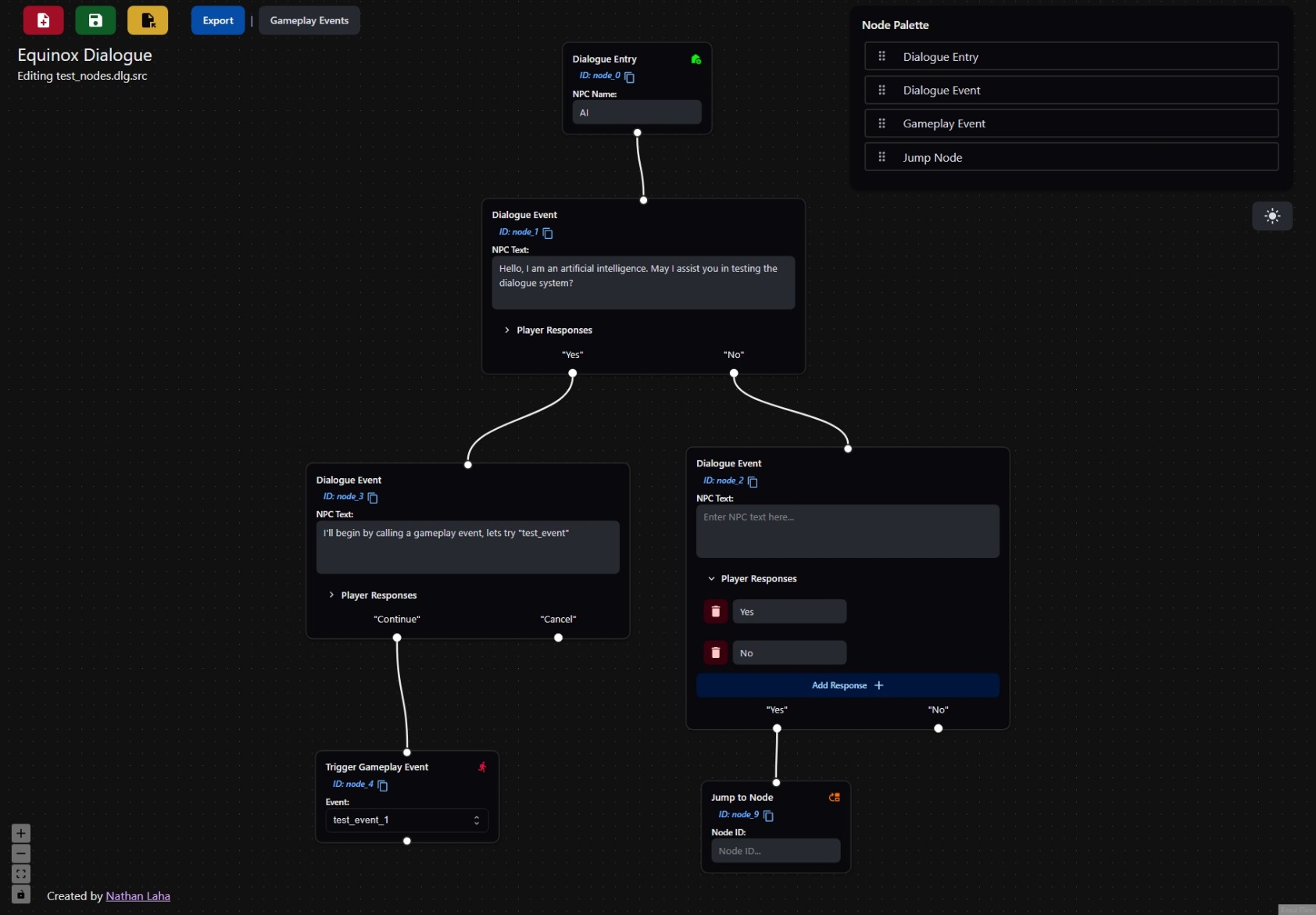
Dialogue Treeを構築します。完了したら、[保存]またはエクスポートをクリックします。保存すると、ツリー +メタデータ全体がシリアル化されますが、エクスポートはゲームエンジンが必要とするデータのみをエクスポートします。このツールは、ツリーシステムごとに1つのNPCで動作するように設計されているため、各NPCには専用の.dlgファイルがあります。現在、単一の会話では複数のNPCをサポートしていません。
制限されたコピー/ペーストサポートは、 CTRL-C CTRL-Vを通じて利用できます
ノードまたは接続を削除: DEL
左マウスボタンでSHIFTを保持し、ドラッグして複数のノードを選択します
Yarnを使用することをお勧めしますが、 npm run同様に機能します
開発サーバーを起動するには...
yarn start
生産実行のために静的ファイルを構築するために...
yarn build
開発モードで電子アプリを起動するには...
yarn electron:start
実行可能な実行として電子アプリをパッケージ化するために...
yarn electron:package:<mac,win,linux>
<mac,win,linux> OSに置き換えます
以下は、エクスポートされたダイアログツリーからのサンプルJSONです
{
  "id" : " node_0 " ,
  "npc_name" : " AI Character " ,
  "type" : " dialogue_entry " ,
  "responses" : [
    {
      "type" : " none " ,
      "next" : {
        "id" : " node_1 " ,
        "type" : " gameplay_event " ,
        "responses" : [
          {
            "type" : " pass " ,
            "next_node" : {
              "id" : " node_2 " ,
              "type" : " dialogue_event " ,
              "responses" : [
                {
                  "type" : " end_response " ,
                  "text" : " Yes "
                },
                {
                  "type" : " choice_response " ,
                  "text" : " No " ,
                  "next_node" : {
                    "id" : " node_3 " ,
                    "type" : " jump_node " ,
                    "responses" : [
                      {
                        "type" : " end_response " ,
                        "text" : " Exit "
                      }
                    ],
                    "jump_to" : " node_1 "
                  }
                },
                {
                  "type" : " choice_response " ,
                  "text" : " Other Response " ,
                  "next_node" : {
                    "id" : " node_4 " ,
                    "type" : " gameplay_event " ,
                    "responses" : [
                      {
                        "type" : " end_response " ,
                        "text" : " Exit "
                      }
                    ],
                    "event" : " test_gameplay_event_2 "
                  }
                }
              ],
              "npc_text" : " This is a test dialogue node "
            }
          }
        ],
        "event" : " test_gameplay_event_1 "
      }
    }
  ],
  "gameplay_events" : [
    " test_gameplay_event_1 " ,
    " test_gameplay_event_2 "
  ]
}






