MaltraceX
v1.4.0


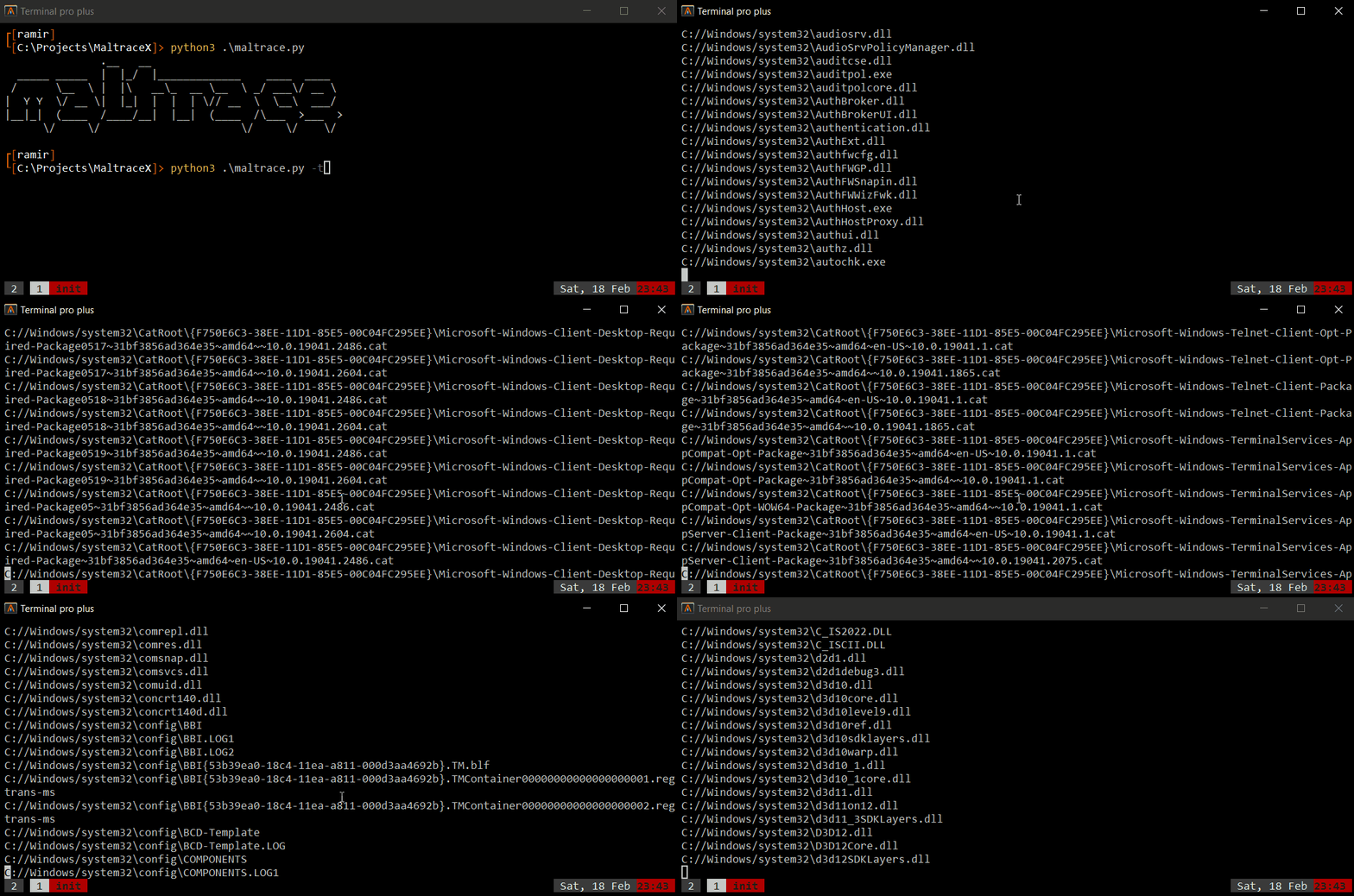
 usage: maltrace.py [ -t -f / -c -o -s -f / -vt <path> / -a <path> / -sn -w -d -i -e -o / -p -w -d -o ]

Maltrace - scan your system integrity and find traces of malwares.

options:
  -h, --help                                  show this help message and exit
  -t, --take-snapshot                         Take snapshot for defined folder and registy keys.
  -c, --check-integrity                       Check the integrity of the system.
  -p, --process-listener                      Monitor spawned processes.
  -v <path>, --virus-total <path>             Scan a file with virus total.
  -a <path>, --analyze <path>                 Inspect executable properties.
  -sn, --sniff                                Sniff network traffic.
  -o, --output                                Output to file.
  -f, --full                                  Perform full system check.
  -s, --scan-findings                         scan found files.
  -w, --whitelist                             Create whitelist.
  -i, --info                                  Get more information.
  -d <seconds>, --duration <seconds>          Duration in seconds.
  -e <npcap filter>, --filter <npcap filter>  Filter packet capture.
 ----------------------------------------------------------------------------------
--------------------------------MaltraceX Log File---------------------------------
----------------------------------------------------------------------------------

Found new trace: /mnt/c/Windows/mal.exe was created on: Sat Sep 10 13:45:17 2022
File Hash: 0a73291ab5607aef7db23863cf8e72f55bcb3c273bb47f00edf011515aeb5894

---------------------------------------------------------------------------------------------------
----------------------------------------Virus Total report:----------------------------------------
---------------------------------------------------------------------------------------------------
Total Malicious: 43
Total Undetected: 16
File Reputation: -88
Suggested label: ransomware.wannacryptor/wanna
---------------------------------------------
Engines results:
---------------------------------------------
Bkav - undetected
Lionic - malicious
Elastic - malicious
Cynet - malicious
FireEye - malicious
CAT-QuickHeal - malicious
McAfee - malicious
Malwarebytes - undetected
VIPRE - malicious
Sangfor - malicious
K7AntiVirus - malicious
Alibaba - type-unsupported
K7GW - malicious
CrowdStrike - type-unsupported
Baidu - undetected
VirIT - undetected
Cyren - malicious
SymantecMobileInsight - type-unsupported
Symantec - malicious
tehtris - type-unsupported
ESET-NOD32 - malicious
APEX - type-unsupported
TrendMicro-HouseCall - malicious
Avast - malicious
ClamAV - malicious
Kaspersky - malicious
BitDefender - malicious
NANO-Antivirus - malicious
ViRobot - undetected
MicroWorld-eScan - malicious
Tencent - malicious
Ad-Aware - undetected
Trustlook - type-unsupported
Sophos - malicious
Comodo - malicious
F-Secure - undetected
DrWeb - malicious
Zillya - undetected
TrendMicro - malicious
McAfee-GW-Edition - malicious
SentinelOne - type-unsupported
Trapmine - type-unsupported
Emsisoft - malicious
Paloalto - type-unsupported
GData - malicious
Jiangmin - malicious
Webroot - type-unsupported
Avira - malicious
Kingsoft - undetected
Gridinsoft - malicious
Arcabit - malicious
SUPERAntiSpyware - undetected
ZoneAlarm - undetected
Avast-Mobile - type-unsupported
Microsoft - malicious
TACHYON - undetected
BitDefenderFalx - type-unsupported
AhnLab-V3 - malicious
Acronis - undetected
VBA32 - malicious
ALYac - undetected
MAX - malicious
Cylance - type-unsupported
Zoner - undetected
Rising - malicious
Yandex - undetected
Ikarus - malicious
MaxSecure - malicious
Fortinet - malicious
BitDefenderTheta - malicious
AVG - malicious
Cybereason - type-unsupported
Panda - malicious

----------------------------------------------------------------------------------

File - /mnt/c/Windows/system32/svchost.exe was changed on: Sat Sep 10 13:45:17 2022
Original hash : b51183de9bcc1294835d162e757053939ef666dcb8dc083d1326c3c33dd4edbc
New hash : 83596dc0a40eee825a51c6844c70a014b28776c1516d53114b71c0ea9c8fd506
Could not find file's hash in Virus Total database

-------------------------------------Windows Registry lookup:--------------------------------------

Found new registry key:
HKCUSoftwareMicrosoftWindowsCurrentVersionRunOnce
Key: C:\WindowsSystem32havoc.exe
----------------------------------------------------------------------------------
Found new value for: Common Startup
In: HKLMSoftwareMicrosoftWindowsCurrentVersionExplorerShell Folders
Old Value: C:ProgramDataMicrosoftWindowsStart MenuProgramsStartup
New Value: C:ProgramData46a106a85206eceb96acfc8086d25a0
----------------------------------------------------------------------------------







