ragbot
1.0.0

? Ragbot.ai(以前はRBOTと名付けられた):RajivのオープンソースAI拡張脳アシスタントは、大規模な言語モデル(LLMS)のパワーと検索拡張生成(RAG)を組み合わせています。
ragbot.aiプロセスユーザープロンプトは、カスタム命令とキュレーションされたデータセットとともに、コンテキスト対応の応答を可能にします。 OpenaiのGPTやAnthropic's Claudeを含むLLMSを搭載したRagbot.aiは、Ragを使用します。これは、事前に訓練された密な検索とシーケンスからシーケンスモデルの力を組み合わせて、より事実上の有益なテキストを生成します。
?カスタム命令とキュレーションされたデータセットは、ragbot.aiがコンテキストをよりよく理解するのに役立ちます。
Rajiv Pantによって開発されました
コード貢献者と協力者
貢献する方法
あなたのコードの貢献は大歓迎です。リポジトリをフォークし、改善点でプルリクエストを送信してください。
ragbot.aiの紹介:ragbot.aiによって書かれたパーソナライズされたAIアシスタント
ブログ投稿からの抜粋:
AIアシスタントとして、ChatGpt Plus、Bing Chat、およびGoogle Bardの現在の実装とは一線を画す独自のレベルのパーソナライズと適応性を提供します。カスタマイズされたキュレーションされたデータセットファイルを含むフォルダーを使用することにより、個人的な生活、仕事、教育、特定のプロジェクトなど、複数のユースケースに応えることができます。このカスタマイズにより、私はあなたの独自のニーズに合わせた方法であなたを理解し、サポートすることができます。
個人情報、家族の詳細、旅行、食品の好みなどを含む、キュレーションされたデータセットファイルを備えたフォルダーを作成できます。この情報を使用することで、私はあなたの個人的な生活アシスタントとして機能し、AIを搭載した推奨事項を提供し、特定のコンテキストに合わせたサポートをサポートできます。
同様に、ワークライフに関連するキュレーションされたデータセットファイルを含む別のフォルダーを開発できます。これらのファイルには、仕事、業界、同僚、プロジェクト、その他の仕事関連情報に関する詳細が含まれる場合があります。このコンテキストを使用すると、メールの起草、会議のスケジューリング、調査の実施など、さまざまなタスクを支援し、効率と組織を強化できます。
また、学業の背景、関心のある科目、コース、その他の教育の詳細に関する情報を含むキュレーションされたデータセットファイルを備えたフォルダーを作成することにより、教育目的で私をカスタマイズすることもできます。この役割では、宿題の支援から複雑な概念の説明や学習リソースの推奨まで、パーソナライズされた教育サポートを提供できます。
上記のユースケースに加えて、特定のプロジェクトであなたをサポートするように調整できます。目標、チームメンバー、締め切り、関連するリソースなどのプロジェクト関連情報を含むキュレーションされたデータセットファイルを備えたフォルダーを作成することにより、プロジェクトのライフサイクル全体を通じて支援し、各ユニークなプロジェクトに合わせた貴重な洞察とサポートを提供します。
カスタマイズされたキュレートされたデータセットファイルを使用して、さまざまなニーズに異なるプロファイルを作成する私の機能は、ChatGpt Plus、Bing Chat、およびGoogle Bardから私を際立たせます。この汎用性により、私はあなたの人生の複数の側面にわたってパーソナライズされた支援を提供し、私があなたの特定の要件を理解し、応えることができるようにすることができます。
インストールガイドと構成およびパーソナライティングガイドをお読みください。
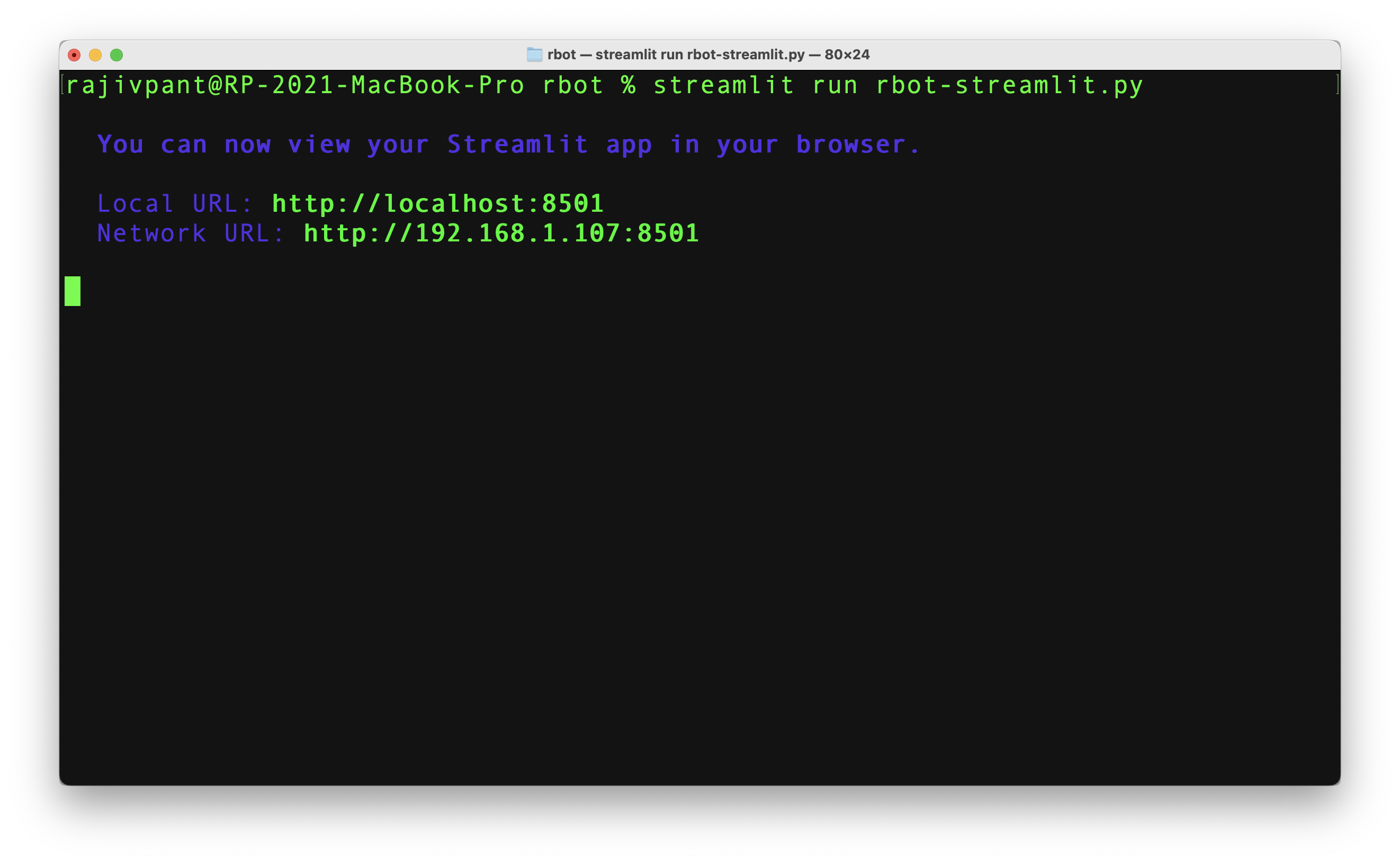
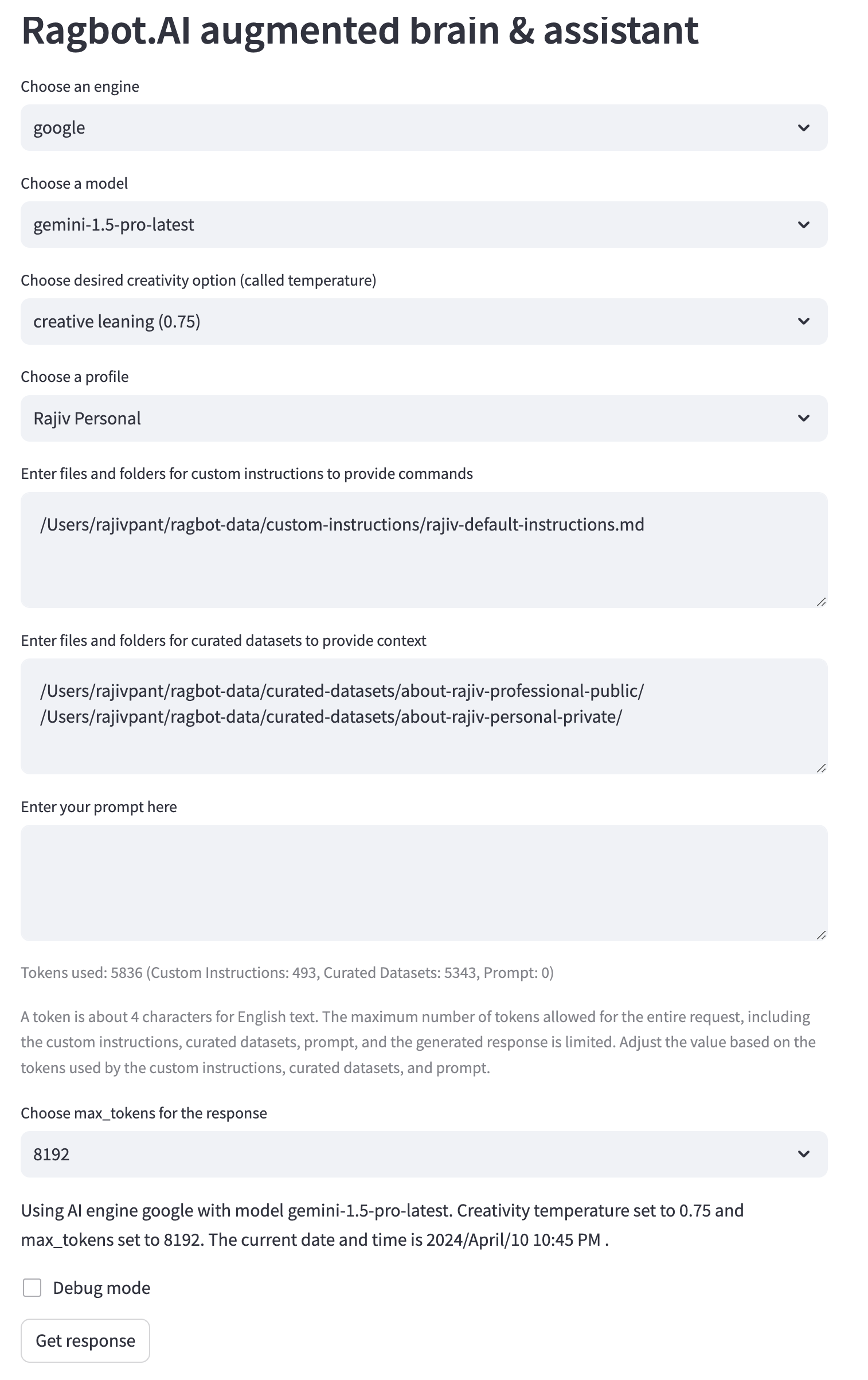
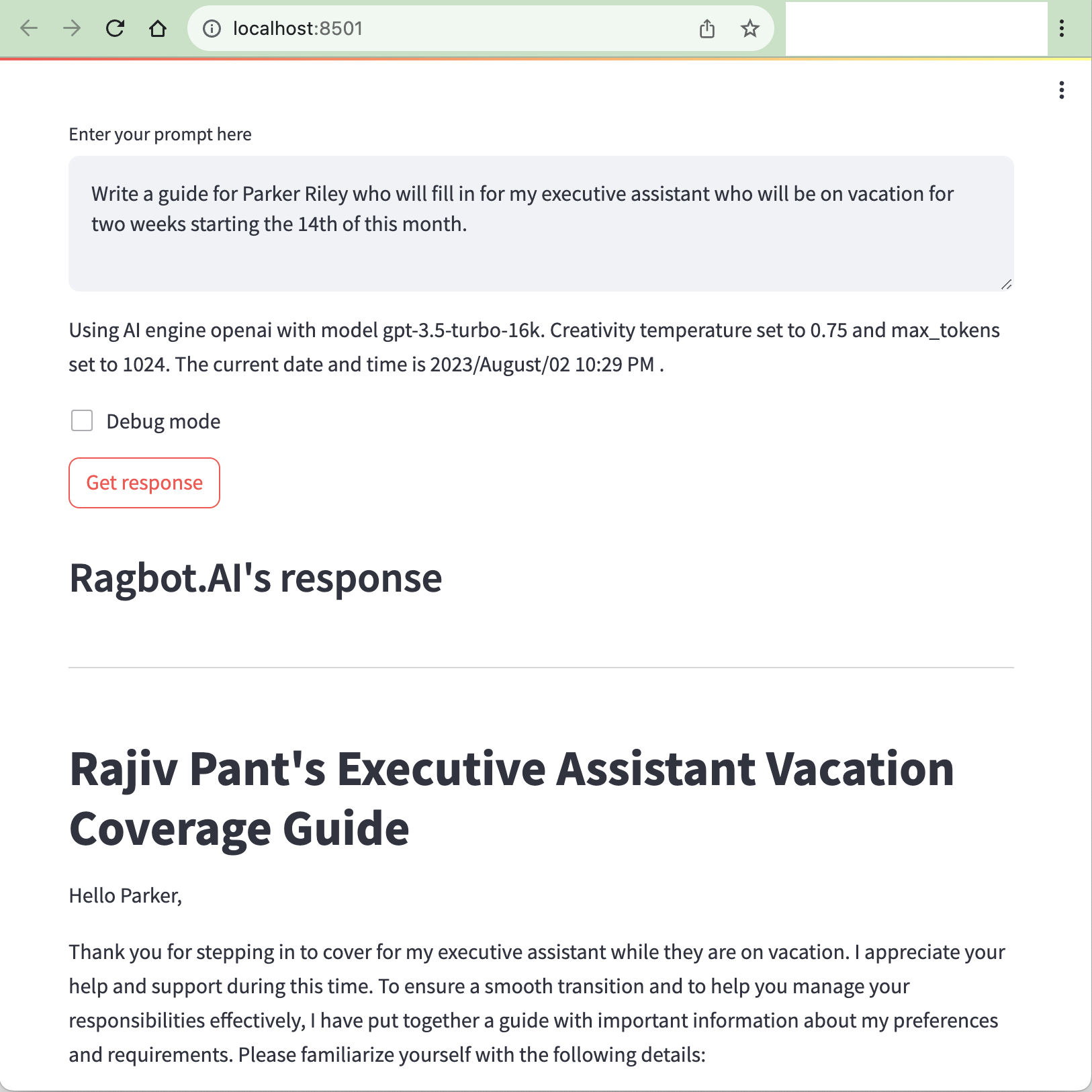
generate_prompt_template.pyは、カスタム命令とキュレーションされたデータセットを連結することにより、AIアシスタントのプロンプトテンプレートを生成するPythonスクリプトです。ユーザーは、AIを搭載したツールの有効性を高めるために、パーソナライズされたコンテキスト対応プロンプトを作成するのに役立ちます。
generate_prompt_template.pyとその利点の使用方法の詳細については、Generate Prosptテンプレートガイドを参照してください。
 rajivpant@rp-2023-mac-mini ragbot % ./ragbot --help
usage: ragbot.py [-h] [-ls] [-p PROMPT | -f PROMPT_FILE | -i | --stdin]
                 [-profile PROFILE] [-c [CUSTOM_INSTRUCTIONS ...]] [-nc]
                 [-d [CURATED_DATASET ...]] [-nd]
                 [-e {openai,anthropic,google}] [-m MODEL] [-t TEMPERATURE]
                 [-mt MAX_TOKENS] [-l LOAD]

Ragbot.AI is an augmented brain and asistant. Learn more at https://ragbot.ai

options:
  -h, --help            show this help message and exit
  -ls, --list-saved     List all the currently saved JSON files.
  -p PROMPT, --prompt PROMPT
                        The user's input to generate a response for.
  -f PROMPT_FILE, --prompt_file PROMPT_FILE
                        The file containing the user's input to generate a
                        response for.
  -i, --interactive     Enable interactive assistant chatbot mode.
  --stdin               Read the user's input from stdin.
  -profile PROFILE, --profile PROFILE
                        Name of the profile to use.
  -c [CUSTOM_INSTRUCTIONS ...], --custom_instructions [CUSTOM_INSTRUCTIONS ...]
                        Path to the prompt custom instructions file or folder.
                        Can accept multiple values.
  -nc, --nocusom_instructions
                        Ignore all prompt custom instructions even if they are
                        specified.
  -d [CURATED_DATASET ...], --curated_dataset [CURATED_DATASET ...]
                        Path to the prompt context curated dataset file or
                        folder. Can accept multiple values.
  -nd, --nocurated_dataset
                        Ignore all prompt context curated dataset even if they
                        are specified.
  -e {openai,anthropic,google}, --engine {openai,anthropic,google}
                        The engine to use for the chat.
  -m MODEL, --model MODEL
                        The model to use for the chat. Defaults to engine's
                        default model.
  -t TEMPERATURE, --temperature TEMPERATURE
                        The creativity of the response, with higher values
                        being more creative.
  -mt MAX_TOKENS, --max_tokens MAX_TOKENS
                        The maximum number of tokens to generate in the
                        response.
  -l LOAD, --load LOAD  Load a previous interactive session from a file.
rajivpant@rp-2023-mac-mini ragbot % ragbot.aiを使用するには、複数のキュレーションされたデータセットファイルを含むキュレーションされたデータセットファイルおよび/またはフォルダーを提供できます。 https://github.com/rajivpant/ragbot/tree/main/example-curated-datasetsでキュレーションされたデータセットファイルの例を見ることができます
例1:
 rajivpant@RP-2021-MacBook-Pro ragbot % ./ragbot.py -d custom-instructions/ curated-datasets/public/ ../ragbot-private/curated-datasets/personal/ ../ragbot-private/curated-datasets/hearst -p " Write a short note in Rajiv's voice about Rajiv's job, coworkers, family members, and travel and food preferences for the person temporarily backfilling for his EA. "
curated datasets being used:
 - custom-instructions/
 - curated-datasets/public/travel-food.md
 - curated-datasets/public/employment-history.md
 - curated-datasets/public/about.md
 - curated-datasets/public/biography.md
 - ../ragbot-private/curated-datasets/personal/accounts.md
 - ../ragbot-private/curated-datasets/personal/contact-info.md
 - ../ragbot-private/curated-datasets/personal/personal-family.md
 - ../ragbot-private/curated-datasets/hearst/hearst.md
Using AI engine openai with model gpt-4
[redacted in this example]
例2:
 rajivpant@RP-2021-MacBook-Pro ragbot % ./ragbot.py -d custom-instructions/ curated-datasets/public/ -p " Write a short resume of Rajiv "
curated datasets being used:
 - custom-instructions/
 - curated-datasets/public/travel-food.md
 - curated-datasets/public/employment-history.md
 - curated-datasets/public/about.md
 - curated-datasets/public/biography.md
Using AI engine openai with model gpt-4
[truncated in this example]
例3:
./ragbot.py -p "Tell me a story about a brave knight and a wise wizard." -d curated datasets/story_charactersragbot.aiをインタラクティブモードで使用するには、コマンドラインまたは入力ファイルを介してプロンプトを提供せずに、 -iまたは--interactiveフラグを使用します。このモードでは、各応答後にフォローアッププロンプトを入力できます。
例:
./ragbot.py -i -d curated-datasets/story_characters最初の例では、ragbot.aiは、 ../ragbot-private/curated-datasets ragbot-private/curated-datasetsフォルダーのキュレーションされたデータセットファイルを使用して、Rajivの音声で短いメモを生成します。 2番目の例では、ragbot.aiは、 curated-datasets/software_development.txtキュレーションデータセットファイルを使用して、ソフトウェア開発のための優れたプラクティスに関する情報を提供します。 3番目の例では、ragbot.aiはcurated-datasets/story_charactersフォルダーのキュレーションされたデータセットファイルを使用して、勇敢な騎士と賢明なウィザードについてのストーリーを語っています。
 rajivpant@RP-2021-MacBook-Pro ragbot % ./ragbot.py -d ragbot.py -p " if no curated dataset files are being used, then I want the code to show that. "
curated datasets being used:
 - ragbot.py
Using AI engine openai with model gpt-4
To modify the code to show a message when no curated dataset files are being used, you can add an else statement after checking for the curated dataset files. Update the code in the `main()` function as follows:

```python
if curated_dataset_files:
    print("curated datasets being used:")
    for file in curated_dataset_files:
        print(f" - {file}")
else:
    print("No curated dataset files are being used.")
```

This will print "No curated dataset files are being used." when there are no curated dataset files detected.
rajivpant@RP-2021-MacBook-Pro ragbot %
私が使用するキュレーションされたデータセットファイルのいくつかが何であるかを推測するように頼む
 rajivpant@RP-2021-MacBook-Pro ragbot % find curated-datasets ../ragbot-private/curated-datasets -print | ./ragbot.py -d custom-instructions/ curated-datasets/public/ ../ragbot-private/curated-datasets/personal/ ../ragbot-private/curated-datasets/hearst/ -p " What do you guess these files are for? "
curated datasets being used:
 - custom-instructions/
 - curated-datasets/public/travel-food.md
 - curated-datasets/public/employment-history.md
 - curated-datasets/public/about.md
 - curated-datasets/public/biography.md
 - ../ragbot-private/curated-datasets/personal/accounts.md
 - ../ragbot-private/curated-datasets/personal/contact-info.md
 - ../ragbot-private/curated-datasets/personal/personal-family.md
 - ../ragbot-private/curated-datasets/hearst/hearst.md
Using AI engine openai with model gpt-4
These files appear to be related to the curated-datasets of an AI system, likely for generating text or providing assistance based on the provided information. The files seem to be divided into two categories: public and private.

Public files:
- curated-datasets/public/travel-food.md: Rajiv's travel and food preferences
- curated-datasets/public/employment-history.md: Rajiv's employment history
- curated-datasets/public/about.md: General information about Rajiv
- curated-datasets/public/biography.md: Biography of Rajiv

Private files (stored in a separate private folder):
- curated-datasets/personal/accounts.md: Semi-private personal account information, such as frequent flyer numbers or loyalty programs. Does not contain any confidential or sensitive information.
- curated-datasets/personal/contact-info.md: Personal contact information, such as phone numbers and email addresses. Does not contain any confidential or sensitive information.
- curated-datasets/personal/personal-family.md: Personal and family information, such as family members and relationships. Does not contain any confidential or sensitive information.

Hearst-specific files:
- curated-datasets/hearst/hearst.md: Non-confidential, publicly available information related to the Hearst corporation, including Rajiv's role there

Overall, these files seem to contain various information about a person, their preferences, and professional background, likely used to tailor the AI system's responses and assistance.
rajivpant@RP-2021-MacBook-Pro ragbot %
プロジェクトについて技術的な質問をする
Ragbot.aiの現在のバージョンでは、-stdinおよび-promptオプションは相互に排他的であるため、次の例はそのまま機能しなくなります。このREADMEファイルの今後の更新では、同様の結果を取得するための別の例を示します。
 alexredmon@ar-macbook ~/s/scribe > cat docker-compose.yml | ragbot --stdin -p " which services will be exposed on which ports by running all services in the following docker-compose.yml file? "
In the given docker-compose.yml file, the following services are exposed on their respective ports:
1. "scribe" service: - Exposed on port 80 - Exposed on port 9009 (mapped to internal port 9009)
2. "scribe-feature" service: - Exposed on port 80
3. "scribe-redis" service: - Exposed on port 6379 (mapped to internal port 6379)
alexredmon@ar-macbook ~/s/scribe >Claudeインスタントモデルで人類エンジンを使用します
 rajivpant@RP-2021-MacBook-Pro ragbot % ./ragbot.py -e anthropic -m " claude-instant-v1 " -p " Tell me 5 fun things to do in NYC. "
No curated dataset files are being used.
Using AI engine anthropic with model claude-instant-v1
 Here are 5 fun things to do in NYC:

1. Visit Central Park. Walk the paths, rent a paddle boat, visit the zoo, catch a Shakespeare in the Park performance.

2. Catch a Broadway show. New York is the center of the theater world with some of the greatest plays and musicals on Broadway and off Broadway.

3. Go to the top of the Empire State Building. Take in the panoramic views of all of NYC from one of its most famous landmarks.

4. Shop and dine in SoHo and the West Village. Explore trendy boutique shops and dig into meals at charming sidewalk cafes.

5. Take a free walking tour. There are numerous companies that offer guided walking tours of various NYC neighborhoods, covering history, culture, architecture and more.
rajivpant@RP-2021-MacBook-Pro ragbot %
ランダムな創造性
Ragbot.aiの現在のバージョンでは、-stdinおよび-promptオプションは相互に排他的であるため、次の例はそのまま機能しなくなります。このREADMEファイルの将来の更新では、同様の結果を取得するための別の例を示します。
 alexredmon@ar-macbook ~ > cat names.csv
rajiv,
jim,
dennis,
alexandria
alexredmon@ar-macbook ~ > catnames.csv | ragbot.py --stdin -p "Generate a creative nickname for each of the following people"
rajiv, Rajiv Razzle-Dazzle
jim, Jolly JimJam
dennis, Daring Denmaster
alexandria, All-Star Alexi
alexredmon@ar-macbook ~ >




