anemone
1.0.0

クリーンなCSSを優先し、重いJavaScriptを回避するミニマリストのZolaテーマである「Anemone」を紹介します。ライトニングファストの負荷時間でシームレスなユーザーエクスペリエンスをお楽しみください。読みやすさを向上させる乱雑でエレガントなデザインで、コンテンツをセンターステージに上げましょう。応答性が高く効率的なAnemoneは、あなたのアイデアに焦点を当てます。
ここでは、デモのウェブサイトを閲覧できます。自分のウェブサイトでも使用できます。
Anemoneは、明るいバリエーションと暗いバリアントの両方が付属する多目的なZolaのテーマです。あなたの好みに合わせて、明るいテーマと暗いテーマを簡単に切り替えることができます。
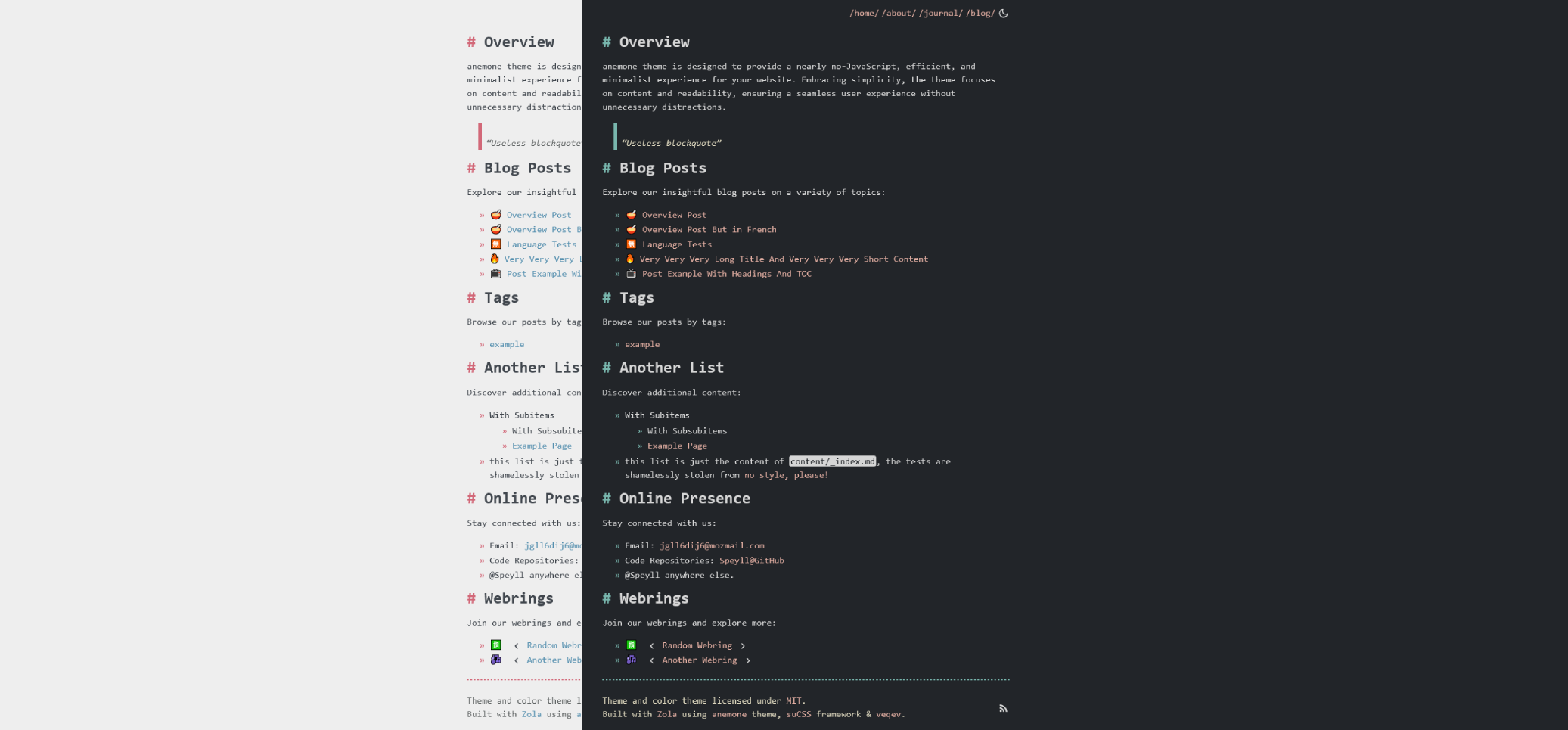
アネモネを始めるには、次の簡単な手順に従ってください。
themes directory: cd themes
git clone https://github.com/Speyll/anemoneconfig.toml : theme = " anemone " このリリースは、主にパフォーマンスとユーザーエクスペリエンスの最適化に焦点を当てたいくつかの改善と強化をもたらします。重要な変更の概要は次のとおりです。
suCSS Integration: The core CSS now leverages the lightweight suCSS framework made by yours truly, providing better maintainability, robustness, and scalability. SUCSを使用すると、テーマは異なるブラウザ全体で一貫した外観を維持する必要があります。
Enhanced Theme Toggle: The dark and light theme toggle has been revamped for more consistency.現在、ウェブサイトはユーザーのシステム全体のテーマ設定を尊重し、シームレスなエクスペリエンスを確保しています。さらに、トグルは、将来の訪問のために選択されたテーマを保持し、使いやすさを向上させます。
Smooth Transition and Sound Effect: Enjoy a smoother transition between the dark and light mode accompanied by a subtle sound effect.安心して、追加のサウンドエフェクトには最小限のパフォーマンスオーバーヘッドが生じ、ファイルサイズはわずか1kbです。
Class Names and Shortcodes Update: Some class names and shortcodes have been modified for better organization and clarity.ご不便をおかけして申し訳ございません。
Slight change in Color Choice: Some dark mode colors have been changed for the sake of readability, still using veqev.
Anemoneは、ウェブサイトをカスタマイズするためのさまざまなオプションを提供します。
タグを使用するには、次のコードをページのメタデータに追加します。
[ taxonomies ]
tags = [ " tag1 " , " tag2 " ]Enable listing of pages in the homepage by adding the following code to config.toml :
[ extra ]
list_pages = true このテーマには、複数の言語を使用できる組み込み機能があります。この機能の使用方法に関する詳細な手順については、Zola多言語ドキュメントを参照できます。このドキュメントは、この多言語機能を最大限に活用する方法に関する追加情報を提供します。
[ languages . fr ]
generate_feeds = true
build_search_index = true Customize the header navigation links with the following code in the extra section of config.toml :
[ extra ]

header_nav = [
  { url = " / " , name_en = " /home/ " , name_fr = " /accueil/ " },
  { url = " /about " , name_en = " /about/ " , name_fr = " /concernant/ " },
  { url = " /journal " , name_en = " /journal/ " , name_fr = " /journal/ " },
  { url = " /blog " , name_en = " /blog/ " , name_fr = " /blog/ " }
]In a page's frontmatter, set extra.toc to true :
[ extra ]
toc = true Customize the display of the author's name in your blog posts by toggling the display_author variable to either true or false :
[ extra ]
display_author = trueショートコードでウェブリングを追加します:
{{ webring(prev="#", webring="#", webringName="Random Webring", next="#") }}author in both the main config and in pages metadata.image variable in pages to add an image to HTML <meta> tags.favicon in the main config, and it will be used as the site icon.footer_content_license and footer_content_license_link if you wish to display content license information in the footer. Twitterメタタグはデフォルトで生成されます。 To disable them, set extra.twitter_card to false in config.toml :
[ extra ]
twitter_card = trueAnemoneテーマは、MITライセンスの条件の下でオープンソースとして入手できます。





