Font Clock
1.0.0

Étape 1: Téléchargez votre horloge de police préférée
Étape 2: Installer Misaka (https://straight-tamago.github.io/misaka/misaka)
https://straight-tamago.github.io/misaka/Misaka
Étape 3: Installez le gestionnaire de polices à partir d' Eposbox
https://straight-tamago.github.io/misaka/?repo=https://raw.githubusercontent.com/EPOS05/EPOSbox/main/misaka.json&tweak=com.epos.fontmanager
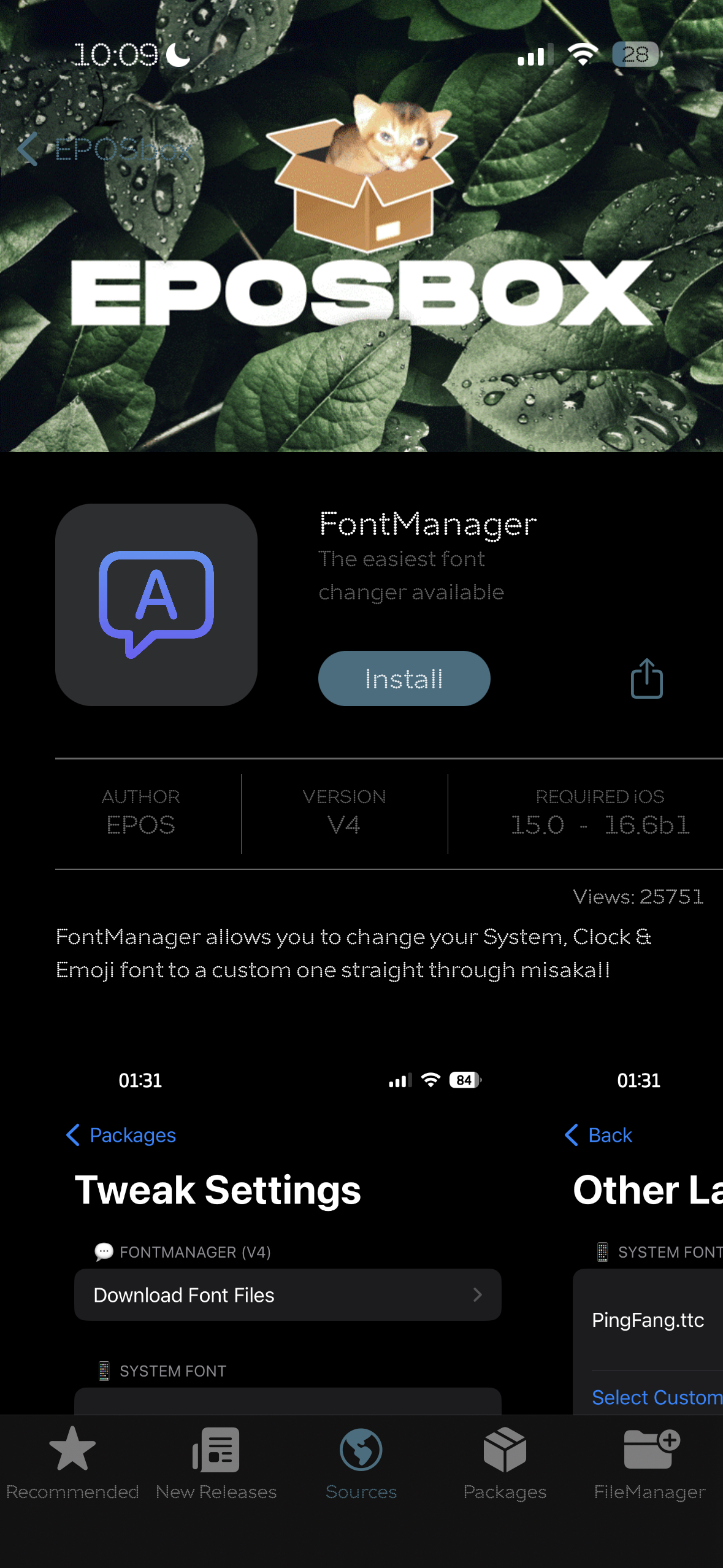
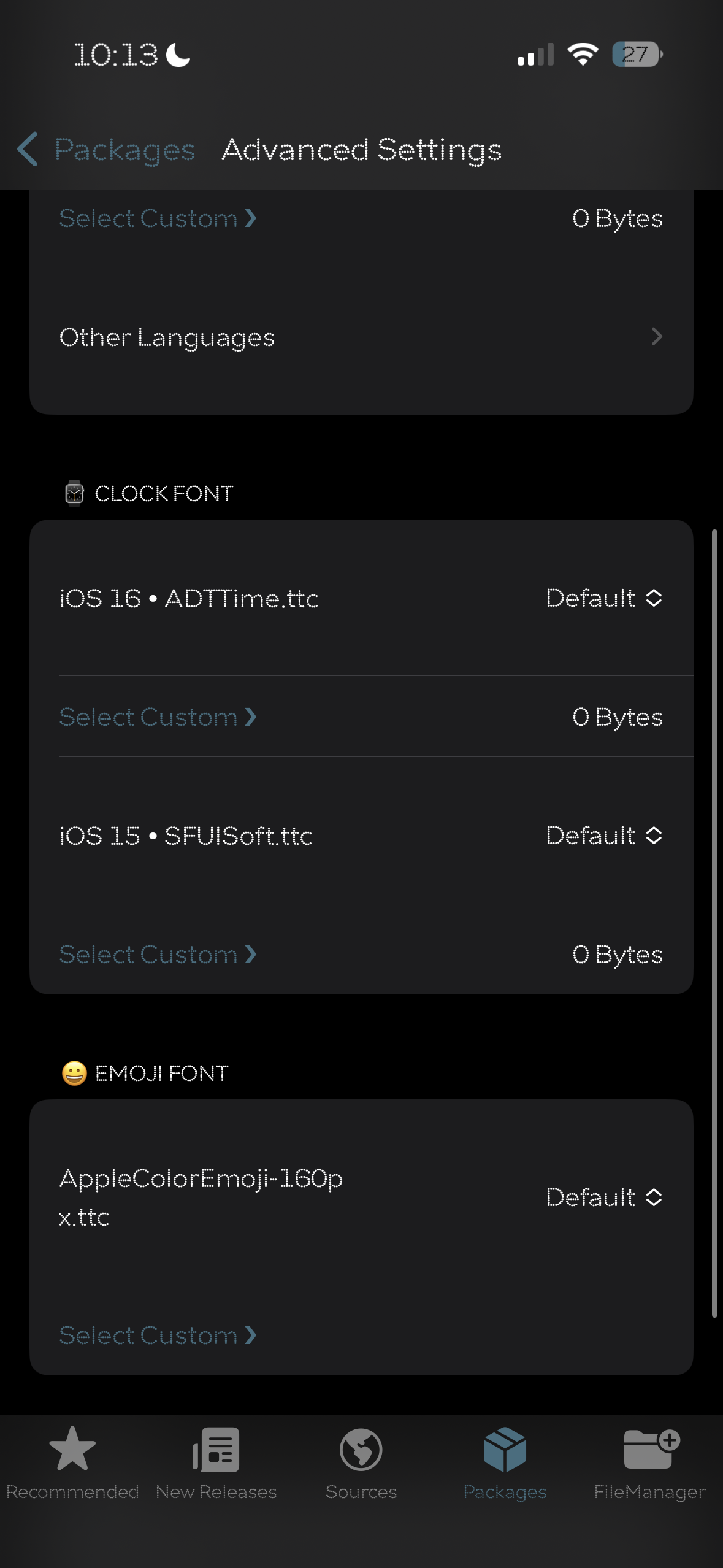
Étape 4 Holnez et appuyez sur le paramètre avancé , à Clock Font , Importer le fichier de police téléchargé à l'étape 1 sur iOS 16 ・ adttime.ttc (si iOS 16) ou iOS 15 ・ sfuisoft.ttc (si iOS 15)
Étape 5: Appliquer puis Respring (devrait être redémarré)
Vous pouvez également vos différents outils qui prennent en charge la police écraser pour MDC ou KFD tels que: Cowabunga (MDC); WDBFONT (MDC); KFDFONT (KFD); ...
Merci Epos et Tyler pour un ajustement incroyable?








