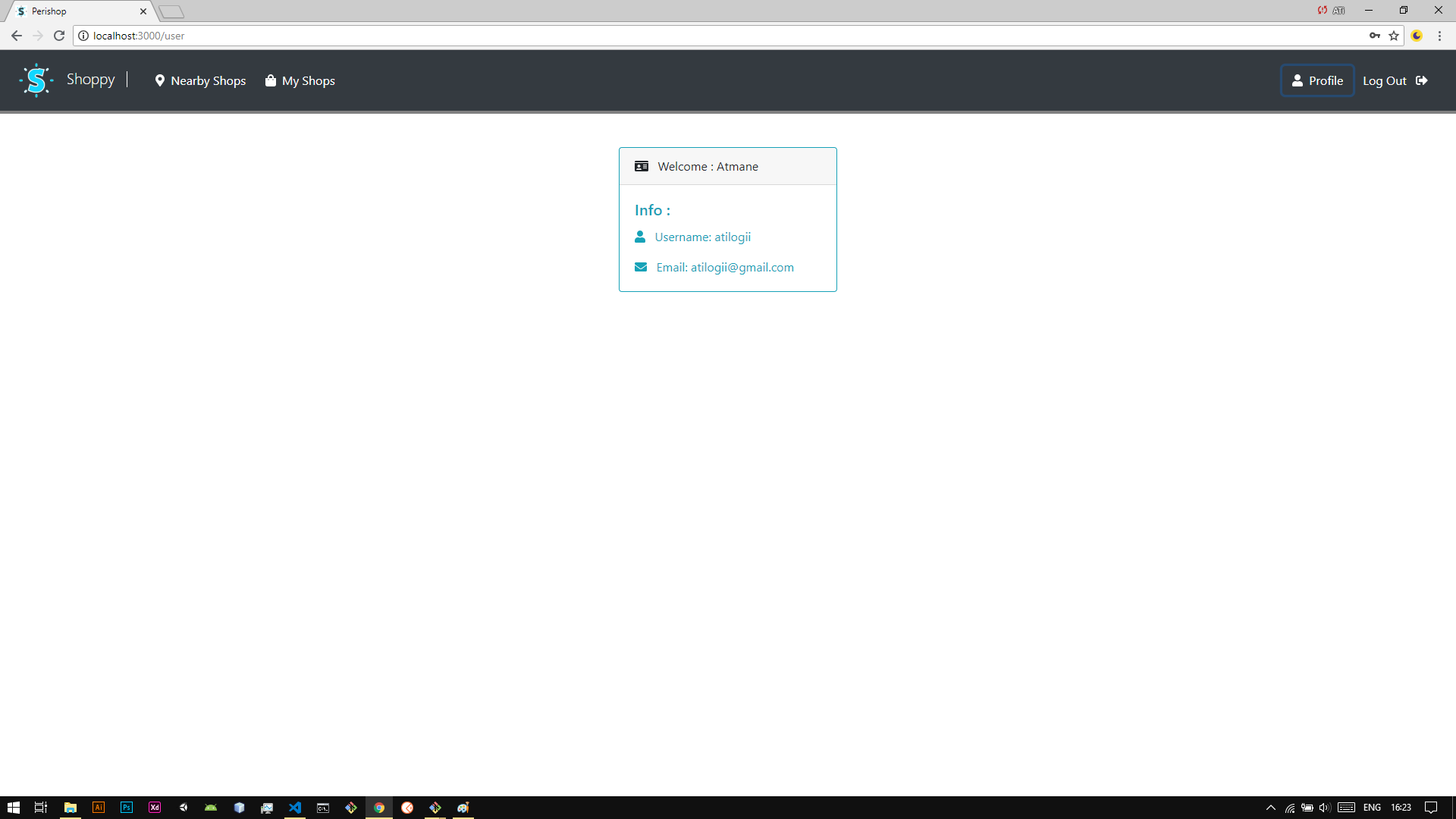
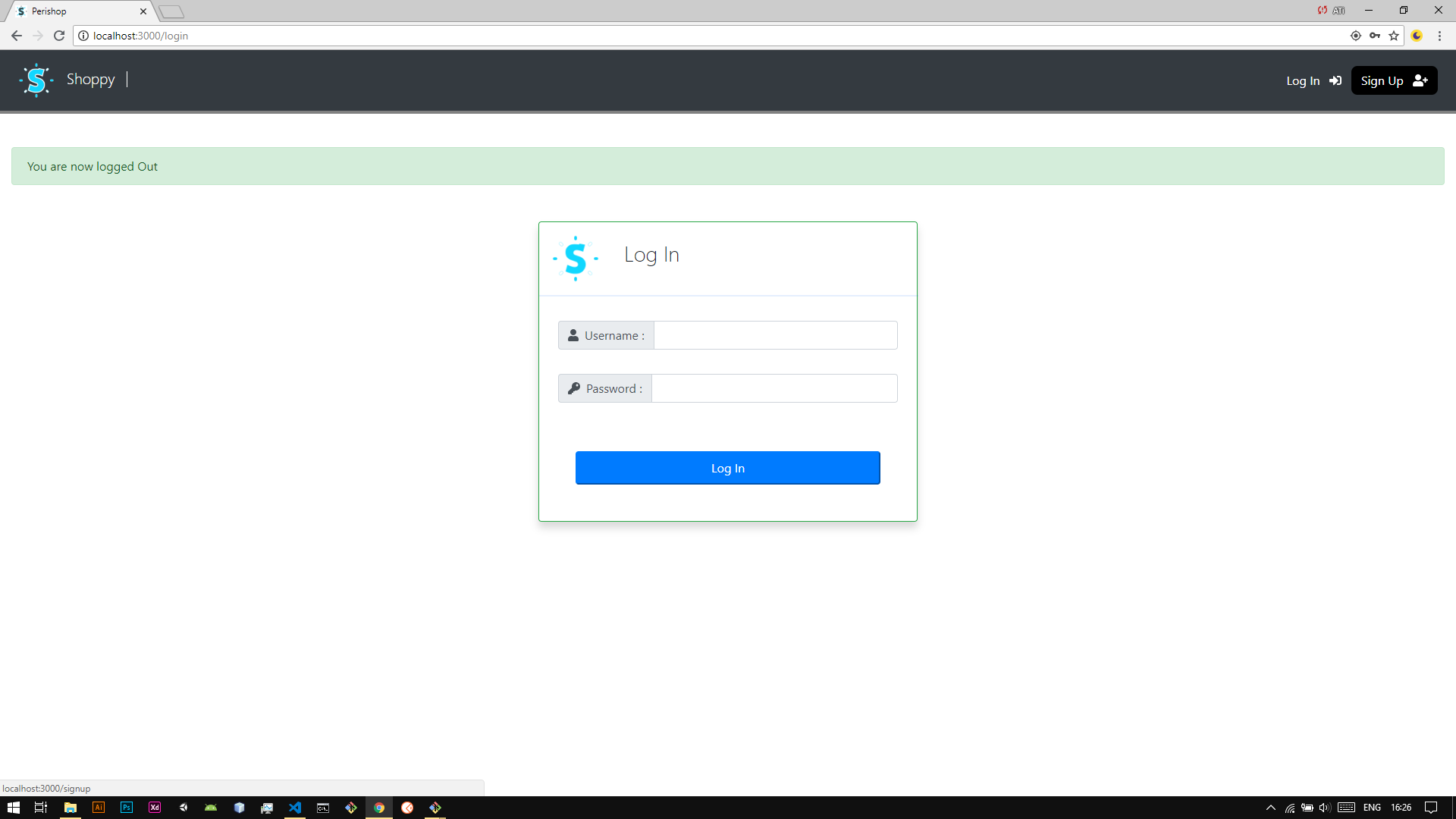
perishop
1.0.0

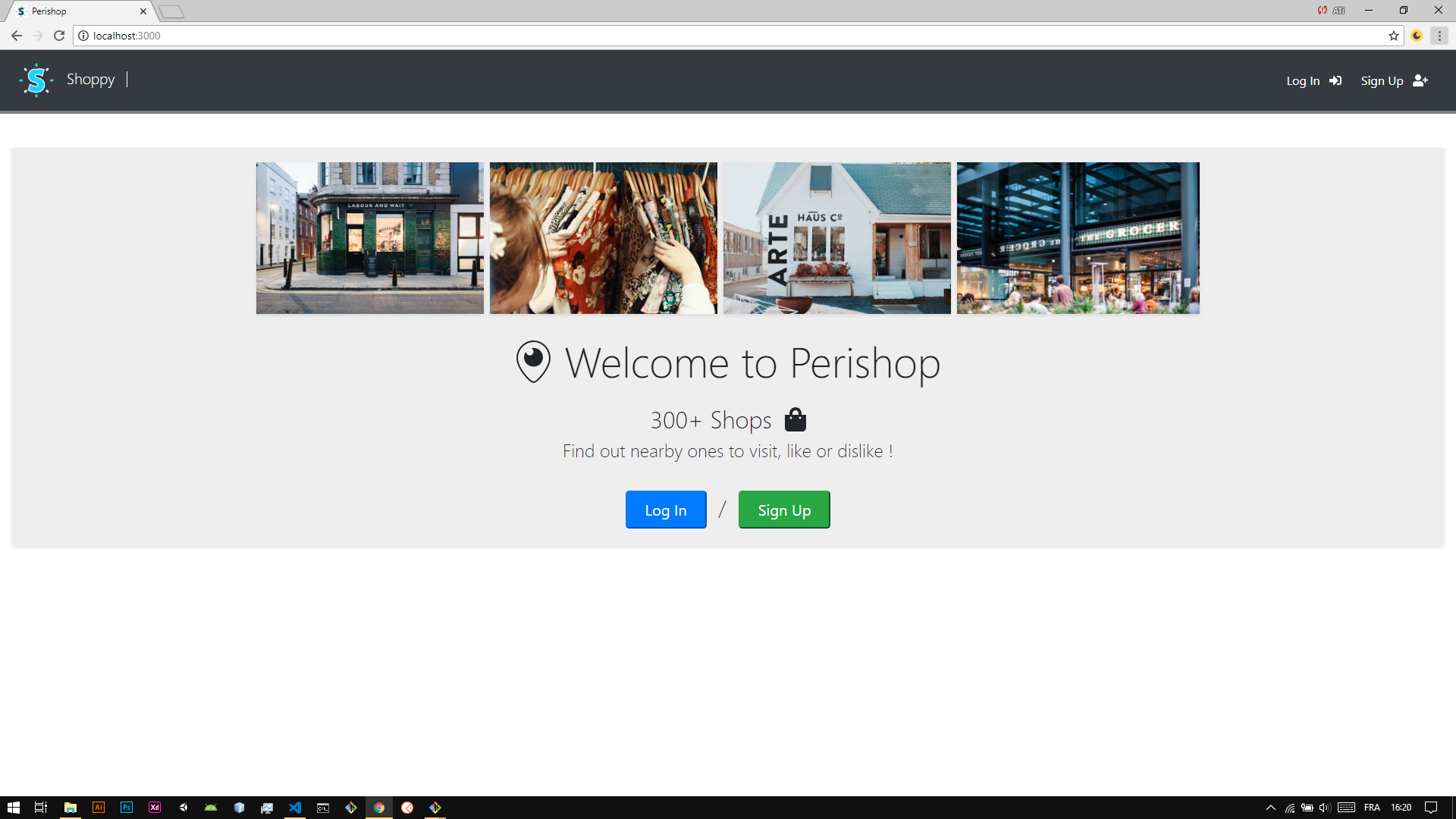
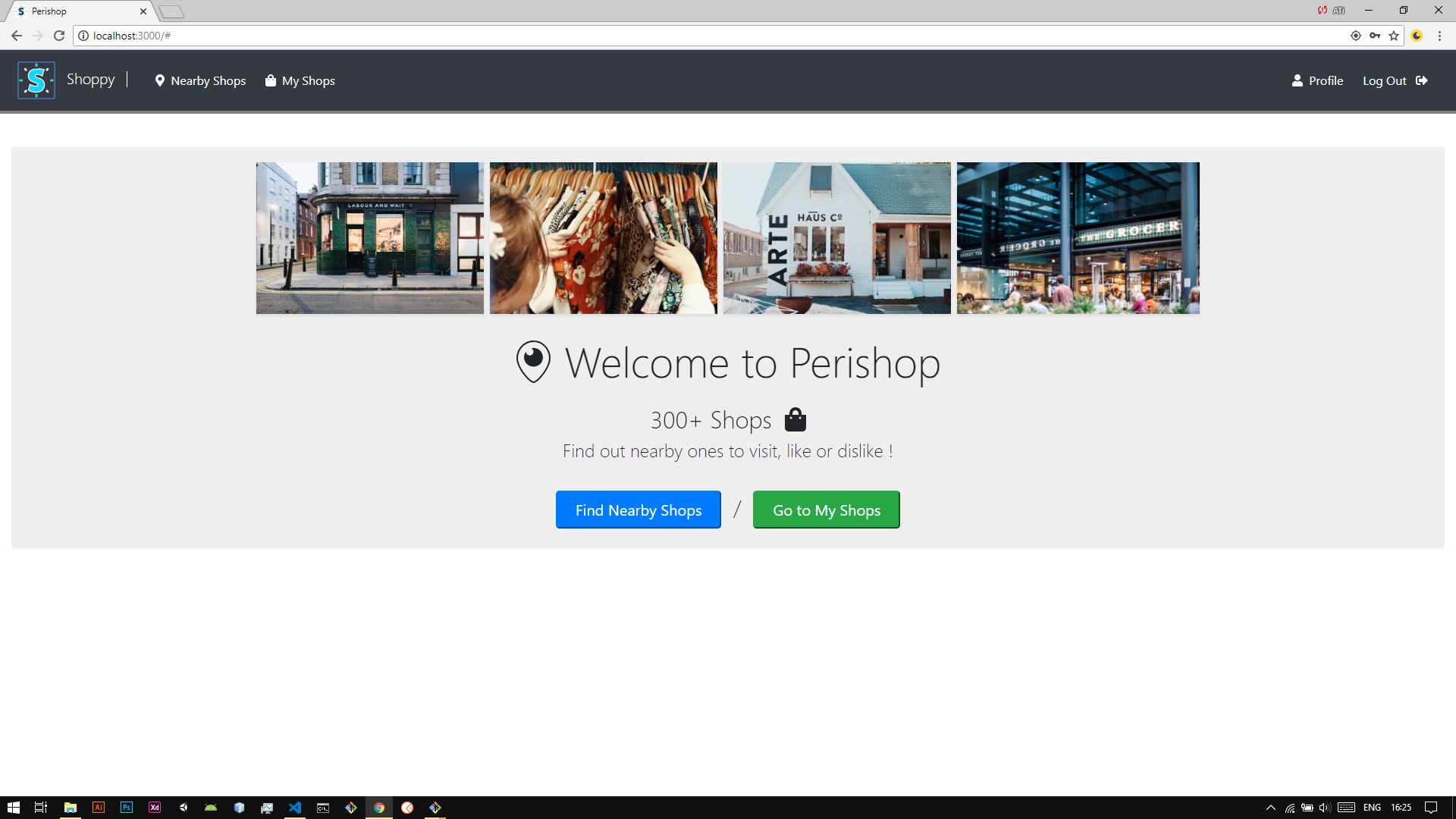
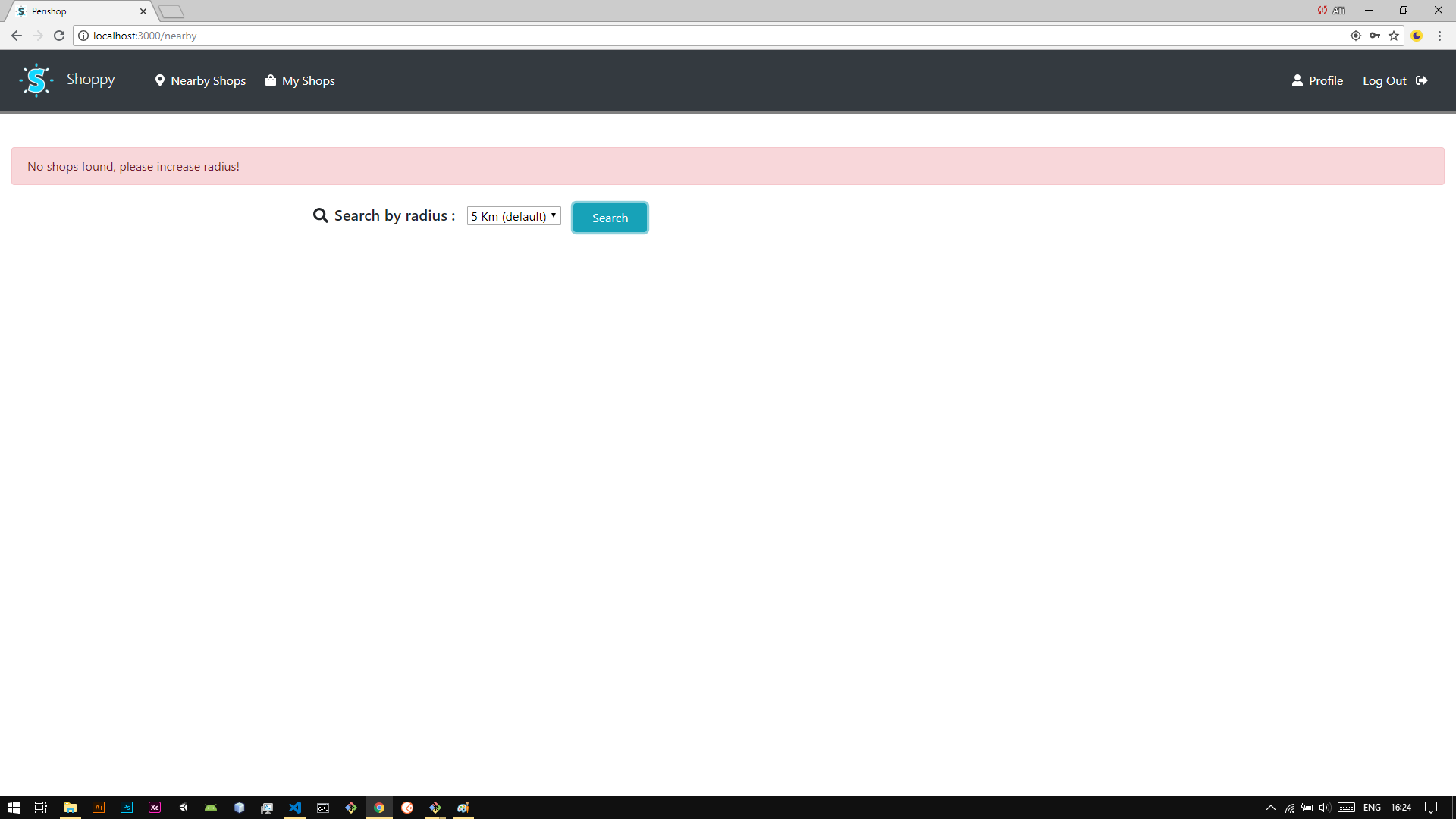
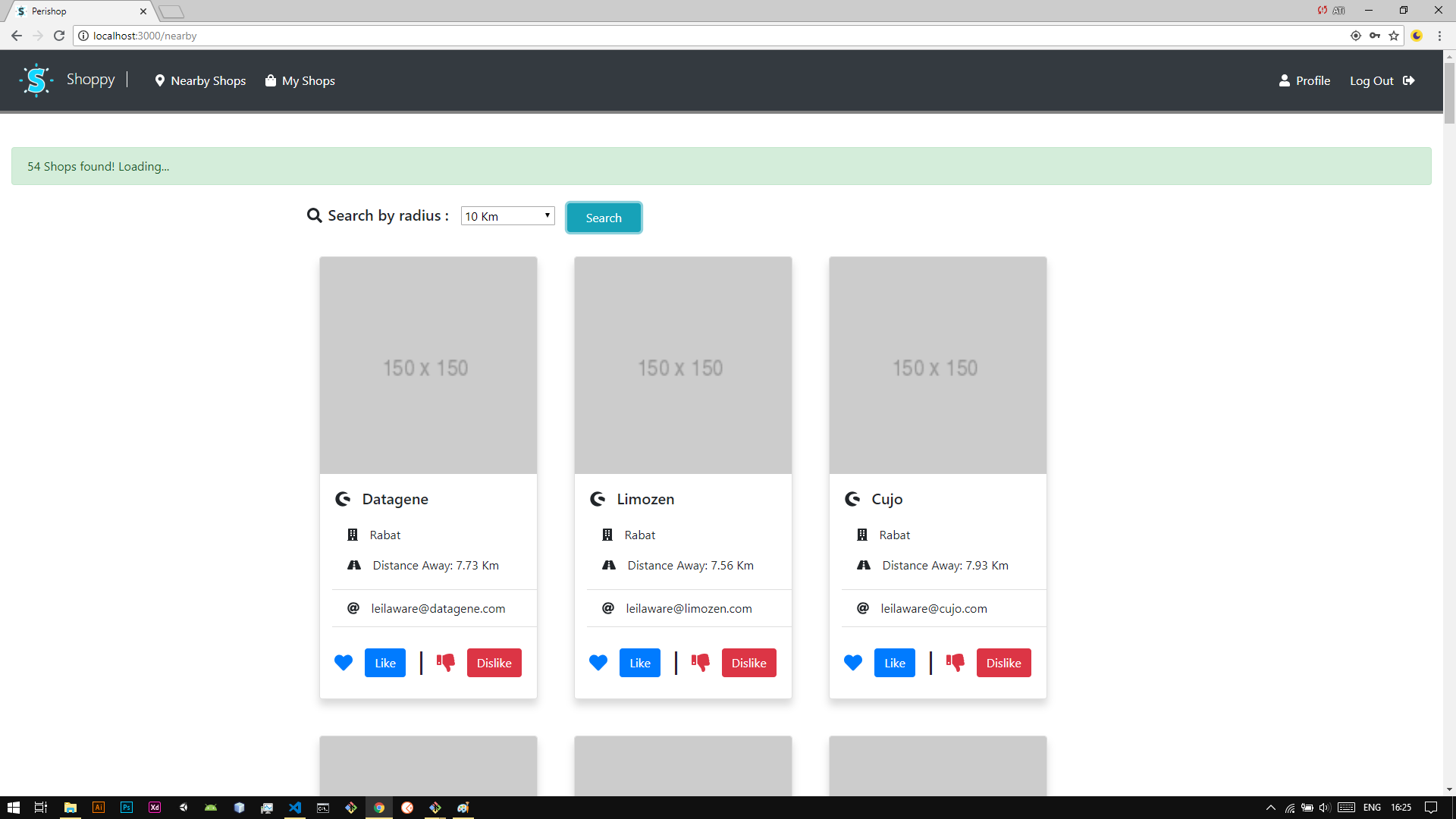
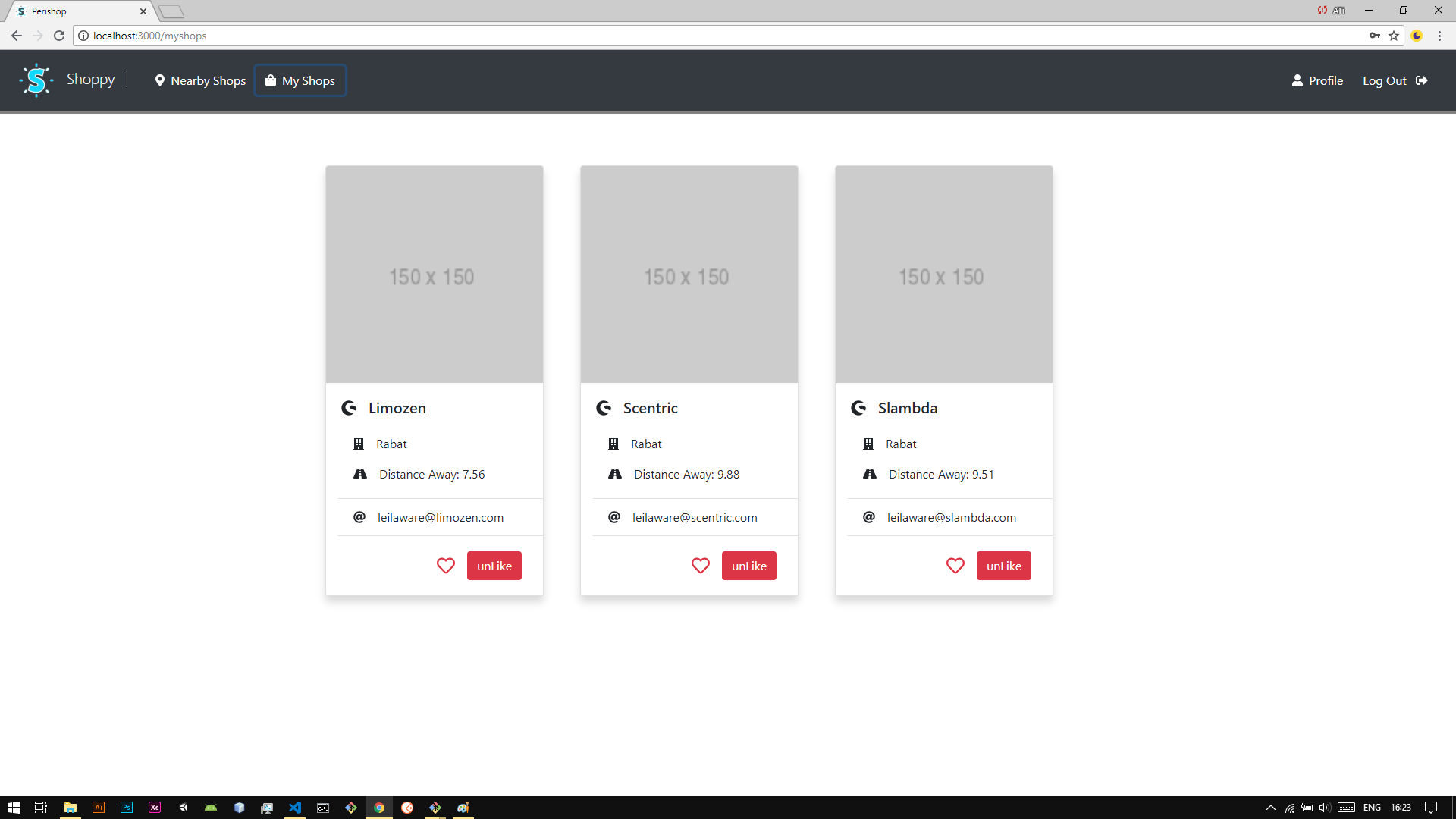
Perishop is a web app that provides you with 300+ Shops.
La aplicación Perishop se crea utilizando la pila media:
    M: MongoDB (NoSQL / Non Relational database)
    E: ExpressJs (Web application framework for building APIs)
    A: Angular (Javascript MVC framework for front end web development)
    N: NodeJs (Environment for running Javascript in the server side)
cliente-periseo/
    Contains source code of the front end side :
            - Components : client-perishop/src/app/components
            - Services : client-perishop/src/app/services
            - Modules : client-perishop/src/app
            - Package.json (dependencies)
            - Angular CLI generated files
cliente/
    This is the folder you need to try the app, please don't delete it.

    It contains the project build after running :
    > ng build
rutas/
Contiene dos archivos:
? tiendas.js :
Handling Shops end points.
? users.js :
Handling Users end points.
modelos/
? tiendas.js :
Holds the definition of Shop Model using Mongoose Schema, for querying the database and handling all CRUD operations that concerns shops records.
? users.js :
Holds the definition of User Model using Mongoose Schema, for querying the database and handling all CRUD operations that deals with users records.
configuración/
Holds an Object with database path to connect to using mongoose.
base de datos/
Holds the database folder where all records go and mongoDB journaling is saved.
? app.js
Is the entry point to the app. It holds a set of imports among which : Express, Mongoose, BodyParser, Passport and other middleware.
Las características de Perishop son:
Cree una carpeta de proyecto (por ejemplo: perishopapp) y CD en ella:
~$ cd ..../perishopApp
Clone el repositorio de GitHub en la carpeta de su proyecto ejecutando:
 ~$ .../perishopApp  // present working directory

 git clone https://github.com/atidevs/perishop.git
Debe tener MongoDB instalado: Community Server
https://www.mongodb.com/download-center?jmp=nav#community
Si está en MacOS o Linux, omita este paso, si Windows descarga e instala Git:
https://git-scm.com/downloads
Una vez que MongoDB y GIT se instalen, abran Git Bash y CD en:
~$ cd .../mongodb/bin (... : wherever path you installed mongodb in, usually C:/mongodb/bin)
Luego ejecute este comando:
~$ mongod --dbpath=".../perishopApp/perishop/database"
Abre otra terminal de Git Bash:
~$ cd .../perishopApp/perishop (... : wherever the path to your perishopApp folder is)
Y luego ejecuta este comando:
~$ start
Abre tu navegador y ve a:
localhost:3000
¡Felicitaciones! Estás en la página de inicio
Si desea verificar los registros en la base de datos, siga estos pasos:
Abra la línea de comando (CMD) como administrador en Windows o (terminal) en MacOS y Linux y ejecute:
> mongo
Luego, si miras la terminal Git Bash donde corre:
~$ mongod --dbpath=".../perishopApp/perishop/database"
Verá en algún lugar al final (2 conexiones ahora abiertas): la primera conexión es de la aplicación en sí (cuando ejecuta ~ $ Start) y la segunda es la que acabamos de ejecutar: (> Mongo).
Ahora puedes ejecutar estos comandos:
 > show dbs  // to show all available databases

 > use perishop // to use the perishop database displayed among available dbs

 > show collections // to show all collections inside perishop db

 > db.users.find().pretty() // to list all signed up users and their information

 > db.shops.find().pretty() // to list all shops and their information
Disfruta ✌️