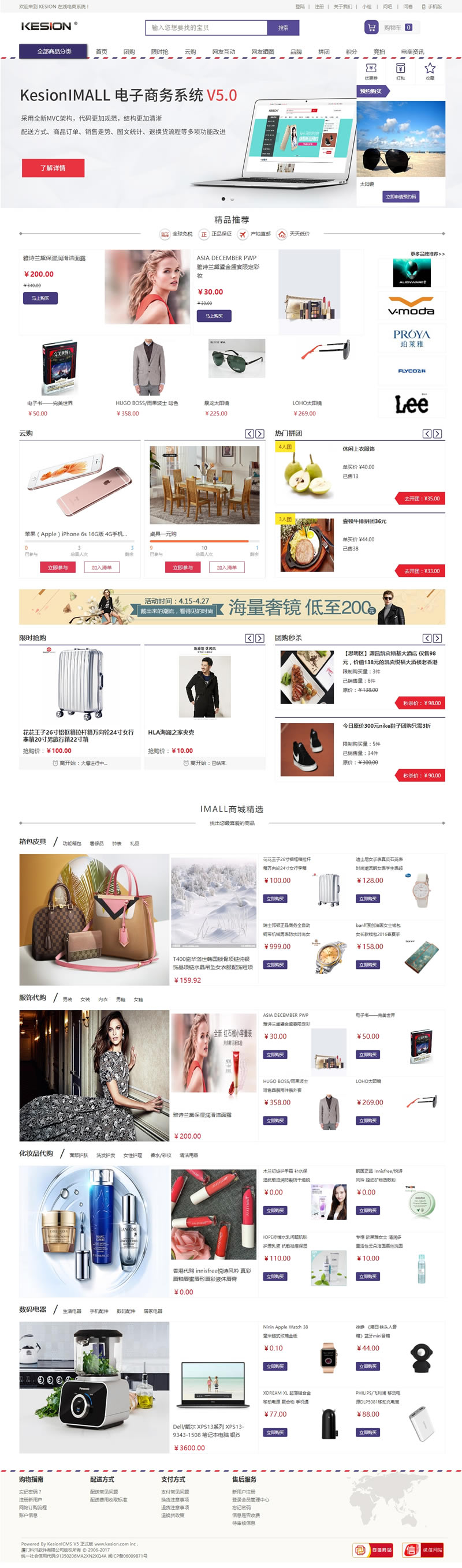
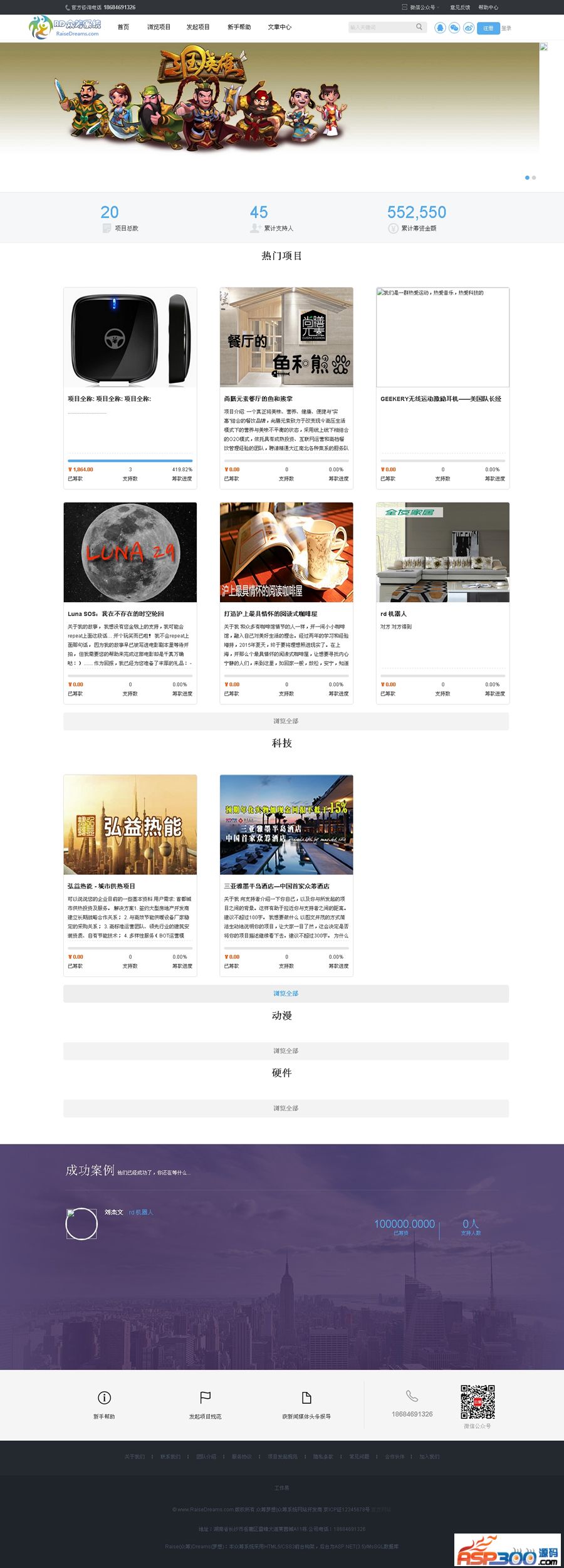
Shopping website, comprehensive functions and practical (development video, please contact msn:
[email protected] if interested)
1. For all functional modules in the front desk, users only need to click the relevant hyperlink to enter the information display page.
(1) First click the "Register" button to register a user name and password to become a member of this site.
(2) Click the "Recommended Products" navigation button to purchase and view the recommended products.
(3) Click the "Latest Products" navigation button to purchase and view the latest products.
(4) Click the "Popular Products" navigation button to purchase and view popular products.
(5) Click the "Shopping Cart" button to view, delete and change the product information in the shopping cart.
(6) Click the "Shopping Process" button to view shopping process information.
(7) Click the "Website Message" button to leave a message on the website.
(8) Click the "My Message" button to view your message information, view replies, reply to messages and delete messages.
2. Backstage:
All front-end information is added, modified, deleted and other management operations are performed in the background, as shown in Figure 1.10.
(1) In the "Order Management" tree menu, manage, delete, view and search order information.
(2) In the "Inventory Management" tree menu, add, modify, delete, view and search product information and category information.
Note: The product category list on the front desk can only display 10 categories.
(3) In the "Administrator Management" tree menu, add, modify, delete and view administrator information.
(4) In the "User Management" tree menu, view and delete member information.
(5) In the "System Management" tree menu, add, view and delete uploaded pictures and message information.
Login user and password are both: 51aspx
The database is in the DB_51aspx folder