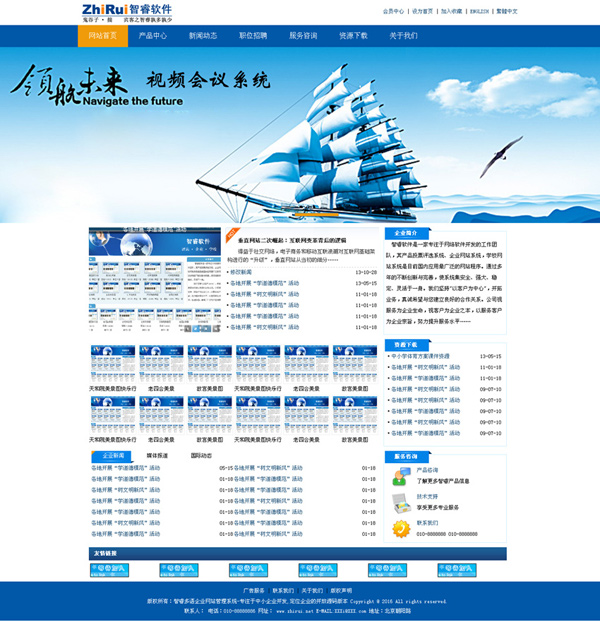
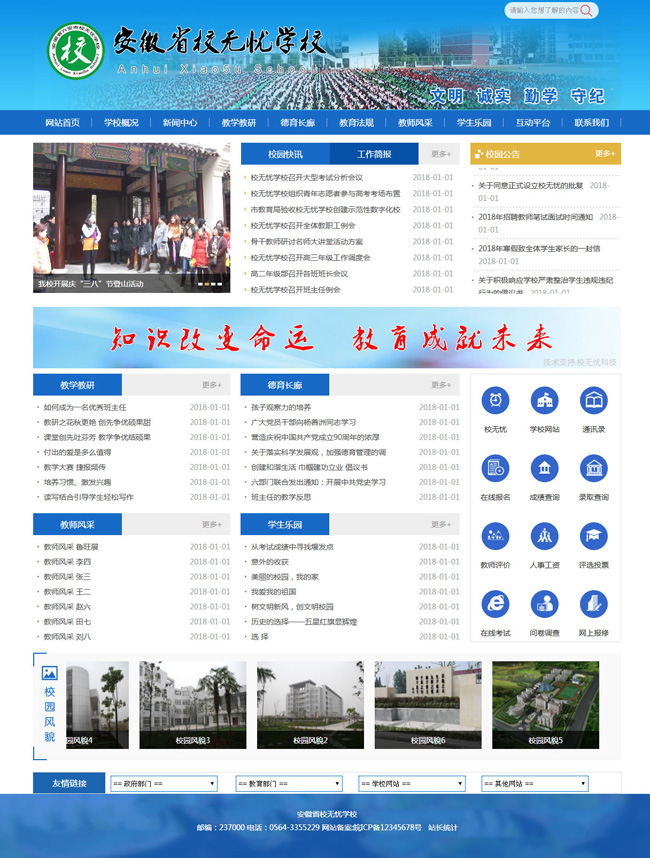
illustrate: Steps to use the English language pack to implement an independent English channel: 1. Add a new English channel. 2. Modify or add the template of the English channel, and change all the Chinese characters in the template to the corresponding English. 3. Rename the Gb2312.xml file in this compressed package (the naming rule is as follows: Gb2312_channel_new channel ID.xml), and copy it to the Language directory of the website to become the language package of the new channel. Note: The channel language pack can be directly copied from the global language pack, but only the element with the corresponding channel type can be retained. 4. If you need to fully implement English, you need to manually modify the ShowSearchForm.js and ShowClass_Menu.js files in the JS directory after adding all columns, and modify the Chinese characters in them. 5. Write an English user_login.asp file, and modify the user login box in the channel template to use this new login file. 6. In the English channel template, change all {$ShowPage} tags to {$ShowPage_en}. other: This method only supports the front-end to generate a completely English-language channel, but cannot English-language the management and user background, and is recommended only for building information release-type English channels.